


wuih40899812
Participant
April 1, 2021
質問

Help with keying out a white background

  • April 1, 2021
  • 返信数 3.
  • 862 ビュー

Hello, right now I have this image with a white background:
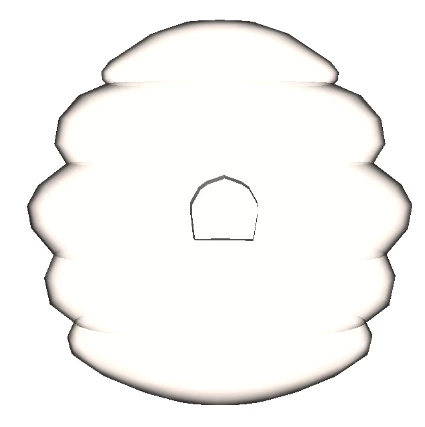
 

and I want to make the background transparent, like this.
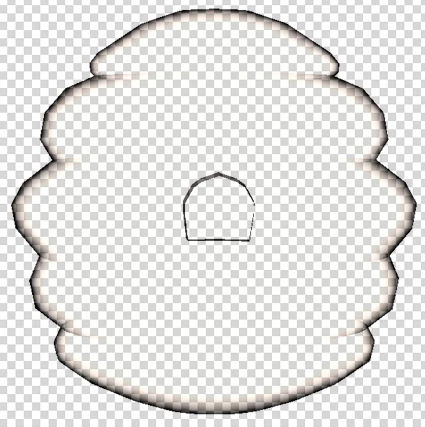
I was able to get these images using blending modes, but I want to know how to make the layer itself have a transparent background. Can somebody please help me? Thank you very much.


このトピックへの返信は締め切られました。

返信数 3

JJMack
Community Expert
Community Expert
April 1, 2021
c.pfaffenbichler
Community Expert
Community Expert
April 1, 2021

Does the color carry meaning? 

If not then loading the luminance as a Selection (cmd-click composite Channel), inverting the Selection and creating a black Solid Color Layer would be an option. 

barbara_a7746676
Community Expert
Community Expert
April 1, 2021

This is one way you could do it.

Make sure that the image is on a regular layer, not a Background.

Double-click the layer to open the Layer Style dialog box.

Use the Blend If, This Layer sliders to hide the light pixels. Drag the white point slider of This Layer to the left. You can Hold down Alt or Option to split the slider for a smoother transition.

To make the blend permanent, you can add a new blank layer underneath. Right click on the image layer and choose Merge Down.