

解決済み
how to I add this coarse grain to an image?
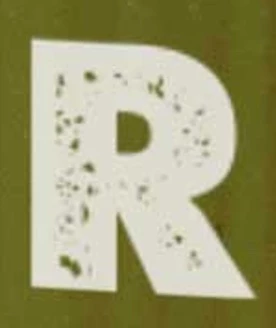 Hi, how do I add such a coarse grain to an image but the "grain pattern" shall be transparent? I tried with a spatter brush but the produced output is not transparent. Thanks for helping! Tristan

Hi, how do I add such a coarse grain to an image but the "grain pattern" shall be transparent? I tried with a spatter brush but the produced output is not transparent. Thanks for helping! Tristan
I'm going to suggest a different method as using layer masks will cause the texture to reveal layers below the text layer, and that might not be what you want.
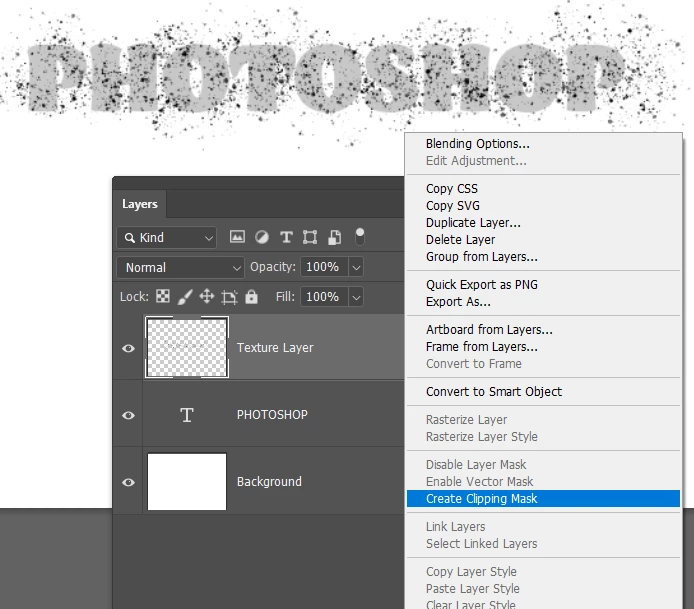
I've made the Text grey and background white temorarily so we can see what is going on
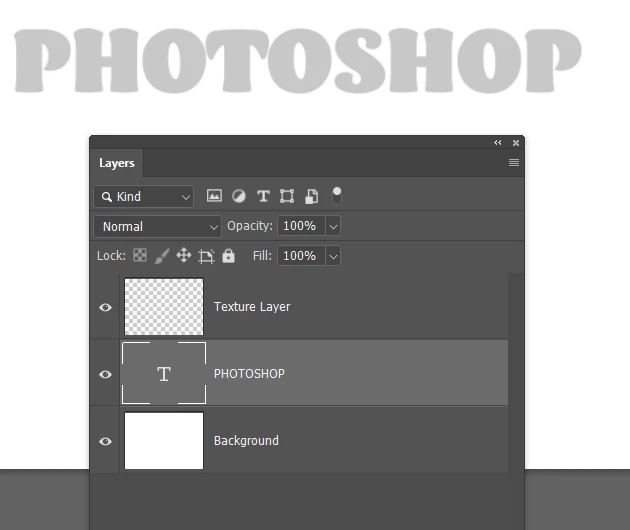
There are some excellent texture brushes in the Kyle Megapack which is free to CC subscribers. However with a zillion presets it can be difficult finding what you want, so scroll on down and open the Paintbox group
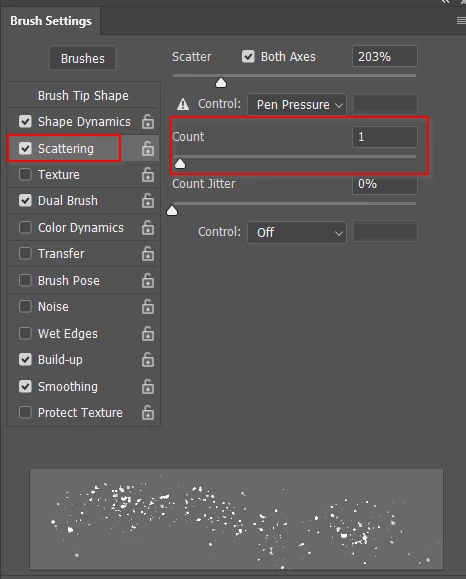
The preset is probably too dense compared to your example, so go to Brush Settings > Scatter and reduce Count to 1
Brush in your texture to the texture layer. I touched down at one end, and Shift clicked at the other end
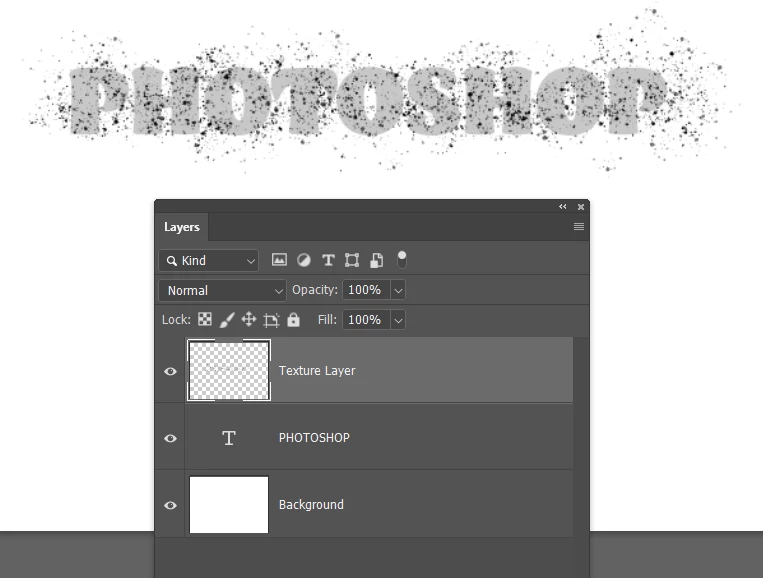
OK, now you need to swap a few things around and you are done
First clip the texture layer to the Type layer by right clicking
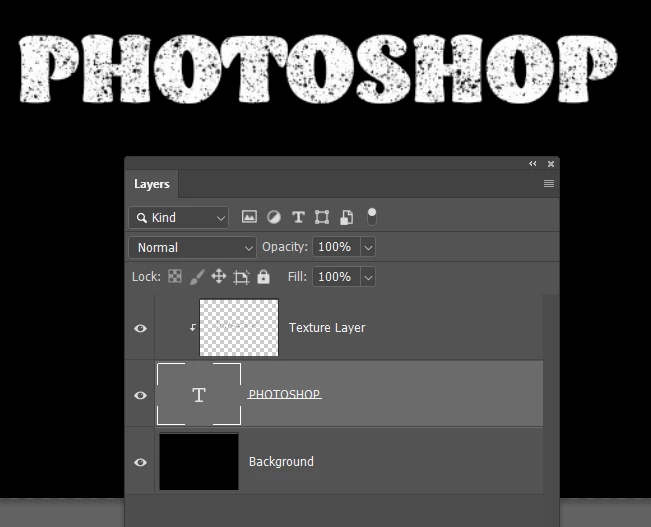
Invert the background layer Ctrl i (Cmd i)
And make the type layer full white (if that is what you want
Enter your E-mail address. We'll send you an e-mail with instructions to reset your password.
 AdChoices