


Participant
August 10, 2017
解決済み

How to prevent panning during brush near edge? [2017]

  • August 10, 2017
  • 返信数 6.
  • 5600 ビュー

I'm drawing straight lines with the brush tool by holding down shift while brushing. This works great except when my brush gets near the edge of the screen photoshop pans the canvas, messing up my screen recording of the drawing. Here's an example:
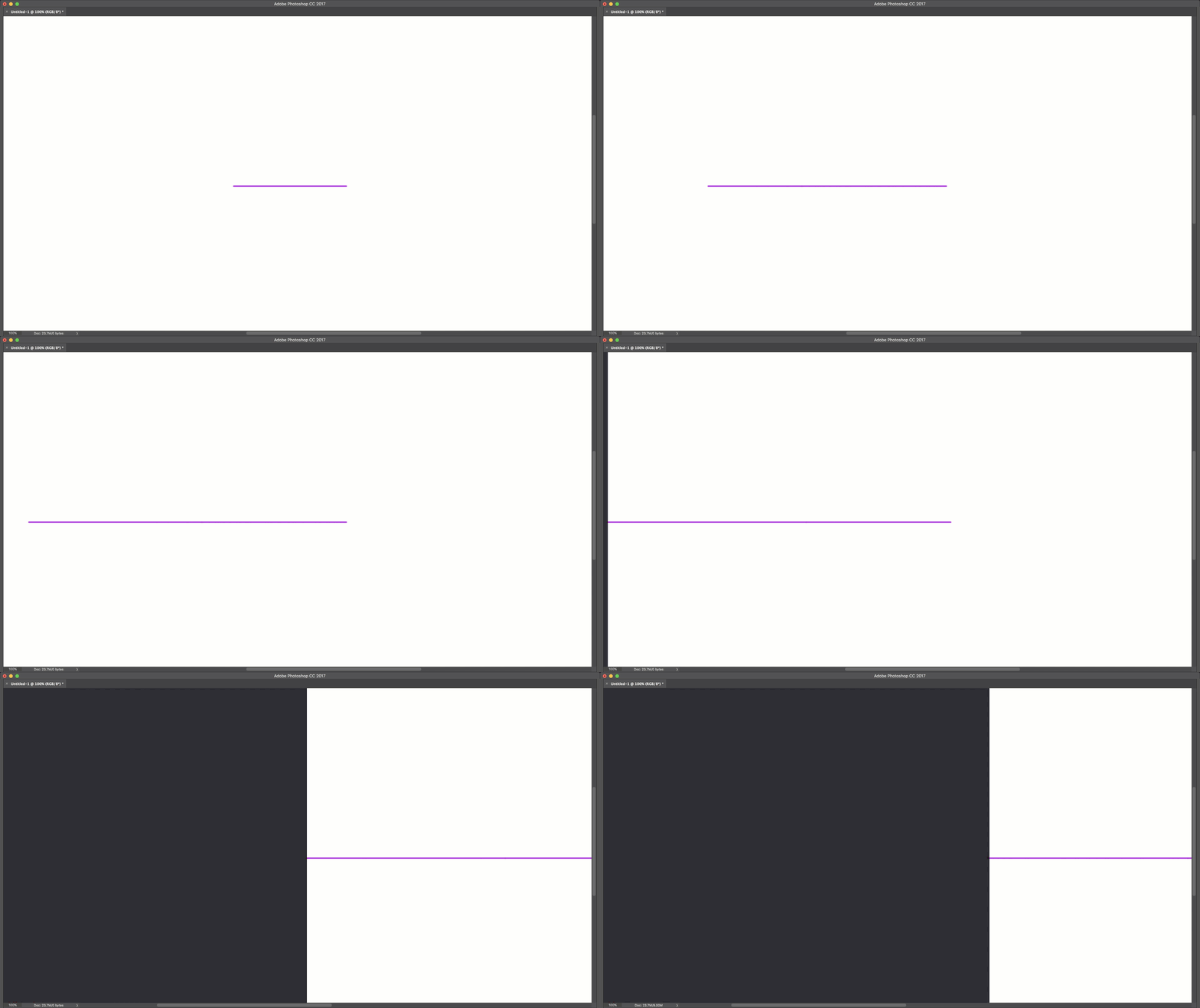


Is there any way to either:

  • lock the canvas scroll position?
  • disable panning while brushing?
  • disable the canvas extension so there are no scrollbars at all?


This is driving me nuts, hope somebody knows a workaround!
解決に役立った回答 davescm

OK I've got it.  That auto-scroll thing, but I have always thought that was an operating system thing because I thought I'd come across the same behaviour in other applications.  I tried

Turning off Overscroll in Preferences.

Both states of the keyboard scroll lock.

Locking the layer's position.

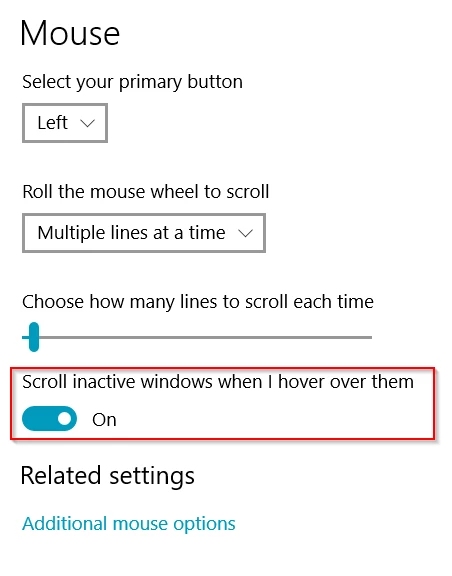
Toggled the Windows (I know the OP is using a Mac) Inactive Window scrolling in mouse settings

Sorry, I couldn't stop it happening

Has anyone checked the Feedback site to see if it has been raised before?


Hi Trevor

I did a quick check on the feedback site and didn't turn anything up.

Geddesign99  You can submit a feature request here :

Photoshop Family Customer Community

Dave

返信数 6

Known Participant
October 23, 2023

This is still a problem in photoshop v25.

When drawing in fullscreen (100% screen size), the linetool offsets the canvas, when you get to close to the edge of the image.  Just make a lock canvas option, next to lock workspace.

AuroraPenticton
Inspiring
July 21, 2021

This was driving me nuts too. Is this not the Overscroll feature? It can be turned off in Preferences > Tools.

Participant
February 2, 2021

I am also having this problem, I hope we get a solution

Participating Frequently
January 10, 2019

I have same problem. Drawing in fullscreen, really annoys.

Jeff Arola
Community Expert
Community Expert
August 11, 2017

You could use Floating Document Windows.

Photoshop CC>Preferences>Workspace and uncheck Open Documents as Tabs

or with an already tabbed document go to Window>Arrange>Float in Window

The image will still pan, but since Floating Document Windows won't overscroll it will only pan to the edge of your image.

Just don't check Overscroll in the Preferences>Tools.

Geddesign99作成者
Participant
August 11, 2017

I really appreciate everyone trying to help figure this out!

Jeff: that almost works, but as soon as you go View > Screen Mode > Full Screen Mode then the pan behavior comes back.

Trevor & Terry: the pan behavior happens in Full Screen Mode even when your document is not zoomed in. Once brush gets close to edge of the photoshop app, it pans like crazy :/

Trevor.Dennis
Community Expert
Community Expert
August 11, 2017

I can't make that happen on CC and Windows 10.

Does the cursor change to the Hand tool when this happens?

Are you using mouse or tablet, or does it happen with both?

Is the canvas larger than your screen?

Do you hold down the Shift key after you place the cursor, or before you start the stroke?

I am wondering if it is to do with a Preference setting.  I tried turning off Over scroll which made no difference.  I see you are using a Mac.  Does it have the Touch Bar?

Geddesign99作成者
Participant
August 11, 2017

Cursor doesn't change. Happens with both mouse and tablet. The canvas is the same size as the screen, or slightly smaller. Happens regardless of click/shift or shift/click order. I just confirmed that it happens on my windows 10 machine as well. So long as you're holding shift with the Brush tool (or pencil) as soon as you get about 40 pixels from the edge, it pans the whole document.