


Copy link to clipboard
Copied
Hi, since I've updated my Photoshop to CC 2018, I'm no longer able to see a live preview of my fonts increasing or decreasing when I'm playing with the font size. Here's a screenshot that will help you to better understand my problem.
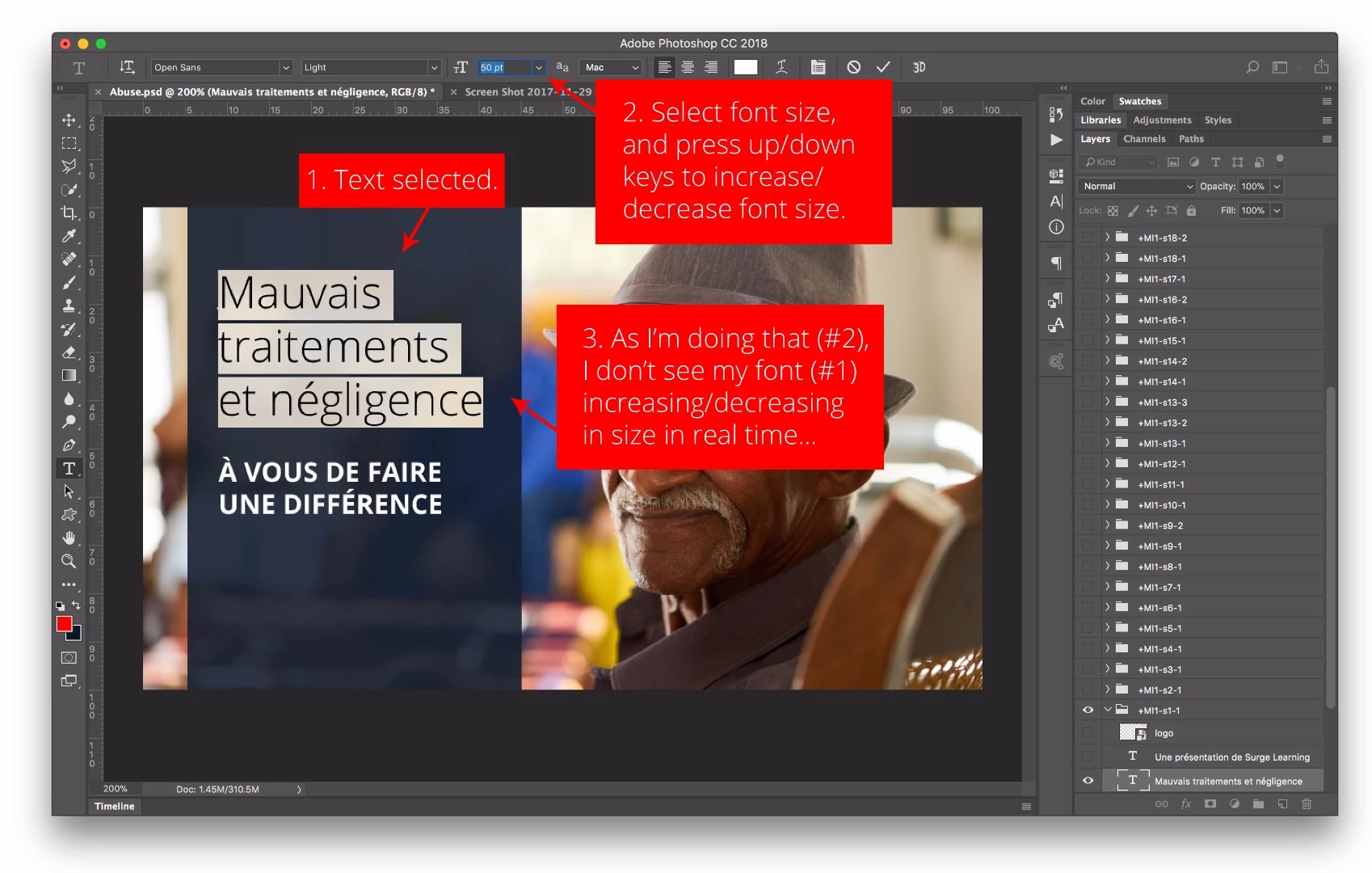
I'm looking forward to learn how to solve this issue!
Hi AlexLeM,
Sorry for the trouble - As Ged has mentioned, we're working on this one, feel free to add your vote and voice to this main bug thread to be notified of any update here: https://feedback.photoshop.com/photoshop_family/topics/photoshop-19-0-1-character-palette-adjustments-via-inputs-not-behaving-as-expected?rfm=1&topic_submit=true
Regards
Pete
Copy link to clipboard
Copied
I have the same issue here, impossible to preview any type changes in live.
No matter if it's font size, kerning, leading ...
Looking forward to the answer.
Copy link to clipboard
Copied
Hi
This is a bug that was introduced in the latest update of PC CC2018
More info
Copy link to clipboard
Copied
Hi AlexLeM,
Sorry for the trouble - As Ged has mentioned, we're working on this one, feel free to add your vote and voice to this main bug thread to be notified of any update here: https://feedback.photoshop.com/photoshop_family/topics/photoshop-19-0-1-character-palette-adjustment...
Regards
Pete
Copy link to clipboard
Copied
Glad I'm not the only one having this issue.
It's also affecting all the other sub menu's as well. Such as Tracking, Leading, Vertical Scale, and baseline shift.
Hopefully it get's fixed sooner rather than later.
Copy link to clipboard
Copied
Problem has been solved in today's update. Thanks Adobe.
Get ready! An upgraded Adobe Community experience is coming in January.
Learn more