


解決済み
Missing "Content-Aware" and "Delete Cropped Pixels" boxes in PS Version 22.3.1
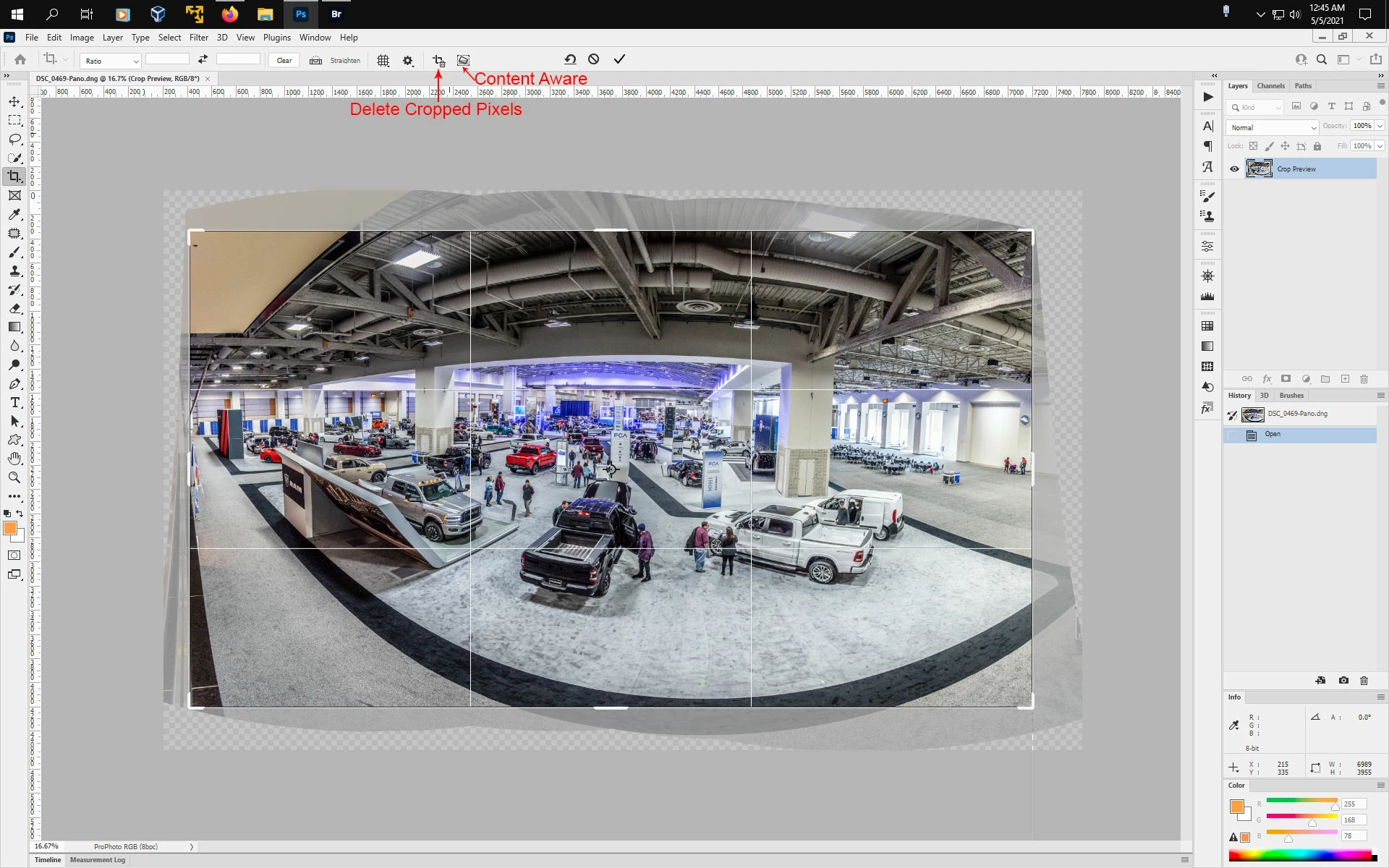
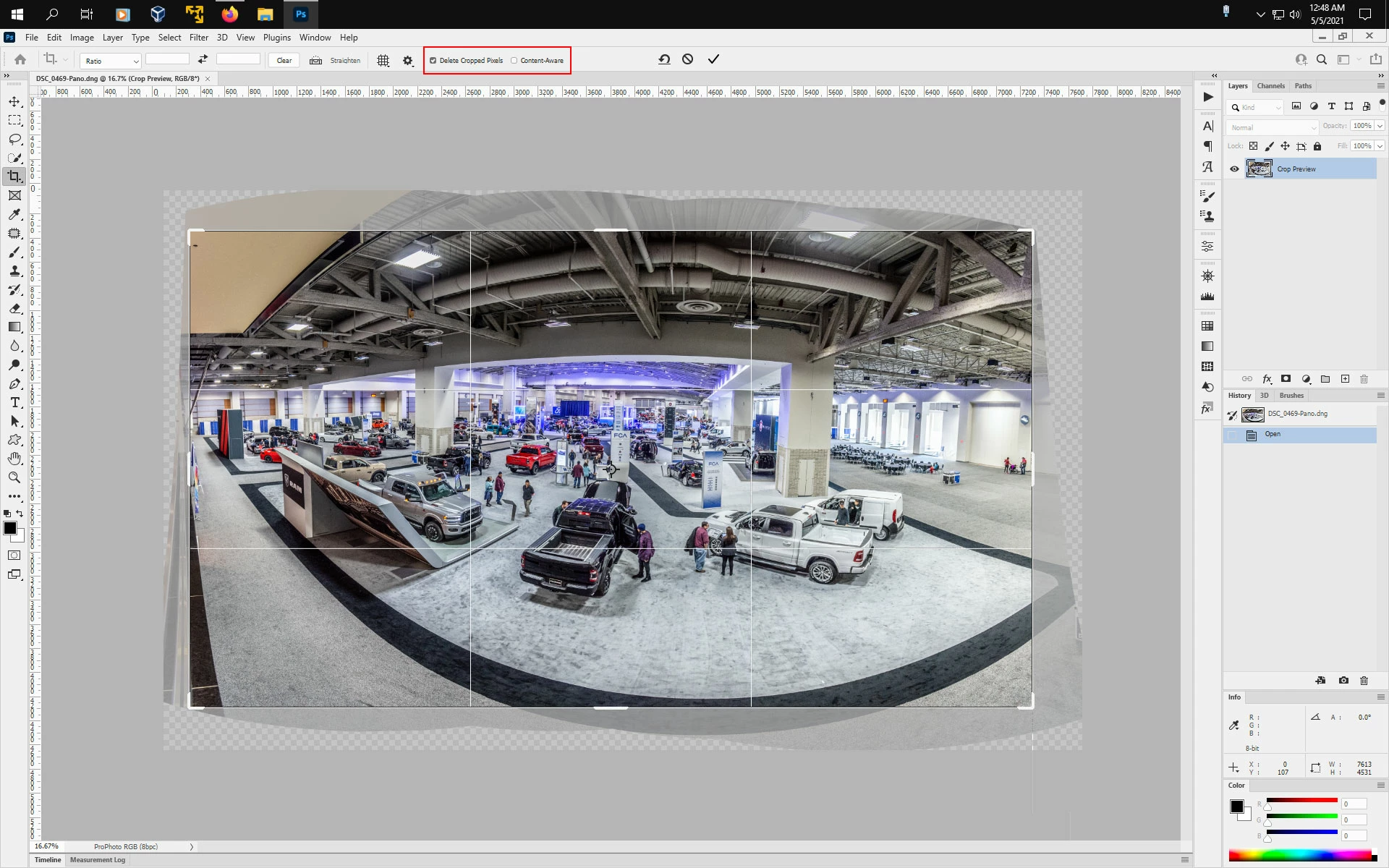
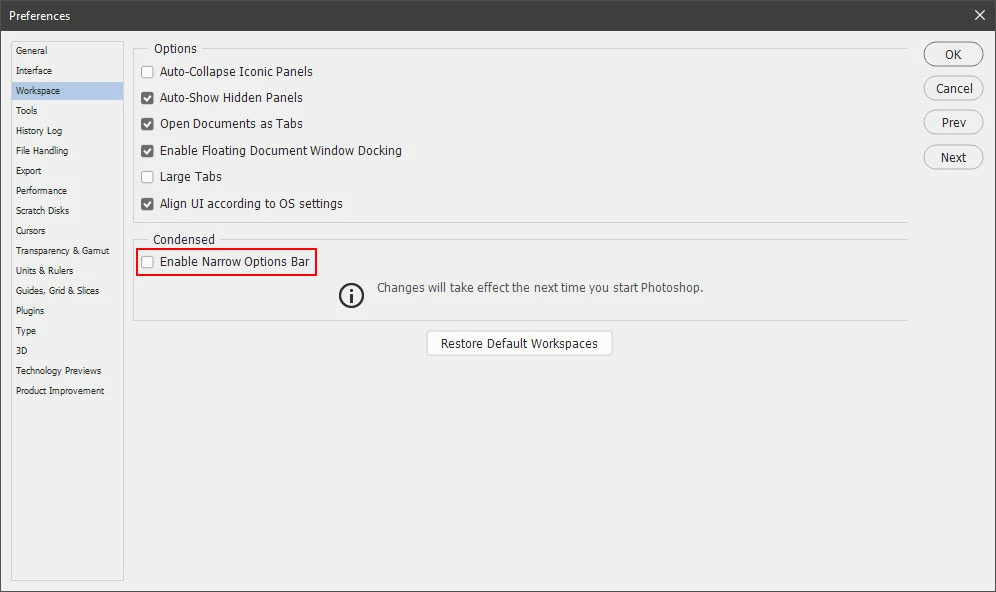
When activating Crop Tool, "Content-Aware" and "Delete Cropped Pixels" boxes are missing, not just greyed out. They were visible probably a month or less ago and worked perfectly. Perhaps they went missing with the last update to PS Version 22.3.1? I have been on an Adobe forum and they indicated if the image is a "Smart Object" or the locked "Background" image these boxes will not be available. My photos were neither. I've tried with both raw and jpgs. I have tried closing PS and rebooting my computer a couple of times, to no avail. I'm running PS on Mac OS Catalina 10.15.7. Is this a glitch in Photoshop? Please help me with this very frustrating problem.
 AdChoices