


Photoshop (and InDesign) add black background to all transparent TIFF or PNG files
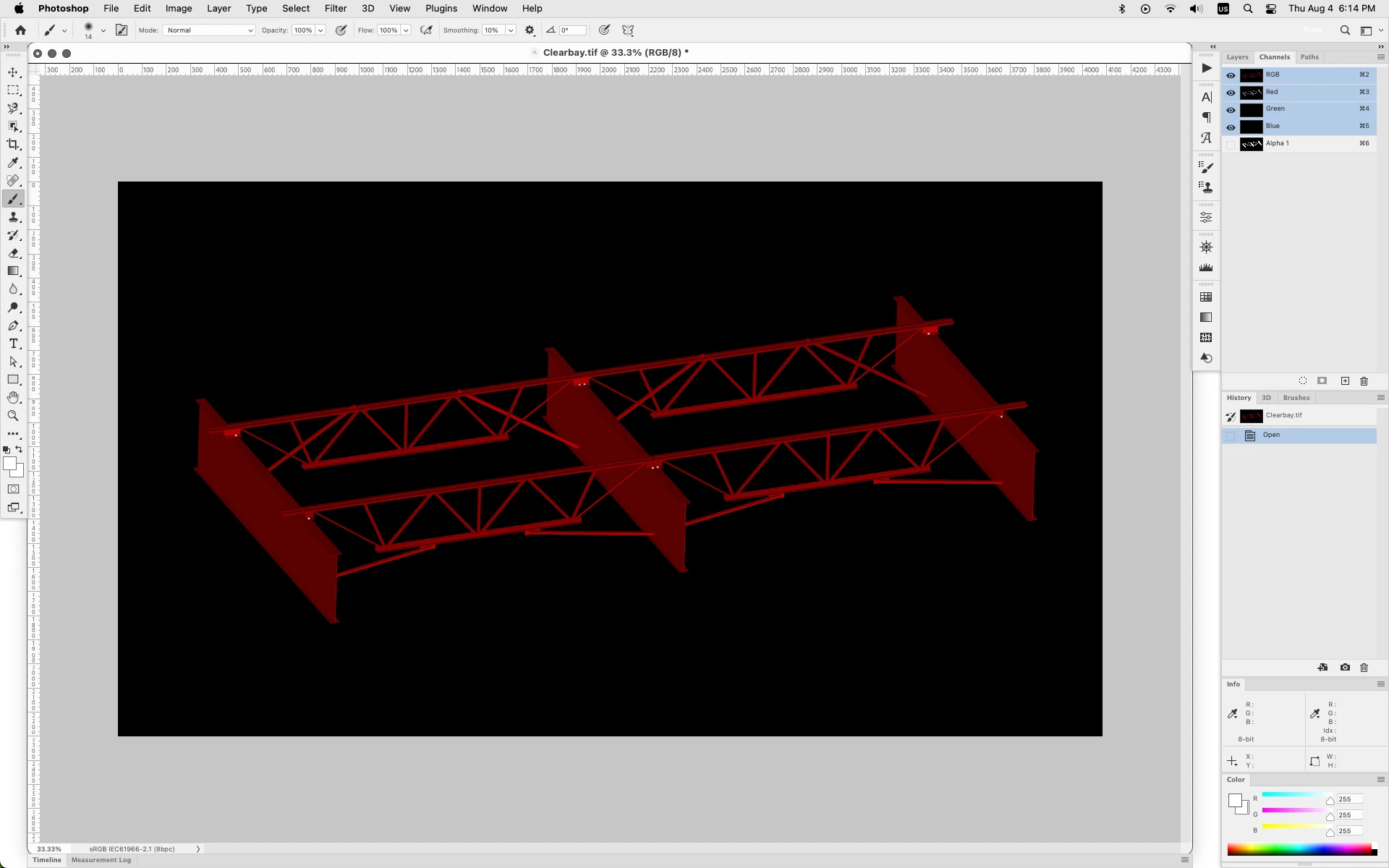
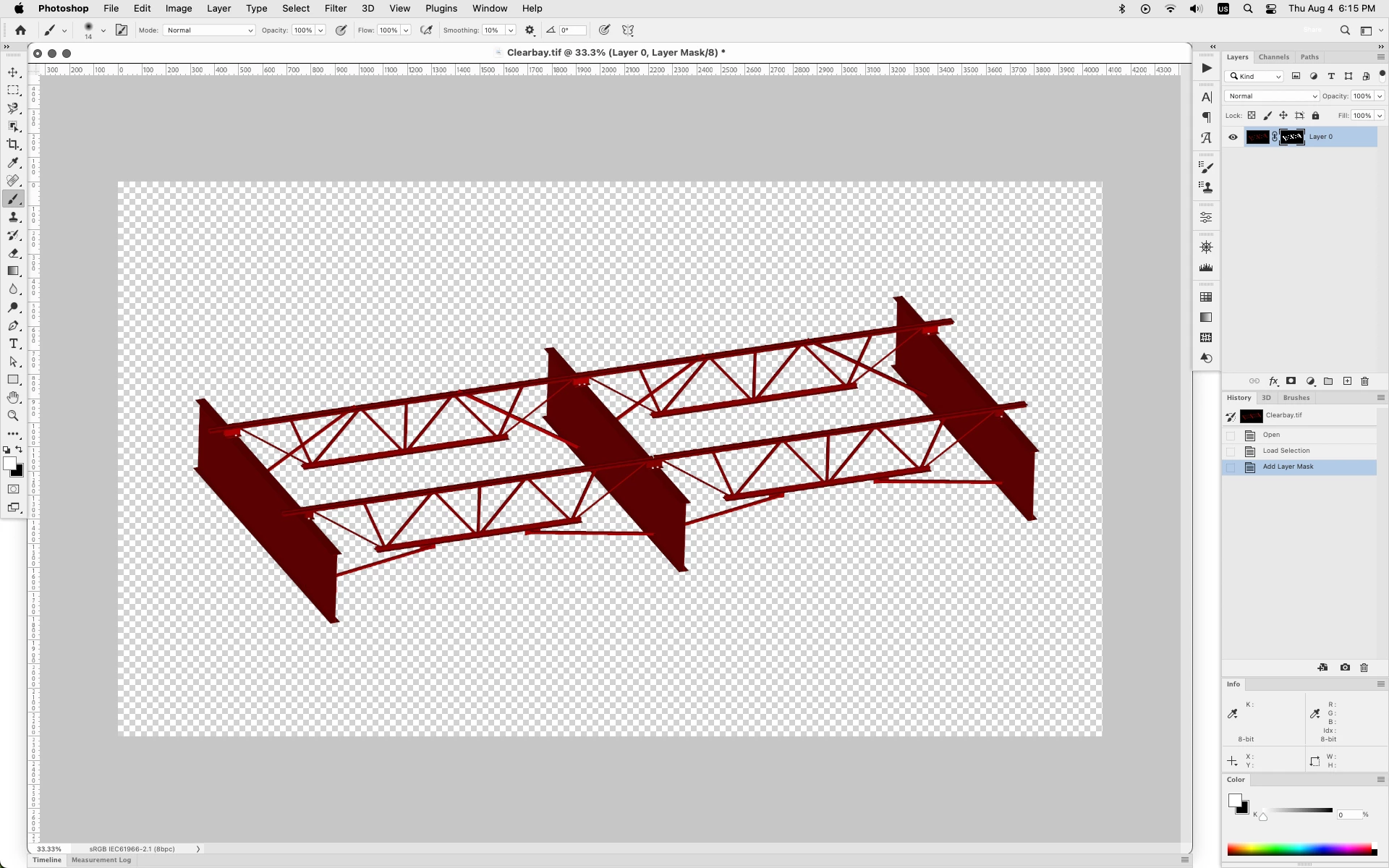
I'm using Photoshop v 23.4.2 (and InDesign 17.3) on an Apple MacBook Pro M1 Max running macOS Monterey v 12.5. The problem I'm running into is Photoshop will add a black background when opening transparent PNG and layered TIFF files.
These are all files I created myself, so I know they're supposed to be transparent or have multiple working layers. I just recently swtiched from PC to Mac; the older files were originally created by myself on a PC. What's frustrating is that Apple's OS and other apps like Chrome and Microsoft Office will recognize the transparent nature of these files, but Photoshop and InDesign won't. Is there something important I'm missing here?
I've already tried turning off the GPU and uninstalling/re-installing earlier versions of the software. I can't tell at this point if it's all transparent files I created on the PC originally, but it seems like it. Thanks for any advice you can offer.
 AdChoices