

解決済み
Photoshop Color Lookupドロップダウンメニューを簡単に選択する方法
Windowsだとドロップダウンはキーボードの
上下で選択できますが、
Macはいちいちマウスで選択しています。
Blend Modeの選択は Shift + (-)で選択できますが、
Color Lookupはどうやってキーボードで簡単に選択できますか
どなたか知ってる方助けてください!!
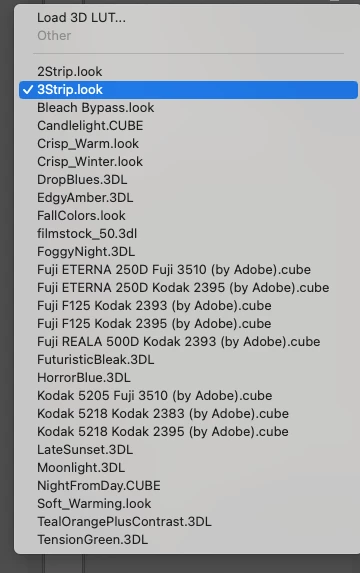

Windowsだとドロップダウンはキーボードの
上下で選択できますが、
Macはいちいちマウスで選択しています。
Blend Modeの選択は Shift + (-)で選択できますが、
Color Lookupはどうやってキーボードで簡単に選択できますか
どなたか知ってる方助けてください!!
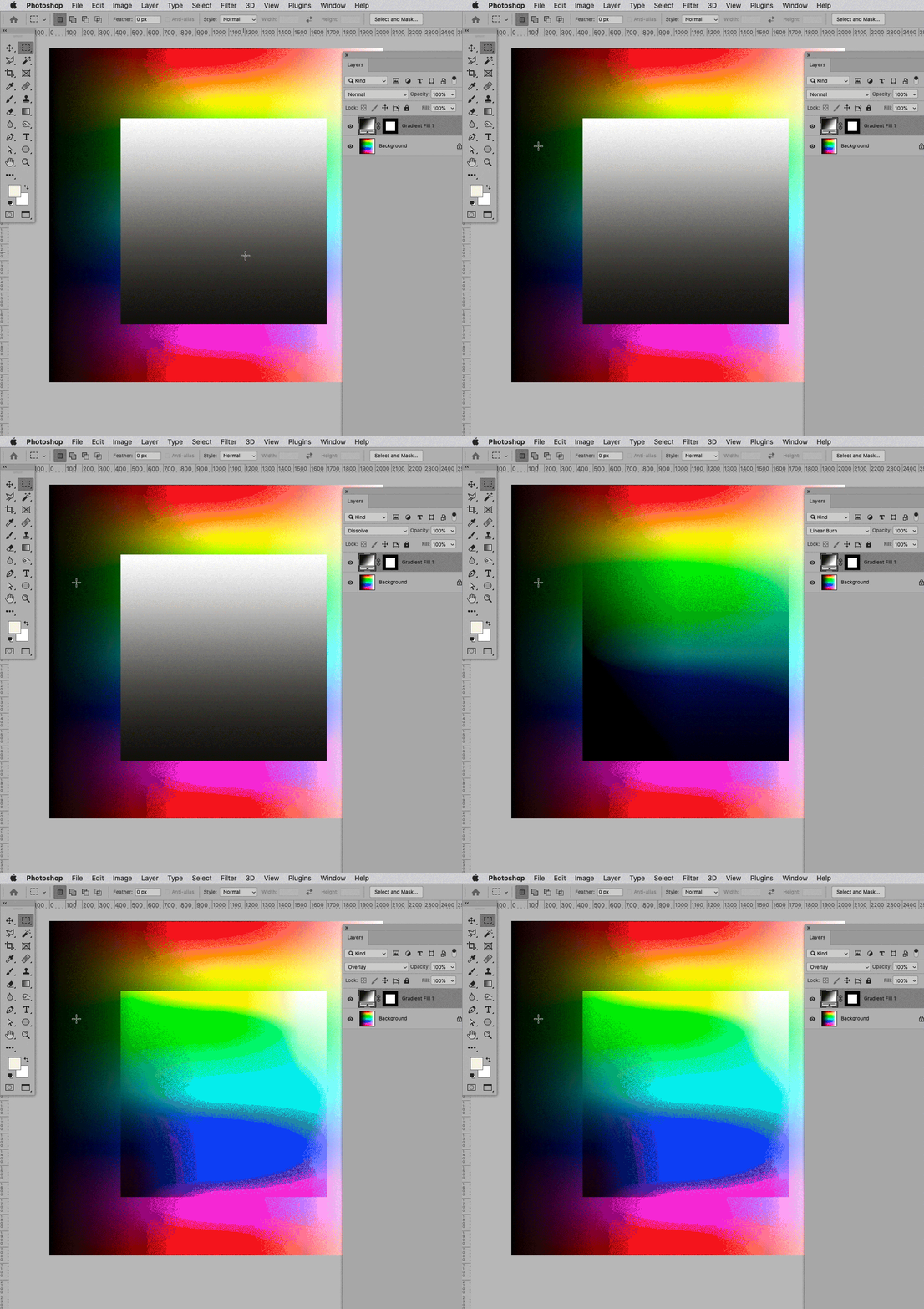
Please refer to the video
The up- and down-arrow keys work for me (after initial click) in the Layer Style dialog.
Personally I prefer to set Layers’ Blend Modes in the Layers Panel – I don’t know all the shortcuts by heart, so if necessary I use alt-shift-+ and alt-shift-- to select next/previous.
Enter your E-mail address. We'll send you an e-mail with instructions to reset your password.
 AdChoices