



Photoshop not allowing images with money to open
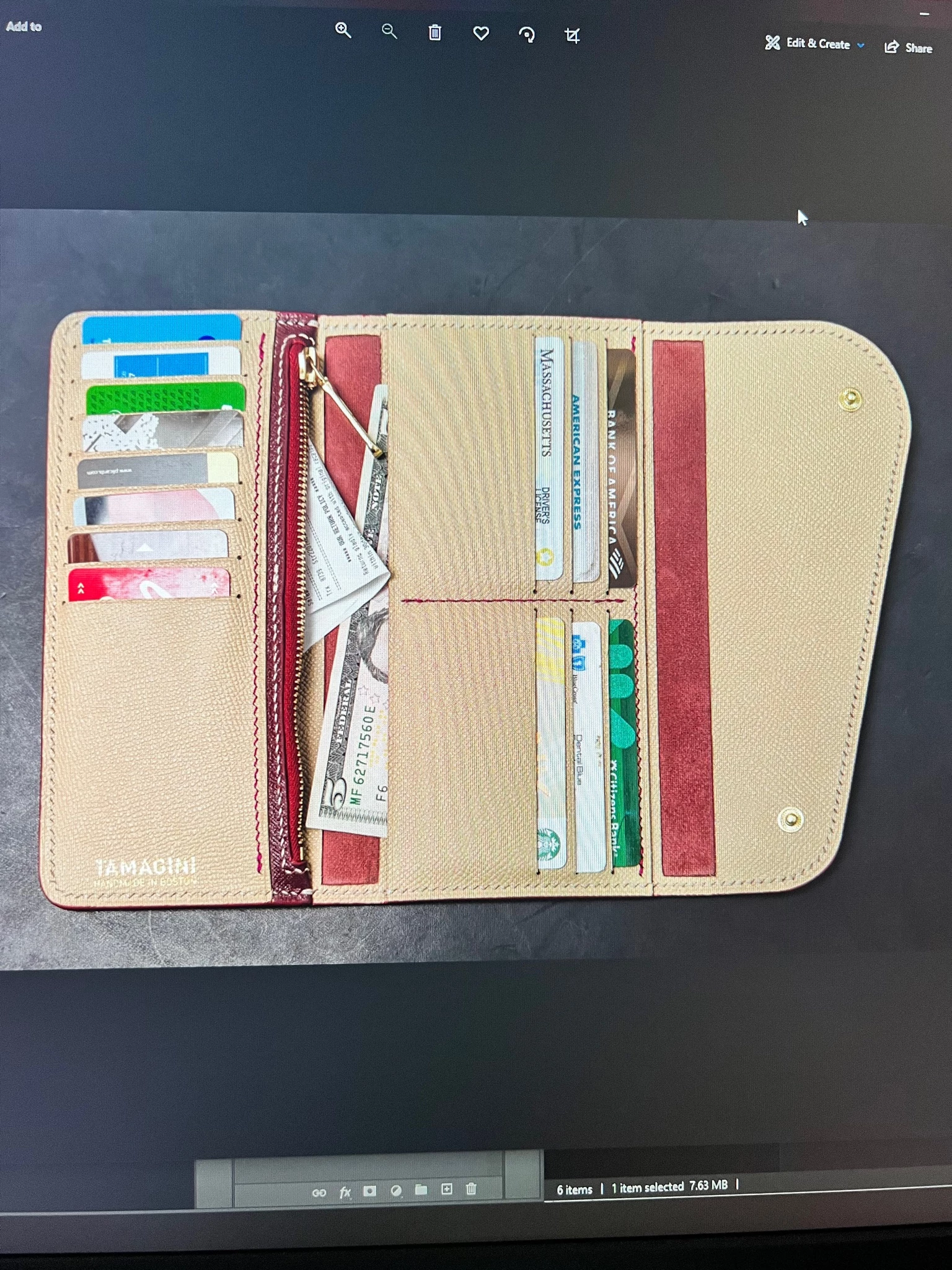
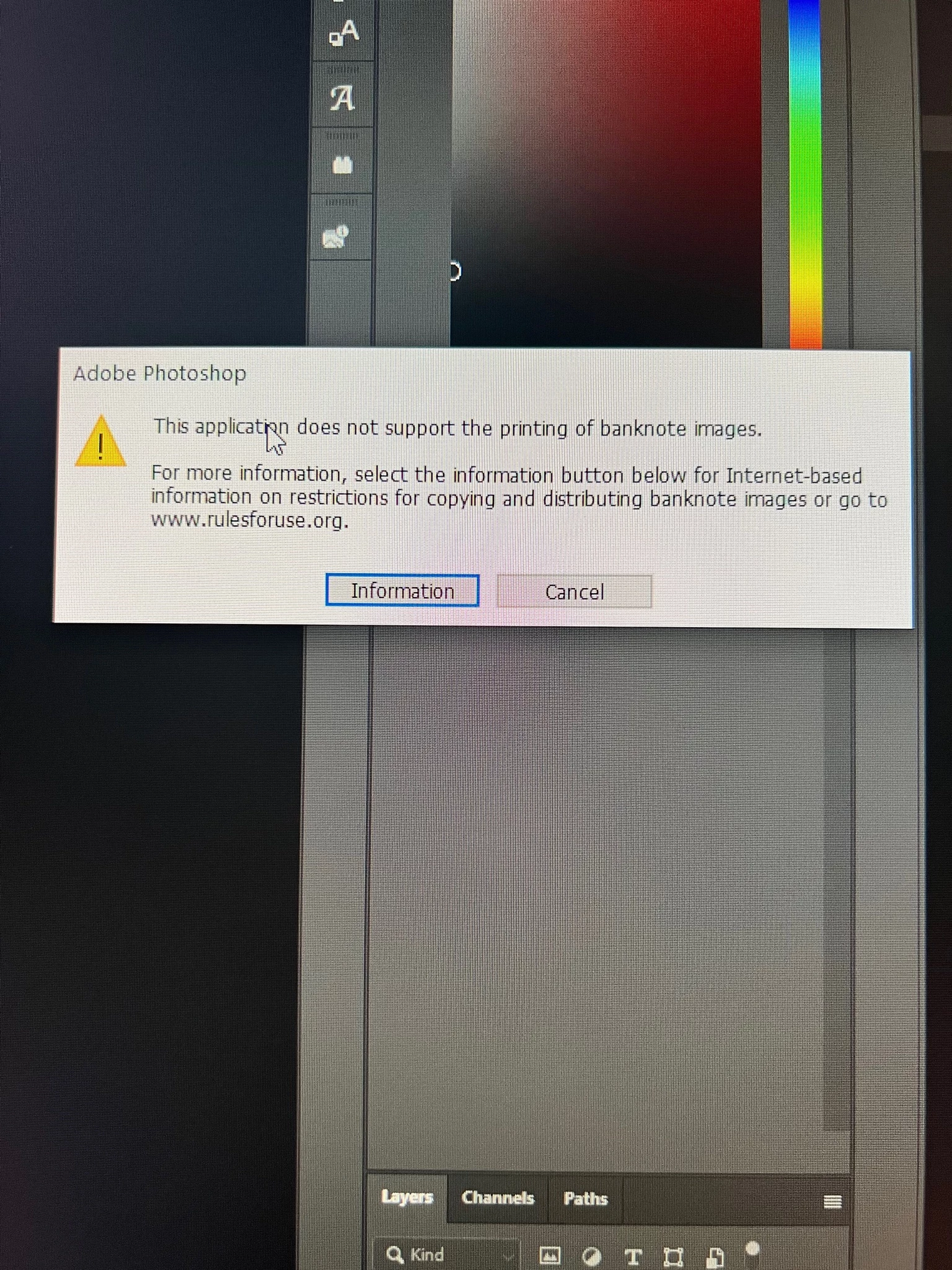
I understand anti-counterfitting measures and I see where Adobe is coming from, but please look at the two attached images. One is a product photography shot I need to edit, the second is the popup that I get when trying to edit the photo. I get to options click an info button or cancel. If i click the Information button I get taken to a website, but my photo doesnt open. If I click cancel obviously my photo doesnt open.
The huge problem with the is first, the popup says "This Application does not support the printing of banknotes" it says nothing about opening or editing, so why cant I open the image? Second look at the image I am trying to edit. There is only a piece of a US $5 bill in the photo, you obviously print and counterfit that!!!
I have paid a LOT of subsctipion money over the decades to Adobe and all of a sudden I can't edit my own photography.
What happens to all the stock photography of money? Whoever implemented this "feature" was shortsighted on its execution.
Can we please get a fast track bug fix for this so that we can atleast open and edit photos that have currency in them, especially if they are just part of a larger image or just a piece of a bill like this is?
 AdChoices