Participant
February 4, 2020
質問

resolution of canvas issue in CS6

  • February 4, 2020
  • 返信数 1.
  • 1106 ビュー


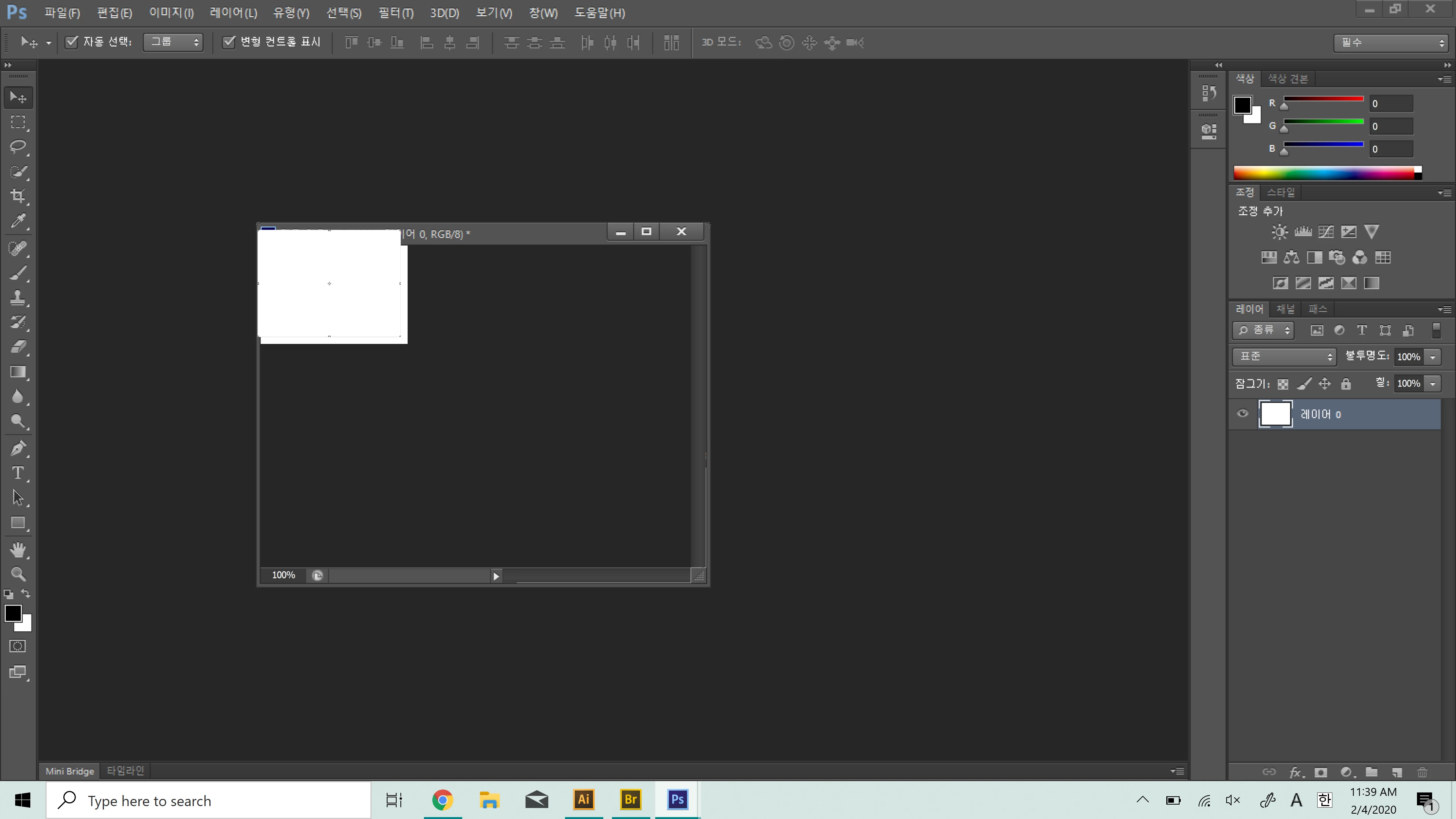
if I create a canvas it is shown like that. And even it doesn't move.

if I double click the layer and make it new layer (not background layer, shown in the second  picture), it is shown like that, 

what's the problem,,?
I am using cs6. please help me.
このトピックへの返信は締め切られました。

返信数 1

JJMack
Community Expert
Community Expert
February 4, 2020

Are all windows Updates installed. All CS6 updates installed you are at version 13.0.1.3 and is your display adapters device driver the latest available for the version of windows you are running.  What version of windows are you running. One of the image windows you have capture is missing its window's frame and Photoshop frame.  The Other Image windows looks like it has its Window's frame and its photoshop frame but the window content is overlaying the frames.

JJMack
Participant
February 4, 2020

that is the problem.. I also want to know why it is created overlaping.

Recently I changed my notebook. And by Adobed remote-control help services, one of the employee of adobe installed  cs6 for me and resized UI size in photoshop cs6(x64). (Because when installed, the UI size was too small to see) After that, when I try to create a canvas, it showed like picture one..


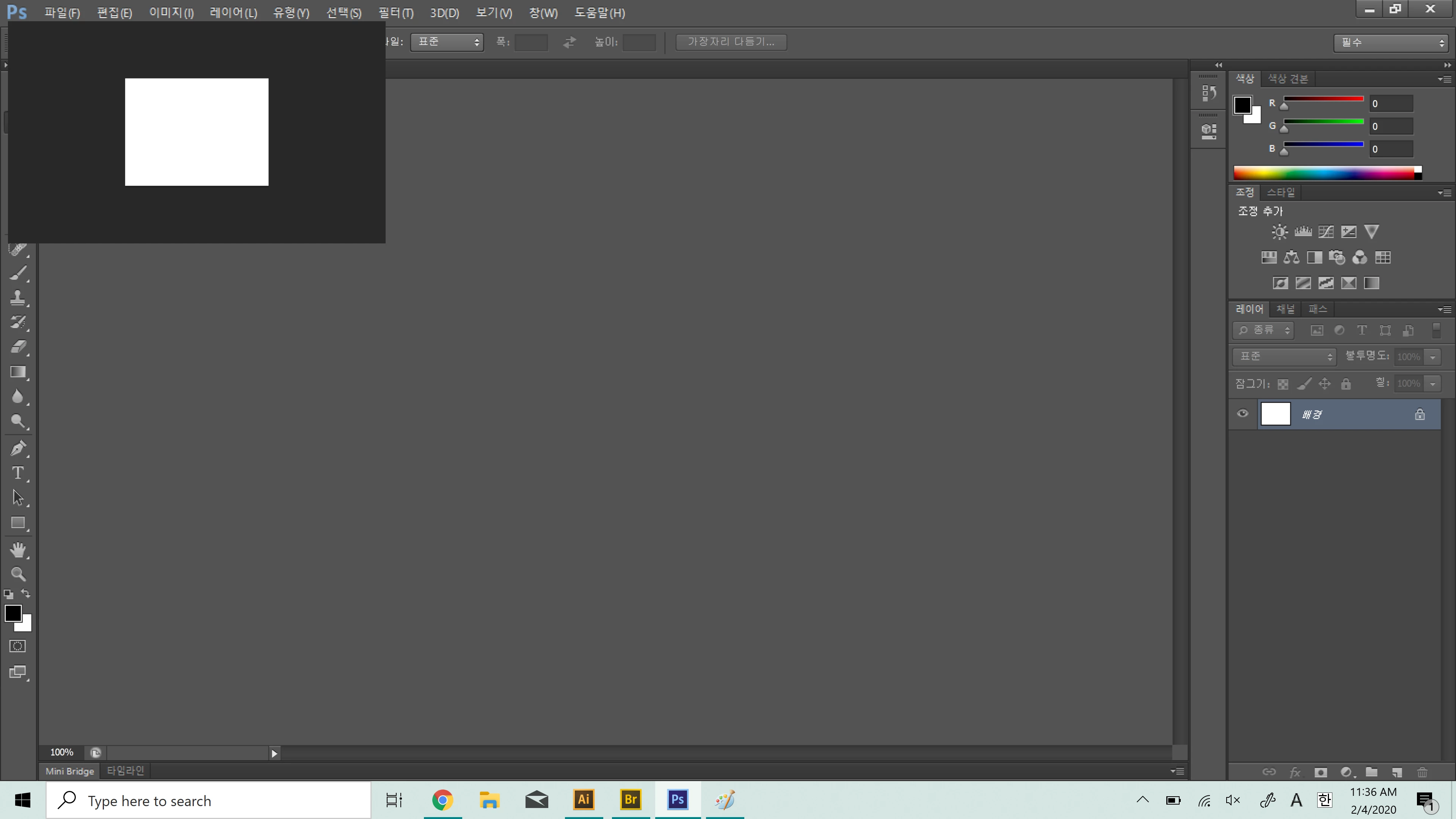
Now I create the canvas in photoshop cs6(x32). It is like below picture. It works well. But the UI is too small. Maybe the problem came from the process of UI resizing...I think..


How can I solve it? 


JJMack
Community Expert
Community Expert
February 4, 2020

once again.

"Are all windows Updates installed. All CS6 updates installed you are at version 13.0.1.3 and is your display adapters device driver the latest available for the version of windows you are running?  What version of windows are you running?"


Check that you have the latest software available installed. I do not have CS6 problems like that on Windows 10. I feel your software is not up to date.  However, CS6 Extended 32Bit system Info report windows 10 as Windows 8. I also have the Creative Cloud version of CS6 installed version 13.1.2 you should have Perpetual CS6 version 13.0.1.3 installed.  CS6 version 13.0 is very unstable and has many bugs.  CS6 need all the CS6 updated installed.


JJMack