


Struggling with a simple background color change from ffffff to efefef - can anybody help?
Struggling with a simple background color change from ffffff to efefef - can anybody help?
Path: With image in photoshop, I click in the top bar 'Image -> Adjustments -> Replace Color -> then click on the background -> then click the 'Result' color square -> Enter EFEFEF in the # -> Click OK'
But then I go to check the background color and it changed it from pure white (ffffff) to (f0f0f0), which is incredibly frustrating because I'm trying to get it to 'efefef' which is literally like 1 shade of a difference
(very close)
For the type of work I'm doing its important to move fast/efficiently, so I don't have time to select individual parts or anything like that if all I'm trying to do is simply change the background to a slightly darker shade of white (again, from ffffff to efefef to match website background perfectly) & without removing the natural shadow..
You would think this 'Replace Color' option would do the trick if it can take it to f0f0f0, so I'm thinking that I'm probably just missing something very simple
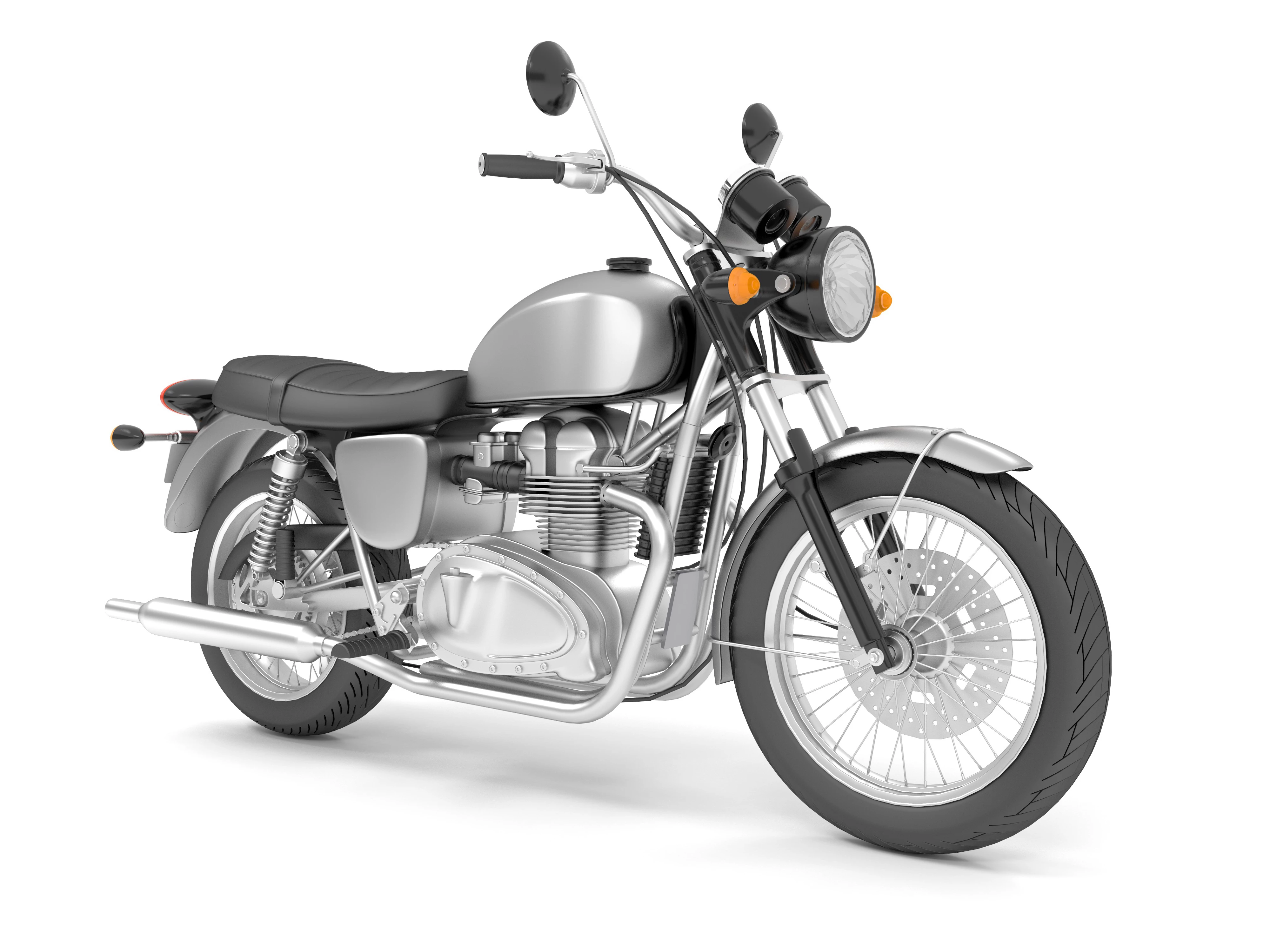
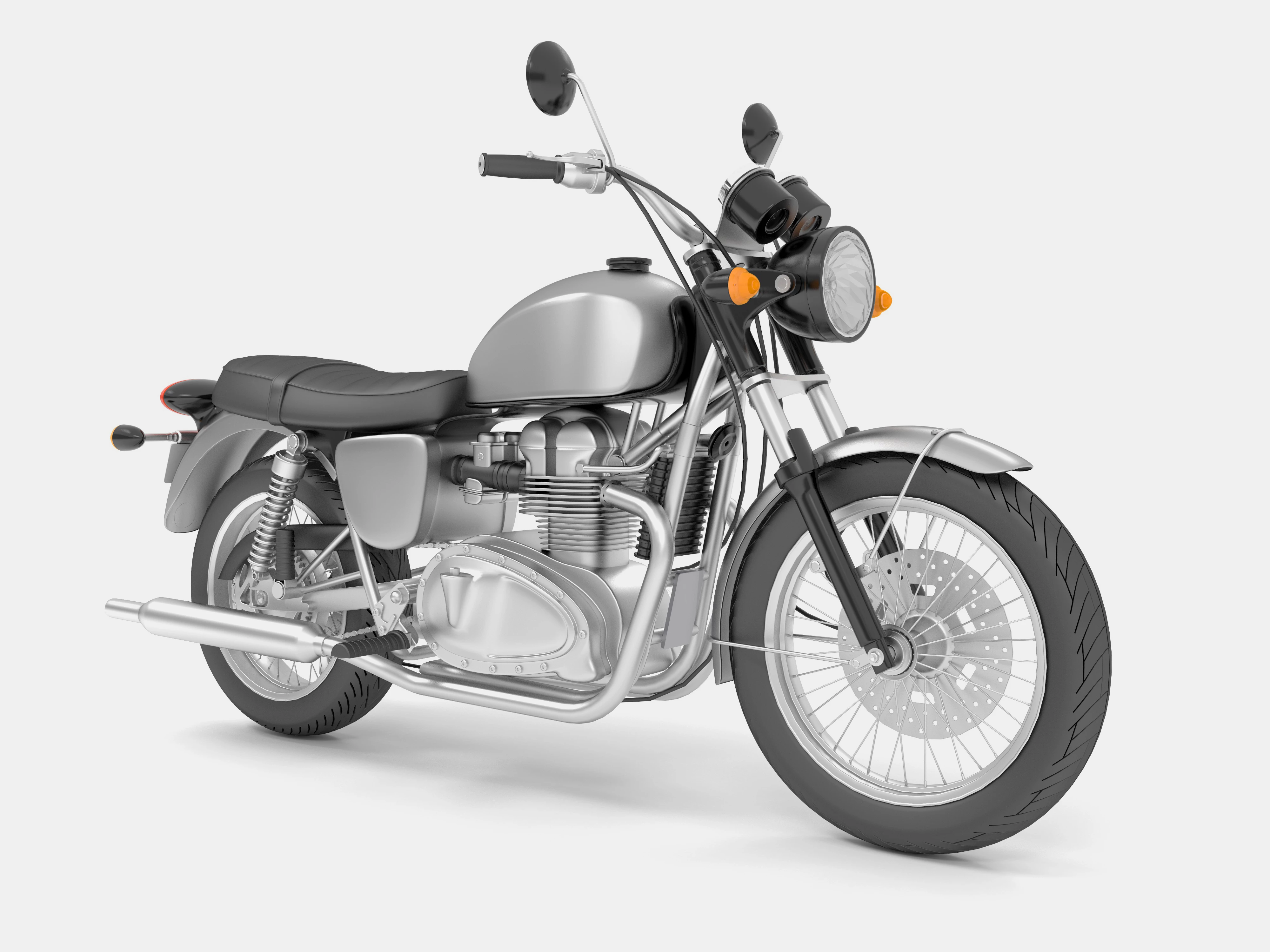
I provided the image with the background in ffffff and also in f0f0f0 if you would like to take on the challenge! Lol, I'm sure there's experts in here that could figure this out in seconds...
Please let me know asap, thank you in advance!
 AdChoices