


caldie101
Participant
December 21, 2018
質問

Where are the Photoshop CC files? [How to add downloaded brushes to Photoshop?]

  • December 21, 2018
  • 返信数 2.
  • 1277 ビュー

I want to add some downloadable brushes to photoshop but I can't find the folder.

I installed it via ACC.

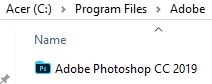
Under Adobe in Program Files I only find the .exe:
Under Program Files x86 I find these folders:
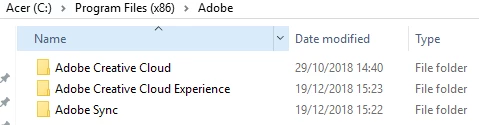
However looking through these I can't find anything related to Photoshop.

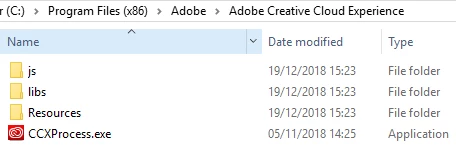
For those Curious here are the screenshots for ACC and ACCE respectively:
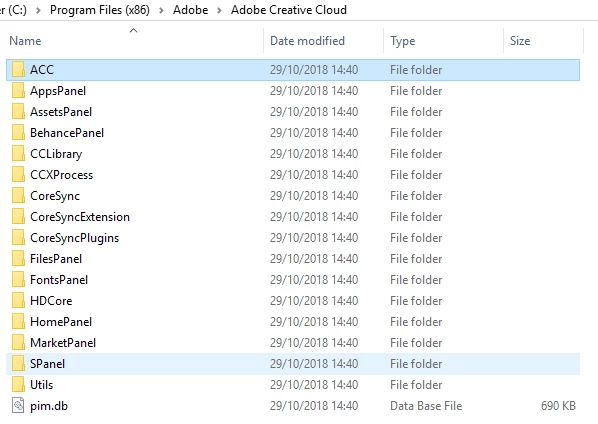
and:
このトピックへの返信は締め切られました。

返信数 2

Kevin Stohlmeyer
Community Expert
Community Expert
December 21, 2018

No - you are looking in the wrong location. Go to C:=\Program Files\Adobe\Adobe Photoshop CC 2019\Presets\Brushes

They've always been in this location not in the system folders.

caldie101
caldie101作成者
Participant
December 21, 2018

ty

Kevin Stohlmeyer
Community Expert
Community Expert
December 21, 2018

brushes go into the actual application folder under Presets, not in any system folder.

caldie101
caldie101作成者
Participant
December 21, 2018

So the folders are no longer accessible?