Participant
December 5, 2016
解決済み

'Live Shape Properties' not showing in Photoshop CC 2017

  • December 5, 2016
  • 返信数 2.
  • 43733 ビュー

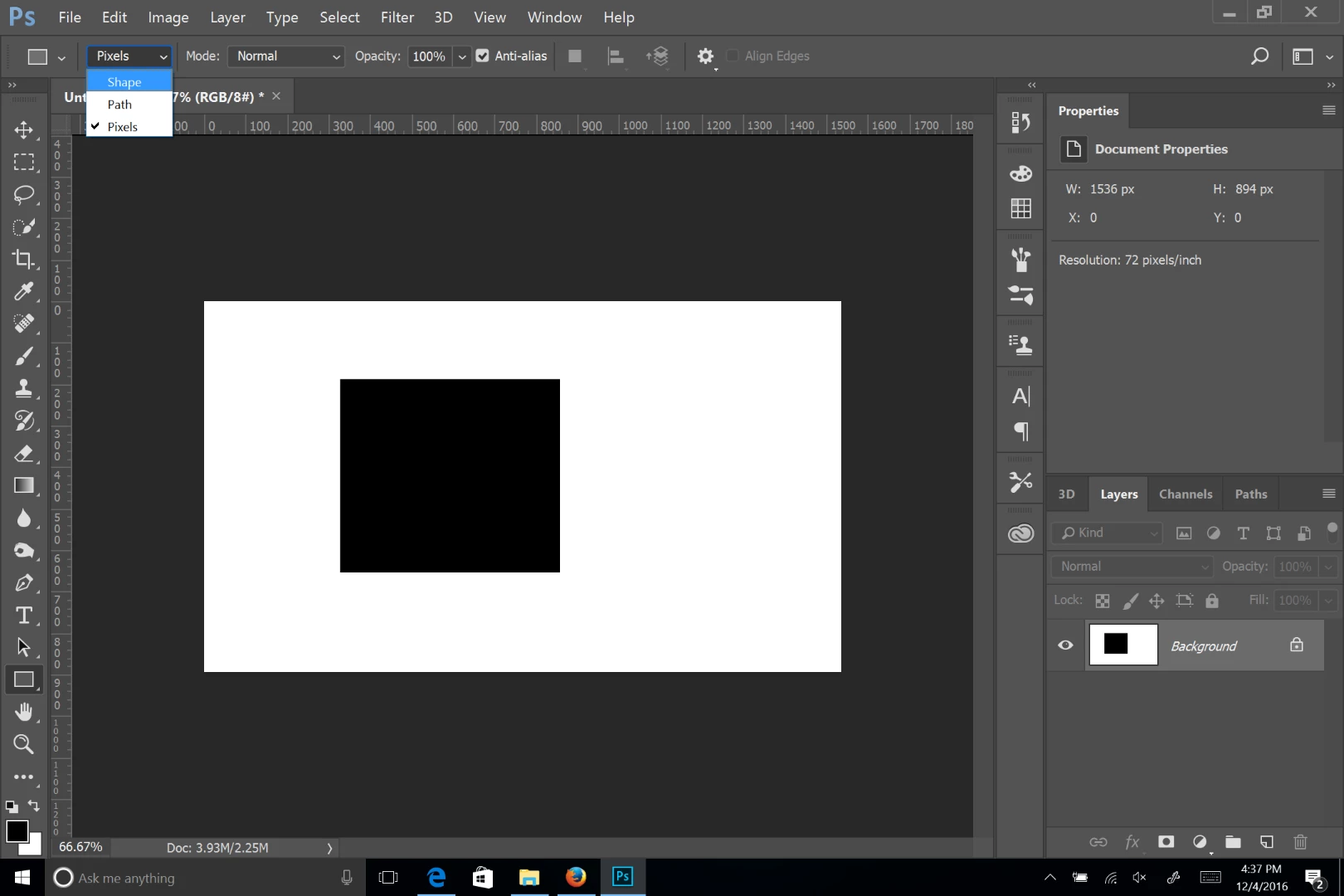
After drawing a shape in Photoshop CC 2017,  the only info. that appears in the Properties panel is W/H/X/Y (see pic attached). I would like to know why I am missing all of the options for manipulating the shape.

Any help will be greatly appreciated.

cheers
このトピックへの返信は締め切られました。
解決に役立った回答 Chuck Uebele

Make sure your tool is set to shape and not pixels. There is no path in your path panel, so that's what I'm thinking. Show an entire screen shot with the layer panel showing also, so we can confirm.

返信数 2

Participating Frequently
May 1, 2020

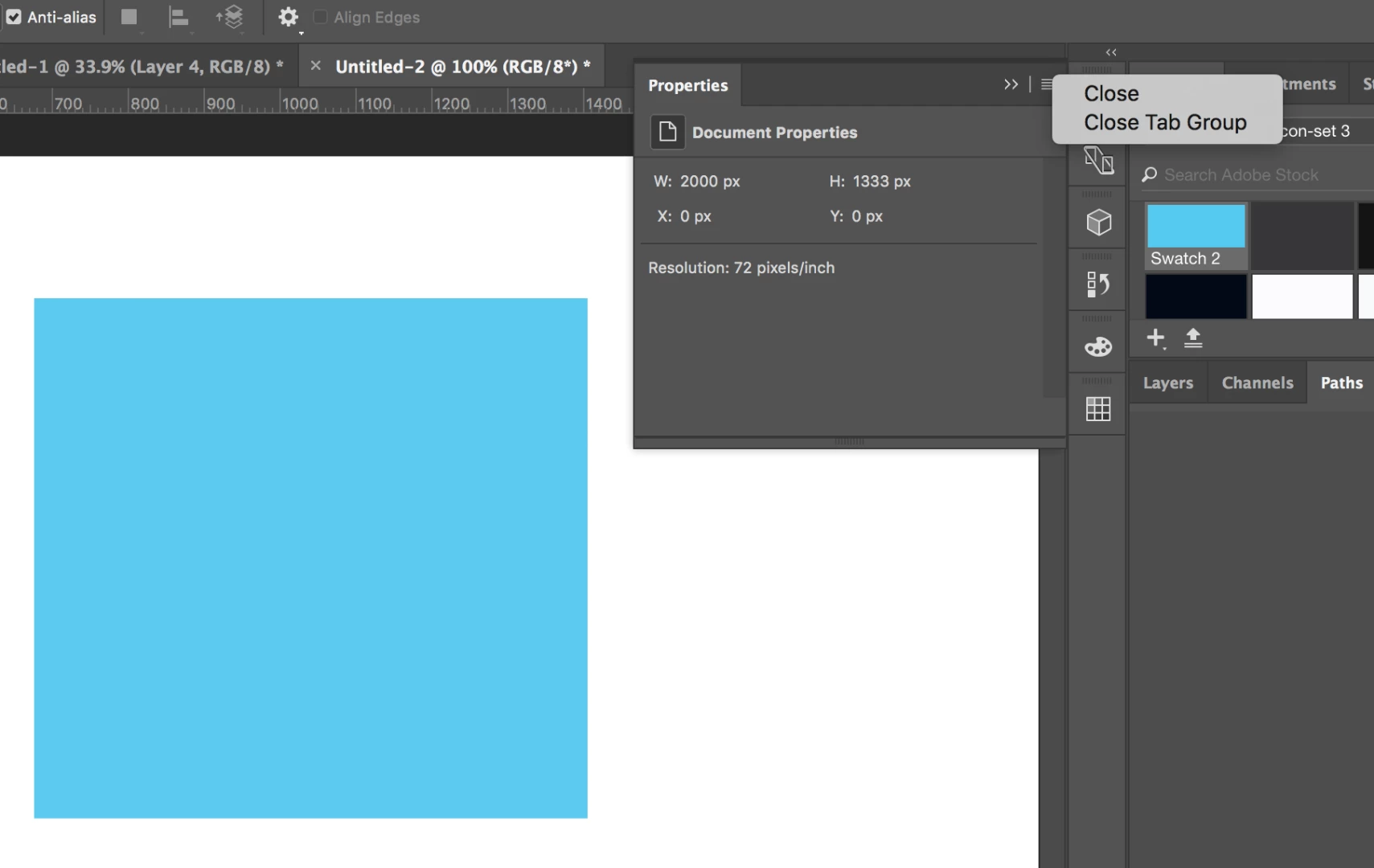
Today this is wrong:

Participant
June 8, 2020

Having same problem here today. Live shape properties show up fine when I make a rectangle with shape tool. But when I try a polygon, those properties do not show up and I cannot round corners, etc.

Participant
September 5, 2020

Hey Caleb, having the exact same problem. Live Shapes beyond basic objects (such as circles and rectangles in my experience) do not become Live Shapes with 'Live Shape Properties' and instead create flat raster objects. I've just about had it with Live Properities failing perform CONSISTENTLY in the year 2020. As sad as it is, if you are only doing basic editing to a shape with 5+ edges, you need to switch mental gears to pre/post production cycle if you want to use Photoshop specific editing techniques.


Pre Production

Make a 'source' file for your shapes in illustrator where you can freely round corners, adjust strokes and enjoy all the perks of a vector environment. 

Post Production 

Now copy in your shapes as the file type of your choosing (ex; Smart object) into Photshop. From here you can begin post production, adding layers styles, clipping masks and other effects. I'd suggest also making it a Path so you dont have to trunr to Illustartor as frequently. Naturally if you want to make edits to the core properties of the shape (like rounding) you will still have to return to your Illustrator source...so yeah not ideal but its a solution I used to solve my problem below...


Chuck Uebele
Community Expert
Chuck UebeleCommunity Expert解決!
Community Expert
December 5, 2016

Make sure your tool is set to shape and not pixels. There is no path in your path panel, so that's what I'm thinking. Show an entire screen shot with the layer panel showing also, so we can confirm.

neege作成者
Participant
December 5, 2016

Thanks a million, Chuck. Worked fine. Appreciate it.

neil