



Carolina Solis
Participant
September 21, 2020
質問

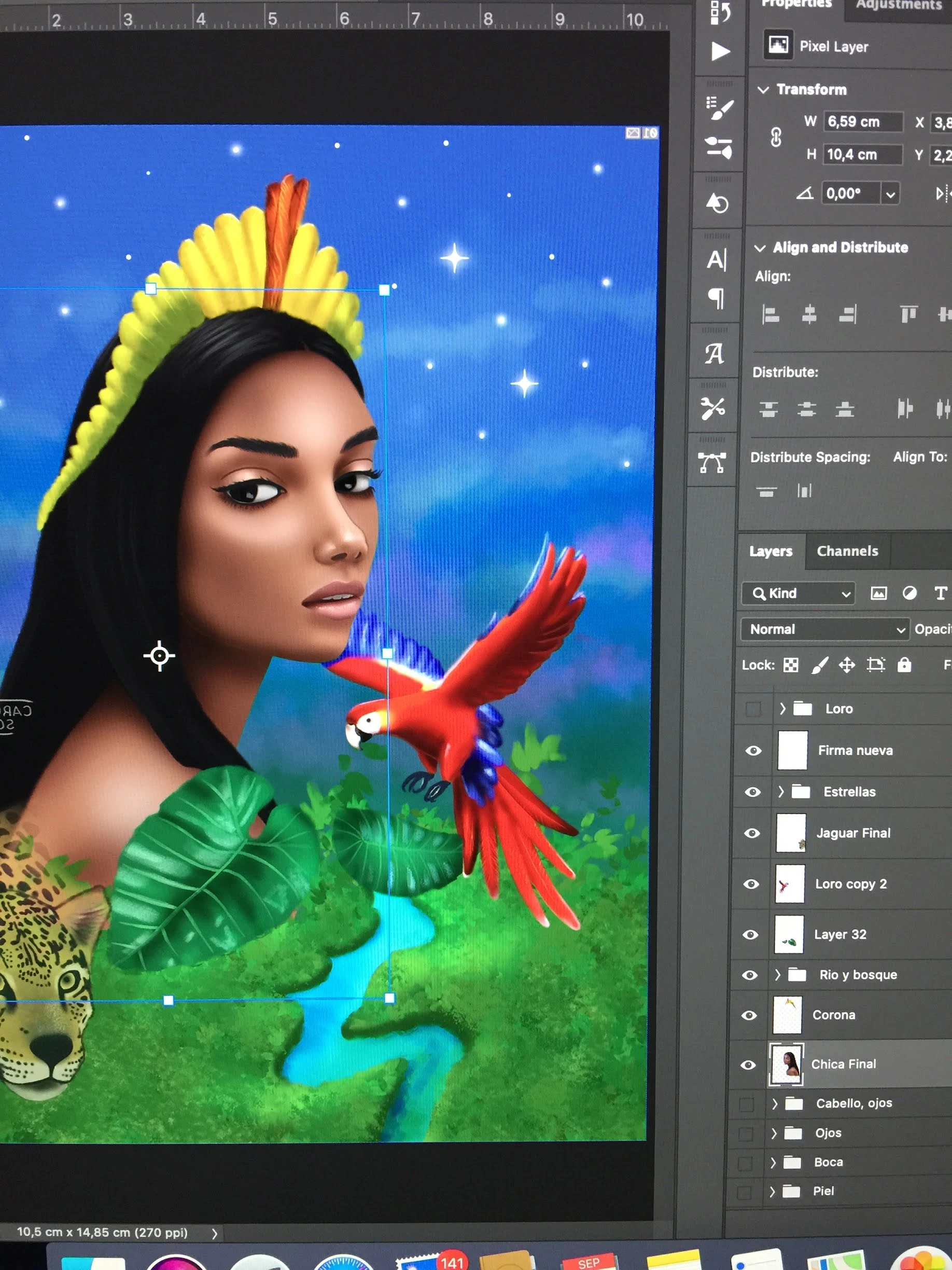
The images in Layer Panel are flipped and in my canvas it shows in the other direction

  • September 21, 2020
  • 返信数 2.
  • 867 ビュー

I pressed something for mistake and my image in my canvas Flipped, so I went to "image> image rotation > Flip Canvas horizontally" it did work out for the canvas but it did not flip the images in the Layer Panel. So now I see my Layer Panel image in one direction and my canvas in the opposite direction. When I saved it in PNG, it saved in the direction of the Layer Panel (the direction that is not the original)! 😞 I had to flipp my canvas to be able to save it correctly.
このトピックへの返信は締め切られました。

返信数 2

D Fosse
Community Expert
Community Expert
September 21, 2020

There are three ways to flip the image:

  • View > Flip Horizontal. This is just the on-screen view, not the file itself.
  • Edit > Transform > Flip Horizontal is what you'd use for individual layers.
  • Image > Image Rotation > Flip Canvas Horizontal flips the whole file and everything in it.
D Fosse
Community Expert
Community Expert
September 21, 2020

I should have said under #2 "individual layers and selections". It works on selected layers or selected pixels, but not the whole file. Too late to edit.

Carolina Solis
Participant
September 21, 2020

I want to change it to its original directon and that the panel layer faces the same side as my canvas please help.