





Premiere Mobile.
Recently active
Premiere on iPhone to Premiere Pro (Beta) Users with Adobe accounts with cloud storage enabled can send their projects from Premiere on iPhone to Premiere on desktop (Beta) for advanced editing and a seamless workflow. To transfer projects from mobile to desktop, you'll need to sign in with an Adobe account that includes a Premiere Pro subscription and cloud storage. Before sending, you can review the project's file count and size to ensure everything is ready for transfer. Premiere Pro (Beta) can be downloaded from Creative Cloud Desktop app. You may refer to this link to learn more about Creative Cloud Beta program. When sending a project from your mobile device to your desktop, a copy of both the media and the project file is uploaded to Adobe Cloud Storage. Please note that this process only transfers data from mobile to desktop & any subsequent changes made on either device will not sync automatically. This guide outlines the steps for sending a project to Premiere on desktop
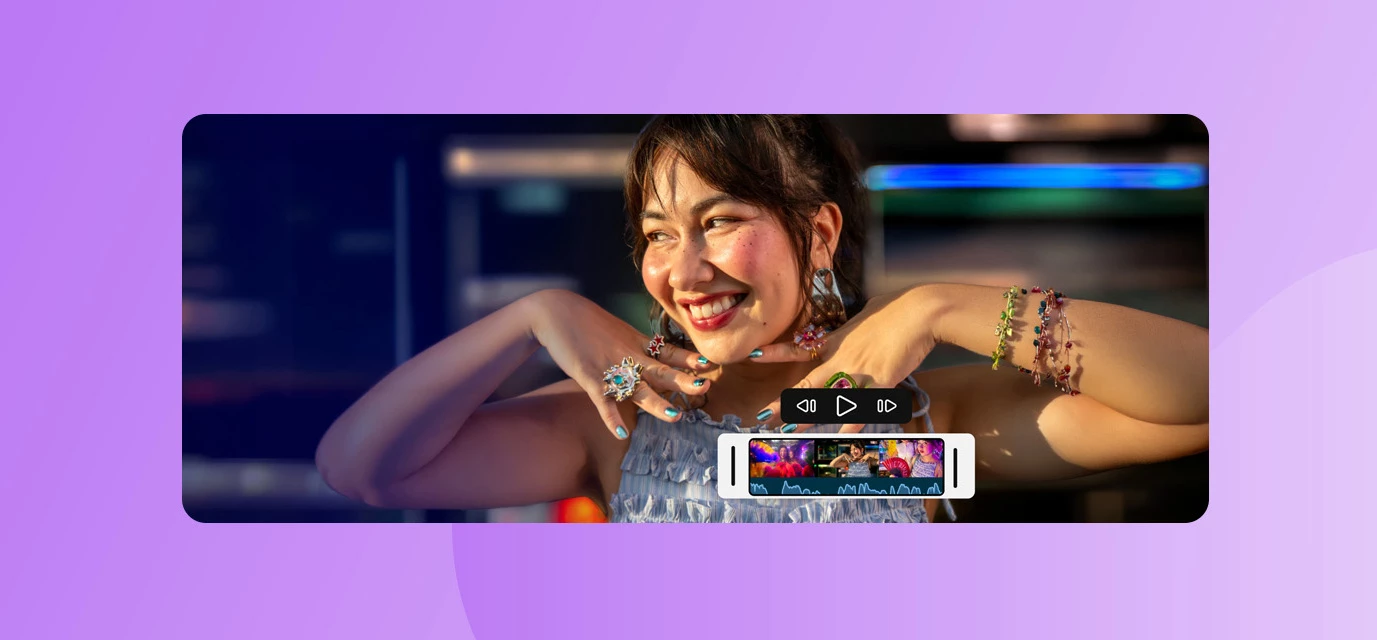
When inspiration hits, you don't always have time to get to your desk. Whether you're at a concert, on a commute, or anywhere else, mobile editing tools that actually work can make all the difference—and now, they're available to even more creators.Starting today, Adobe Premiere Mobile is available on Android. For free. Everything that made it a favorite on iPhone—frame-accurate editing, studio-quality audio tools, effects, templates, and Firefly-powered generative AI—is now in the hands of millions more creators worldwide.Why this matters: Mobile editing, professional qualityPremiere Mobile debuted on iPhone a year ago, and creators immediately loved it. Why? Because it lets you create professional-quality content without being chained to your desk, and without learning a completely new interface. When you're already living your story on mobile, your editing tools should live there too.What you get with Premiere Mobile on AndroidEnhance Audio — One of the most powerful features: a si
Keyframes are officially here in the latest version of Premiere Mobile—available starting today. This has been the #1 most requested feature from our creator community, and we’re excited for you to try it out. With keyframes, you can now add custom motion to your videos, including smooth pans, zooms, twists, and other dynamic animations that give your edits more personality and control.To start using keyframes, just update to the newest release in the App Store. This launch is part of our ongoing You Asked, We Answered series, which highlights the features you’ve told us matter most. For Premiere Mobile, we’re taking this even further by co‑creating directly with you—mobile-first editors, emerging creators, and everyone shaping what this app becomes. Keyframes are the first major drop in this community-driven series, and we built it because so many of you said it was essential to your workflow.More improvements inspired by your feedback are on the way, and we’ll continue sharing them a
I want to cancel the subscription for the credit prompt videos
I am not able to export my edited video project in Premiere Mobile. I am able to add clips, music, photos etc to my project, edit it accordingly but after completion, when I try to export my project with the default settings or any modified settings, I am getting an export error. (Attached screenshot) Phone model : Samsung Galaxy S25 Android : Version 17The Premiere Mobile app: Version 26.6.0
I have been trying to export projects from the mobile app, but it is stuck at either 1% or 0%. My phone has stayed at 0% for both projects, and it does not help that my projects that are created on the mobile app are not available on the cloud at all, So I am unable to uninstall the app since my project will get lost. PLEASE NO SOLUTIONS TO EXPORT TO DESKTOP AS MY LAPTOP IS WORSE BECAUSE IT IS EXTREMELY SLOW TO OPEN ANY FILES, LET ALONE CHROME.I have Also tried saving the project as a copy, but that does not work either, As well as obviously restarting my phone and restarting the app. The Projects are less than one gigabytes to export. Has someone found a workaround this? Thanks!
Files used : MPEG - 4 movie ( clips not longer than one minute )Size - 720 x 576 50fpsIn my project, I went to unlink the audio from some clips event layed over other clips. I think nothing too complicated for this program… The program seem to be running to same issue over and over again ( app is running on latest update, iPad is running on latest update ) Still Im getting the same : Something went wrong while exporting, please try again. Any help would be appreciated because “something went wrong” doesnt really specify the problem it has… I can’t even attach screen recording here… please reach out to me via email. Im clueless and desperate to finish this project using Premiere.
Every time I try to export a video it tries, and then stops and says it cannot export the video. Sometimes if I restart my iPad, then it will export, but most of the time it will just repeatedly every single time tell me you cannot export the video. This is very frustrating.
A manual control option for the auto reframe on mobile.Sometimes it drifts away from the subject and it would be easier to ad a tool to manual change the frame. Also a faster/slow option when dealing with fast paced videos or slower ones would be great for auto reframe.
계속 문제가 발생이 되었다 나중에 다시 작업하라 해놓고 이미지는 안만들어주면서 크레딧은 계속 차감 됨
Text layout panel is gone. I see that there’s an update and everything changed, but now there is no way to change how the text wraps. I see in the directions/new features documentation that the panel is supposed to be there, but it’s not. Yes there’s a bunch of new stuff, but now all you can do is align the text to the left right or Center. You not you cannot change the text width. Also, if you click on a caption, it automatically reformats it to a default wrap. This problem started recently, before the panel disappeared. It means i perpetually was having to redo the formatting, which now you can no longer do because the panel is gone. I would much rather be able to format my text than have two font style panels that do almost the exact same thing. Being able to format your text is so much more important than all the new bells and whistles. ipad Pro ios 26.7.2premiere 26.23.0
A direct instagram connection in the premiere on mobile app
Can you make this app more robust? Better transition options, more premium features that Premier desktop has would be great. I use you cut editor on my phone and it is sooo much more intuitive and loaded with free basic options, tool, and dynamic options.
If I want to connect a live project I have in Premiere to an edit on mobile, do I need to have all the assets connected on mobile?
Dear Adobe Pr Team, a friend of mine is having issues downloading Pr Mobile on his Android phone.Also when he's trying to raise a ticket on the phone it says he can't since he's not a paid customer.He's using Samsung S24 phone with Android17 version. Please check attachments.
Is there a way to automatically translate from Greek to French using Première?
How to import music . I'm using Adobe premiere pro
When adding GIF’S to overlay on top of my videos, the app adds a black background to the GIF’S. When using the ‘remove background’ option, the feature does a terrible job at removing the background the app created.Adobe Premiere Rush never had this issue, it would seamlessly display the GIF over the videos without adding a background. I’ve tried multiple export settings in procreate, the app in which I make the GIF’S, but that doesn’t matter, because the same process I used in Premiere Rush should be consistent with Premiere Pro.
When I import time lapse from procreate the colours are altered. They look the same when viewing images side by side outside of procreate but immediately change when importing. Same colour mode in procreate. No way to change colour settings in premiere. Tried cycling through the colour settings in procreate, no change. It seems to be a glitch on import.
Hi everyone,I'm creating a new report in English with a clearer and more complete description of the issue, as my previous report was written in French and was missing some important technical details. Hopefully, this will also make it easier for other users experiencing the same problem to find this discussion.The issueWe're experiencing a persistent problem with the integration between Premiere Mobile and Premiere Pro Desktop.The "File > Import Premiere Mobile Project" option is completely greyed out and cannot be selected.This feature had been working correctly for several months, but suddenly stopped working around late September 2026, without any obvious changes to our setup.Projects are still successfully uploaded from Premiere Mobile to Creative Cloud. We can see and download both the projects and their associated media through the Creative Cloud website.However, in Premiere Pro Desktop, the import option itself is disabled. We cannot even open the window to browse or select
I’ve recently started editing in the Premiere Pro mobile app. I’ve realised most of my fonts downloaded in Adobe are not available in the app version. When i ask the internet what to do, it either says “download the creative cloud mobile app and activate the fonts on your device” however the Creative Cloud mobile app is not available from 2nd of Feb 2026 so that’s not an option. The other solution is to download the font to my mobile however to download the font outside Adobe is more than 100$ and I can’t find a way to download it to my device from Adobe. What do I do to to get my Adobe font to the Premiere Pro mobile app?
I still have graphics from Adobe Premiere Rush saved on Adobe Creative Cloud, and I can’t even make custom graphics in Adobe Premiere Mobile, I would like to be able to access and edit them and use the in Premiere Mobile. I would also like the ability to make text strokes rounded so I don’t have strokes poking out and looking weird (as seen below).
There is so much nonsense, after editing the video, if you export it, then the automatic video quality and color work is down or lost, it is not solved but do something, this is a big problem for renovation...
Hi Adobe team, I’ve been using Premiere Pro on iPhone and I really like the direction the app is going. However, I’d love to see some new features added in the next update that would make mobile editing more powerful and closer to the desktop experience: 🔹 Image over main image (picture-in-picture / overlay effects)🔹 Blur / censor tool to hide faces or selected areas🔹 Reverse video playback option🔹 Mask tool for precise area selection🔹 Chroma key / green screen support🔹 Arrange layers more intuitively🔹 Keyframe control for animating effects and transitions These additions would make Premiere Pro Mobile much more versatile and useful for creators who edit directly on their phones. Thank you for your amazing work — I hope some of these ideas can make it into a future update!
Automatic blurred backgrounds have stopped appearing in all 9:16 projects on my iPad, including new projects. There is no Background tool and no available update
Remix with Firefly Community Gallery
Thousands of free creations to fall in love with and remix in Firefly.
Already have an account? Login
Enter your E-mail address. We'll send you an e-mail with instructions to reset your password.