



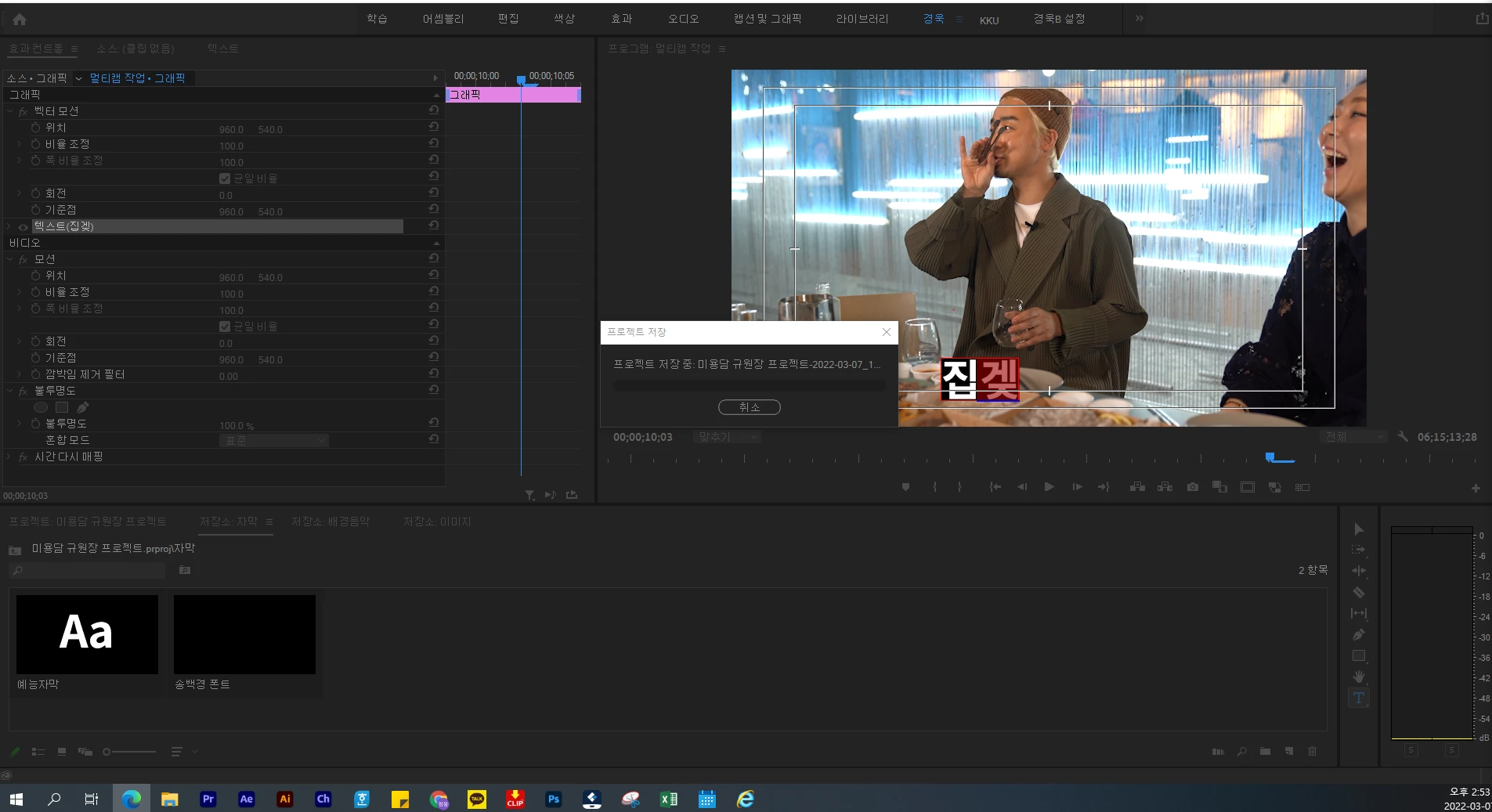
한글자막 작성 중 자동저장 오류 문제/ 멀티캠 효과컨트롤 조정 문제
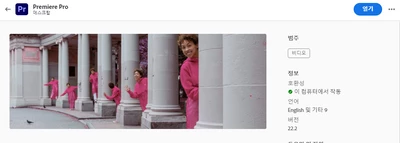
프리미어 프로 현재 최신버전 상태 사용중입니다. (21.2.22 버전)
계속 반복되는 버그로 커뮤니티에 동일한 현상으로 겪고 계신 유저분들이 있으신지 여쭤보고자 이후 프리미어 프로 업데이트 해야 할 보고서 내용을 자주 보내고 있어서 글을 씁니다.
첫번째 1-2번은 오류로 넘어가다 자막작업이 많은 날에 자동저장 기능과 자막작업 간에 어떤 문제가 있는지 파악이 어려워 요청드립니다. (단순히 자동저장 기능을 끄고 사용하라는 방안은 사용자에게 선택적 방법으로 개선하는 건 옳지 않습니다.)
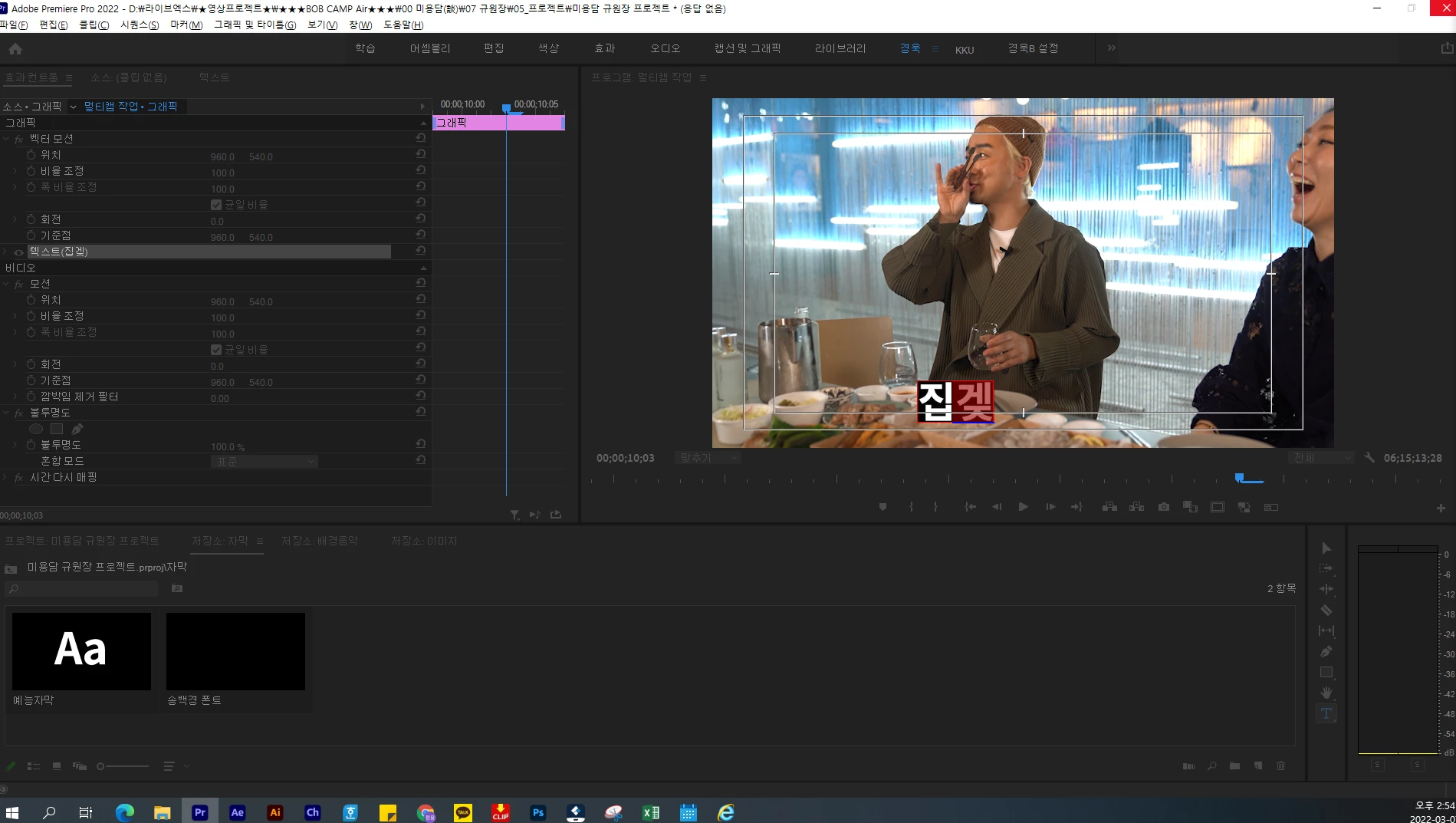
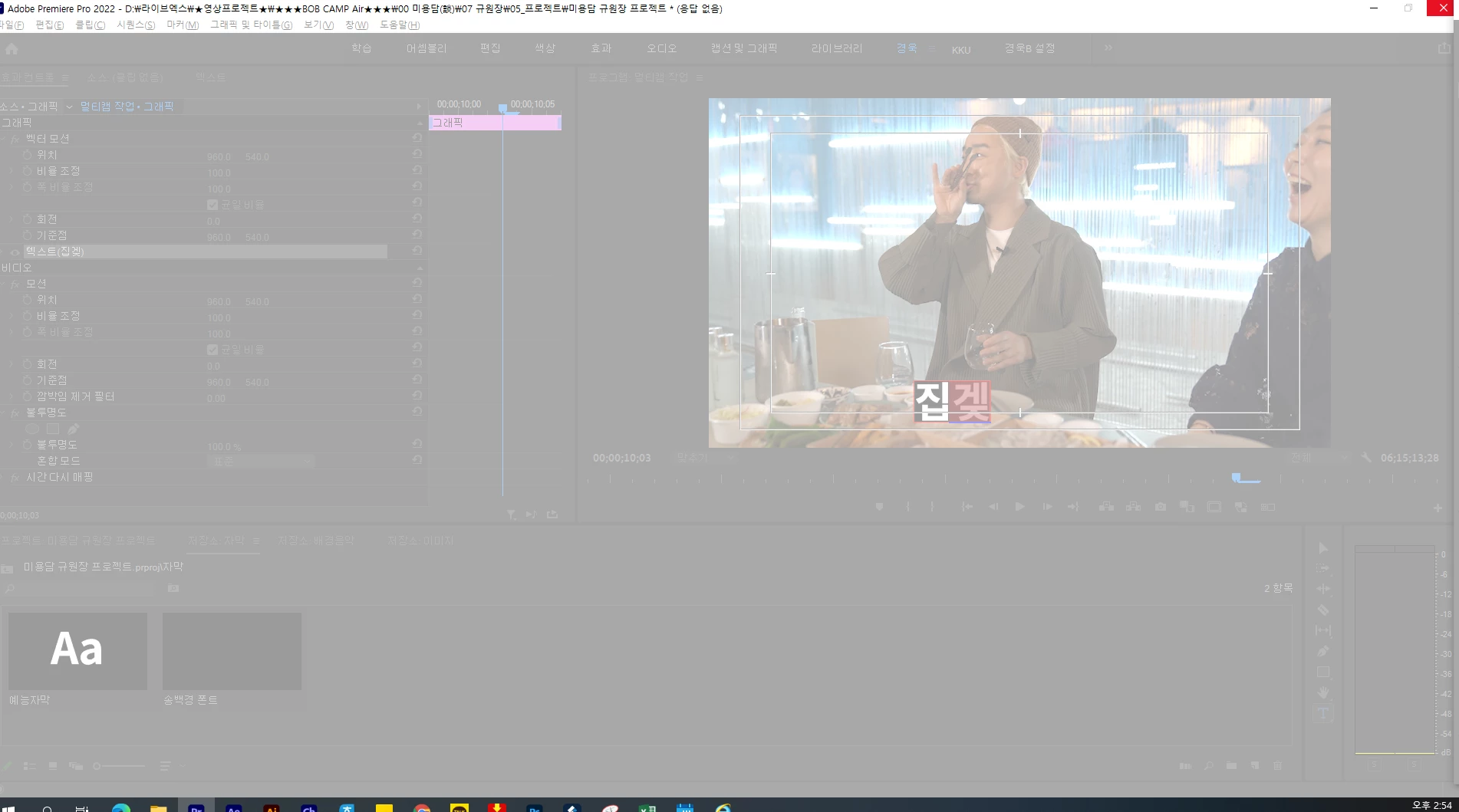
두번째 오류 문제는 멀티캠모드 사용 시 멀티캠(중첩 클립) 시퀀스안에서 클립들을 효과컨트롤 통해 위치,크기,회전 과 같은 기본적인 조정을 클릭 시 자동으로 효과 컨트롤 창에서 나가지는 오류가 생깁니다. 효과컨트롤 이용해 바꾸고자 할 때마다 조정하고자 하는 부분을 여러번 클릭해서 작업해야하는 번거로움이 생깁니다.
(보통 클립의 경우 위치,크기,회전을 한 패널창에서 유지된 상태로 작업이 가능하다.
이유는 정확히 모르겠으나 중첩클립안에서 작업을 하고 나서
밖에서 한번 더 조정하려니 강제적으로 패널에서 나가지는 버그가 발생합니다.]
다른 커뮤니티 사이트를 통해서 다운그레이드를 통해 사용을 권장하는 사용자가 있습니다.
어도비가 평소에 업데이트를 최신버전 사용을 권장하는데, 원인과 해결이 필요한 상황에 좀 더 적극적인 대처를 바랍니다.
Premier Pro is currently using the latest version status. (21.2.22 version)
I am writing because I often send reports that need to be updated to the Premier Pro after asking if there are any users who are experiencing the same phenomenon in the community with repeated bugs.
The first 1-2 goes to the error, and on a day when there are many subtitles, it is difficult to identify the problem between the automatic save function and the subtitle operation. (It is not right to improve the user in an optional way to simply turn off and use the auto-save function.)
The second error problem is that when using multi-cam mode, an error occurs that automatically exits the effect control window when clicking on basic adjustments such as location, size, and rotation through effect control of clips in the multi-cam (overlapping clip) sequence. Whenever you want to change using effect control, you have to click on the part you want to adjust several times to work on.
(Usually, in the case of clips, it is possible to work while maintaining the position, size, and rotation in one panel window.
I don't know exactly why, but after working on the overlapping clip,
Trying to adjust it one more time outside causes a forced bug out of the panel]
There are users who recommend using downgrade through other community sites.
Adobe usually recommends using the latest version of the update, so please take more active action in situations where the cause and solution are needed.
 AdChoices