


Black screen with backwards text on it and white screen after that in the preview.
So recently I've been getting this screen when I start a new project and it turns into a white screen after I do any other actions from then on. The only way this goes away and the preview works is if I turn the renderer to the mercury playback only. However, I want to use the OpenCL so that I have better performance.
This is the screen I get: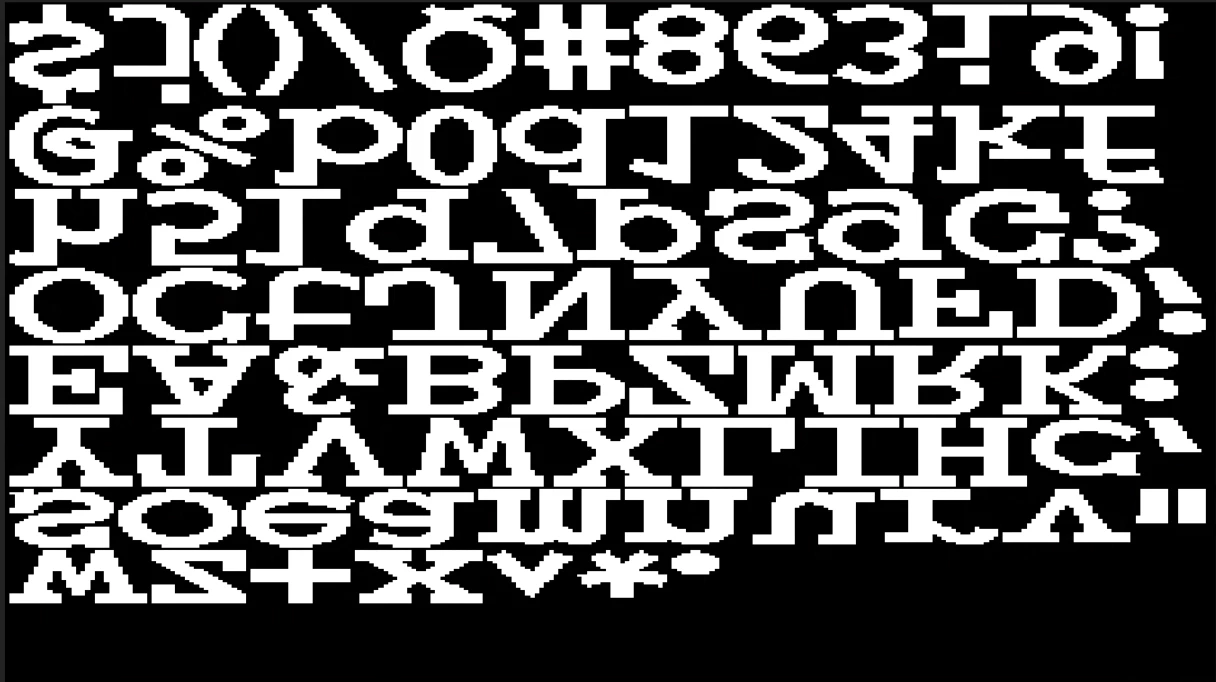
Right now setup is as follows:
Operating System: Windows 10 Pro 64-bit (10.0, Build 18362) (18362.19h1_release.190318-1202)
Language: English (Regional Setting: English)
System Manufacturer: Dell Inc.
System Model: Precision 7820 Tower
BIOS: 2.1.4 (type: UEFI)
Processor: Intel(R) Xeon(R) Gold 5120 CPU @ 2.20GHz (28 CPUs), ~2.2GHz
Memory: 49152MB RAM
Available OS Memory: 47750MB RAM
Page File: 15763MB used, 38899MB available
Windows Dir: C:\windows
DirectX Version: DirectX 12
It can't be a performance issue and it shows that the Radeon Pro WX 7100 is supported with Adobe.
I've reinstalled drivers multiple times and that doesn't work either. Is there a way to fix this?
 AdChoices