







Learn how to create, build, and animate 2D puppets.
Recently active
I am a professor of art with an MFA in animation specifically. I need to see more examples provided which reflect the competency in figure drawing we encourage students to aspire and practice. Currently, that is not reflected in the examples provided. Additionally, where diversity is portrayed, diversity includes age. By restricting your examples to those that depict generally teenagers and children, you send a message we in art programs in art schools and colleges let alone education and the motion picture industry are trying to change. Individuals and companies are judged by actions vs words. This is one area the CH design team needs to improve. Suggestion: consult your UX folks. This is a key concept in usability engineering right now.
100% of the time when I attempt to export a 3 minute (or shorter) video to MP4, I see this error message:I am not running any other graphics-intensive apps, and I do not have a browser open.This is what Task Manager says during export:The driver software is 100% current.These are the specs in Device Manager:This is the display information:Any help would be appreciated.Thank you!
Hi all,Can't find a specific answer elsewhere for this so posting a new topic.Trying to export a Ch recording via Adobe Media Encoder, a task which I've done many times before but today I'm getting the message "Please install Adobe Media Encoder". The latest version IS installed. I've tried uninstalling it and re-installing it but with no success.Any thoughts? I need to get this animation out by the end of tomorrow.Thanks in advance.Steve
Background does not show in puppet just short tabs when on the icon. how do you get the background in the puppet list?
Hi, I'm using an external webcam with my Mac mini (Logitech C920 Pro) and it won't track my eyebrows properly. They simply won't raise when I raise my eyebrows. The lines will stick to my eyebrows when they go down, and will stay for a very raise, but when I raise them fully the tracking jumps back down. Any ideas anyone? Thanks
Hello Everybody,I use illustrator to create my characters, backgrounds, and assets. Because everthing moves so slow I send my CH scene over to after effects as png files. This method works well for me. I now need to start using animated backgrounds to make my videos look more professional and just plain better. What is the best way for me to do this? What other adobe program do I need to learn to do this? If so is there a video you can point me too to help me learn quick? Thanks. BTW, you guys are great in here I really do appreciate the help I get in here.
I would like to create animated backgrounds for my cartoon. I use Illustrator to create my characters, backgrounds and assets. I only used static backgrounds so far. I would send backgrounds and characters to after effect as png files because it loads quicker. I would like to continue with illustrator but am willing to learn a new program to get animated backgrounds. I am looking for the best wey with my workflow to create animated backgrounds.
I recently updated to CA 2023 and since then I have been having an issue with exporting puppets. Files appear to open and operate properly in the program, but when I attempt to export puppets I receive the error: libgit2 error -4(6/attempt to reinitialize(...) returned from git_repository_init_ext(&rawRepoP, (cont char*)fullPathZ&opts)[null] It creates a temporary folder with a project file etc., but with no puppet in it. Hoping that this, like some of the other libgit errors I have come across, is a relatively easy fix...
So, ideas on getting the cup to rotate properly? I've tried using transform property and it gets me almost there, but not quite.
I am trying to create replays that can be paused when they get to the end. Something like the pause feature of cycle layers but I want to do this for replays.
Hi As per the title. Get a weird spike coming out of the shoulder and something weird around the waist. It works ok if I put head group and each body profile group to independent/free (and indivual head layers back to normal) but then the head is all over the place. Might not really use it but the walk behaviour animation is more messed up which also indicates something is wrong. Uploaded it here:https://drive.google.com/file/d/151Q5-n9QINHt-a5IM0tFHg6M6oioBTid/view?usp=share_link Thanks
I have read a couple of discussions about closing projects, but I could not find one that answers the following question:Why is File > Close sometimes active, and sometimes grayed out?The answer is not in the User Guide.Thank you.
I can't see characteriser on my screen. Why is it not there and how do I get it?
This character seems to always hover left of center. He tracks with my body, but even when he moves, he seems to move around a point that is left of center. Any suggestions? https://drive.google.com/file/d/1CC7ulU8pJgb05WlSDR1nu_lkyjLQnp5B/view?usp=share_link
Steps to reproduce:1. CA Starter Mode2. Create a new project with any character3. Upload pre-recorded audio4. Record Face movements5. Drag a trigger onto the timeline. 6. It is then impossible to size the trigger duration. Hovering the mouse over the orange line does nothing, so you cannot increase the time the trigger is active.7. This does not happen if you record live audio. It is possible to resize a trigger duration. Result:Not possible to adjust the trigger durationExpected: The duration should be adjustable System info Application: Character Animator v23.1.0.79 OS: macOS v13.2.1, RAM: 16.00 GB GB, CPUs (logical): 8
I'm wanting to use the leader/follower behaviour to have several arms positions. I'm also wanting seperate hands that can be triggered to change.I have successfully set up leader/follower with auto-swap triggers. I have also successfully set up triggers for the different hands.Is there any way to get both things working together or do you need to create two puppets?When I have leader/follower on it means that the hand are no longer attached.
I am using midi controls to trigger replays in Character Animator. And sometimes I have the option to continuously push midi signals to Character Animator, this leaves replays to constantly be triggered. Do they Slow down the performance of the Character Animator? Just curious if this is a bad way to work or work flow
I'm using a shareable puppet asset as a mouth chart so I can use it on several puppets. I revised the PSD file(kept same file structure) and when I change the file path to PSD, not only do I lose all of the behaviors-- but the top level Lip Sync Behavior no longer finds the tagged mouth shapes. The mouth shapes are labelled correctly and are auto tagged correctly by CH... but on the top level puppet, the Lip Sync Behavior says 0 for all the mouth shapes. Before linking the new art, it had 2 instances of each mouth shape (an autoswap set for a happy and sad mouth). I've also tried dragging the psd into CH to make a new puppet, same results. It tags the mouth shape layers but it doesn't show up in Lip Sync behavior. I've tried this in both CH 2023 and the beta 23.3.0.38 -- same results. Any ideas on how to troubleshoot? Thanks!
It would be very helpful if we could bundle certain behaviors together - like in a group or folder that can be turned on and off at once - so that we could arm/disarm behaviors more easily. For instance if you have multiple head turners applied to different views, and want to turn them all off at once, or if you want to bundle lip sync, eye gaze, and face behaviors so that you can disarm them when working with the draggers, then disarm draggers and arm those behaviors for recording.
I use Premiere Pro and a Focusrite 2 Channel USB Audio Interface for making voiceovers for my videos. The Focusrite records in mono, so it only plays back in the left headphone. The solution is to right-click the voiceover audio file> select Modify> click "Audio Channels"> then change the audio channels from "Stereo" to "Mono" so it plays out of both headphones. This works everytime. I just started using Character Animator and have encountered the same situation regarding my voiceover being recorded in mono and only playing back in my left headphone. However, I cannot find a similar "Modify" feature to change the "Audio Channels" when I right-click on the audio file or any other files in the Character Animator project like I can in Premiere Pro. How can I modify my audio recorded in mono to playback in stereo?
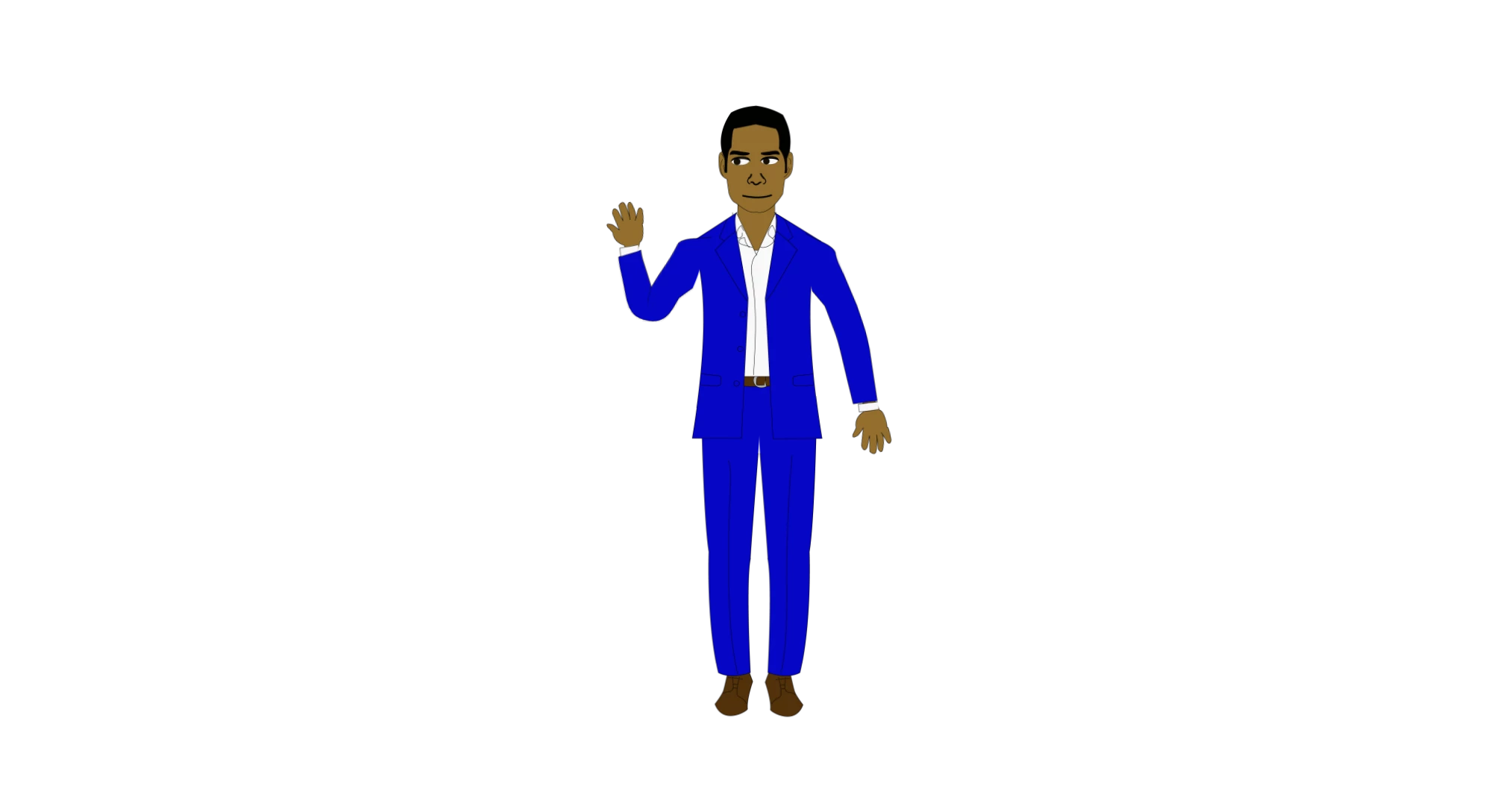
I'm trying to locate these two items: The black guy in the suit that used to be part of the free puppets when Adobe started up and the Character Cooker to make a guy in a suit. Does anyone have the suit puppet or the Character Cooker? Or can tell me where to find them?Thanks
Hello All ! Since i have not found a marketplace for CH yet , i will show you a workflow here . I want to share it cuz it saves a lot of time when it comes to creating puppets to be actors, stand-ins or extra's in your CH scenes. I call it #Character CookerIt takes 6 easy to follow steps and is based on smart objects in CC.I did my best to make it as perfect as possible. It's nothing secret, with a little patience you can completely build it yourself.but if you would want to skip that part, then follow the YouTubes and find the link to the ZIPfile on Turbosquid. watch it here : CharacterCookerPromo - YouTube
Hi All, I have a Puppet that shows a Slight deformation to the Stomach/ Torso and Neck during a Walk Cycle. Both seem to get elongated vertically. The Stomach shows a point along its lower edge. The neck appears to elongate and bounce, leaving the Head steady. I've included a Reference Image of the Scene below, followed by several Screengrabs of different layers in the Puppet. Finally, I've attached a video of the Puppet Walking. Thanks in advance for your suggestions.Regards,Rajnesh
Hi All, I'm having an issue with a Puppet's Shoulder's Getting Detached. In the first Image below, the Initial (Stationary) position of the Puppet is shown - it's the Puppet in the Middle. Below that, I've included several Screenshots of the Puppet Layers and their Mesh/ Taggings. Finally, you can see a Video of its Walk Cycle in the attachement. Any thoughts on how to fix this? Thanks in advance.Regards,Rajnesh
Question: I made a puppet with Puppet maker and I made a sample video to send off to my team. They asked if I could change the face shape. Can I bring a puppet back to Puppet Maker to make edits? or do I need to start over?
Remix with Firefly Community Gallery
Thousands of free creations to fall in love with and remix in Firefly.
Already have an account? Login
No account yet? Create an account
Enter your E-mail address. We'll send you an e-mail with instructions to reset your password.