hayatımda ilk kez aldığım bir üründen bu kadar pişman oldum hiç bir işe yaramıyor hiç bir şe yapamıyorum, bedava üyelik alıp modelleri kendi yerinden kullansam da olurmuş. Niye para verdik ki buna.
I would like to share a reproducible issue and the workaround we found, in case it helps your investigation.
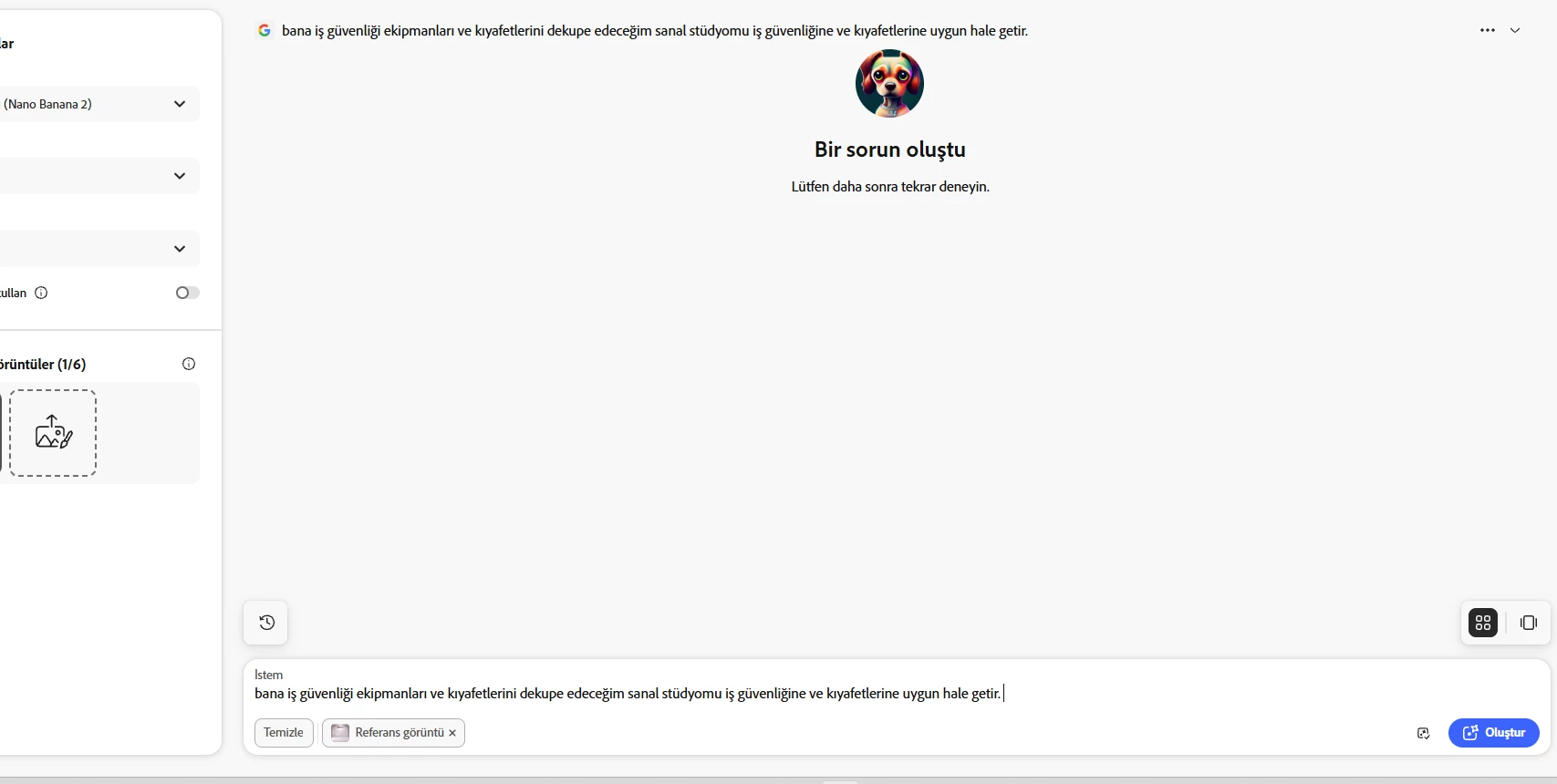
I was repeatedly receiving:
“Something went wrong. Please try again later.”
The problem occurred when using Firefly partner models, including Gemini 3.1, GPT Image 2 and FLUX.2.
I tested the following:
- Different prompts, including very short prompts - Different numbers of reference images - JPG and PNG reference images - High-resolution and lower-resolution images - Gemini 3.1 with one reference image - Gemini 3.1 with multiple reference images - GPT Image 2 with one reference image - GPT Image 2 with NO reference image - FLUX.2 with multiple references and with one reference
The same error continued.
This made it appear that the problem was related to the prompt, reference images, image format or model configuration.
However, we eventually found an important difference:
The same Adobe account and the same Firefly operations worked successfully in Google Chrome Incognito mode.
For example:
1. Open Chrome 2. Open an Incognito window with Ctrl + Shift + N 3. Sign in to the same Adobe account 4. Open Firefly 5. Select GPT Image 2 6. Generate an image WITHOUT a reference image → SUCCESS 7. Generate an image WITH a reference image → SUCCESS 8. Switch to Gemini 3.1 with a reference image → SUCCESS
The exact same operations had previously failed in my normal browser session.
My normal browser was Opera GX.
This strongly suggests that the problem may be related to the existing browser session, cached authentication/session data, cookies, or another browser-side state rather than the prompt, reference image, or generation model itself.
An additional interesting observation:
When I had Firefly open in Opera GX and then logged into the same Adobe account in Chrome Incognito, the sessions appeared to interfere with each other. After returning to the original browser, I had to authenticate again.
I cannot say with certainty that simultaneous browser sessions caused this, but it may be relevant to the investigation.
### Current workaround
Using Chrome Incognito provided a clean session and immediately allowed the previously failing partner models to generate successfully.
After establishing that, Gemini 3.1 was also able to successfully generate images using multiple real product reference images.
### Suggested investigation
It may be worth checking whether Firefly partner-model generation failures can be caused by:
- stale Adobe authentication/session tokens - corrupted or outdated browser cookies - cached Firefly application data - browser-specific session state - multiple active Firefly sessions - partner-model authentication/session handling
The important point is that changing the prompt, reference images, file format and even the model did not solve the problem.
Starting Firefly in a clean Chrome Incognito session did.
I hope this helps the Firefly team reproduce and diagnose the issue.
Hey @adaptable_daysee3a Thank you for uploading and sharing your prompt. This helps considerably.
Based on the prompt provided
Configure my virtual studio—where I will be cutting out images of occupational safety equipment and clothing—to suit the requirements of occupational safety and the gear itself.
Unfortunately AI image generators will struggle with creating something like this. Please have a look at the links provided.





 AdChoices