Design the future of fashion, win Firefly Pro 👗✨
Feature Requests
Recently active
Something i'm running into is the need for Clients and Invitee's of my shared Albums to be able to sort by thier own liked photos. This would be a great feature for myself as well to be able to sort by liked photos in shared albums. When an invitee likes a photo, I can see it in my lightroom, but they need to be able to sort by the photos they liked themselves. This would streamline the ability to choose the best of the best in a shared album and would eliminate a need to make an entirely separate album of just liked photos so they can view those alone via the original link. Best, Jared
Hi, I need Layer Comps. I'm a storyboard artist working on films and a lot of us use Layer Comps all the time for our work to animate out panels for animatics. Everything else in this first release looks great and is working pretty well. Oh, and I need a Zoom Blur also. Thanks!
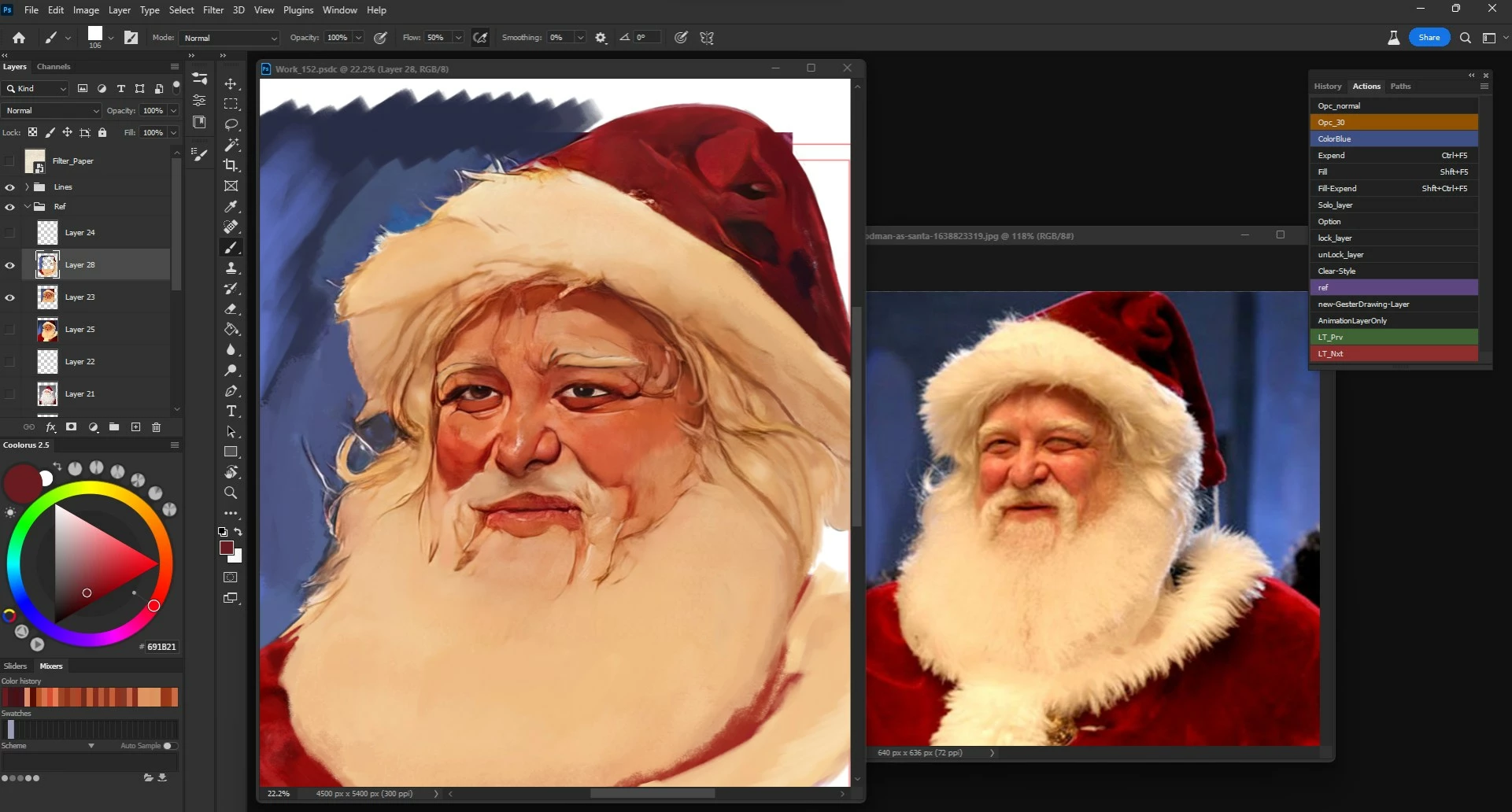
I found this feature for windows really annoying, when you press ALT key for a photoshop shortcut the first lette of the menus highlight and the machine get ready for a keyboard imput to open the menu tab that start with the same latter.There absolutely no option to deactivate this feature on W11, it is forced on you, and the fact that has not been address to me is proof that adobe software tests are done only on apple machines and windows dosent care about common shortcuts of productive world-wide softwares so much this feature as I aready said is forced on you, eitherway I think is much more easy to adobe to find out an option for photoshop itself to ignore this feature than to me for say the same thing to microsoft. This is not the case of a "common" use of photoshop however, I'm a concept artist and an illustrator, I do a lot of digital painting in PS, and I click ALT while using the brushtool for color picking really-really fast. The opening of this menu option with the very
Hii have an idea i think if it adds in adobe photoshop will be awesome its a tool that makes in adobe photoshop for example design and you want to add another photo but you need to add it in the same place and scale it if it needs all these do it automatically doesn't need my intervention
Every time Photoshop updates to a new version, I need to copy my scripts to the new version's scripts directory. Ideally, Photoshop would also check some other locations on the filesystem where user scripts might be located. For example, it could also check $HOME\Abobe\Photoshop\Scripts where $HOME is the user's home directory on their operating system and load scripts found their to the File -> Scripts menu.
add an option to lock canvas rotation or disable the rotation tool. Disabling all gestures as a solution is unacceptable. Disabling GPU/OpenGL usage as a solution is unacceptable. Not all touch devices can disable rotation gestures, so suggesting to users that they use external software is also not an acceptable solution. For example, the Wacom 13HD touch does not have the "Standard Gestures" tab that allows the user to disable rotation gesture. This should instead be available inside photoshop.
I had enjoyed using the version 22.4.5 Photoshop, but I accidentally allowed it to be erased. But in talking with Adobe support, we have discovered that only 22.0 is available for your support folks to provide an older version of Photoshop. Many of us like 22.4.5. Could you please provide that build for us as a direct download link for those of us who have accidentally lost it? Thank you!
it will be great to load photoshop Brushes to the web version
We have groups clipping that allows to use whatever stack of layers and smart objects in such group as a kind of a mask to layers above. It's cool but it makes my typical layer stack so huge and so complicated I sometimes couldn't figure out a thing in my own files couple weeks after. What I offer is same finctionality basically , just interface re-design. Just instead of a clipping group it would be a mask assosiated on the fly from a certain layer composition result saved in layercom panel.IMO it would be much more elegant and easy to read solution .
Please add such adjustment layers to what we have. The ones that would turn any heigh/depth image onto normal map or do ambient occlusion / curvature. Not a filter but rather adjustment layer. Perhaps just any sbsar file from Designer working that way. I still find Photoshop still so much more convenient than Painter or Sampler. Better brushes , better interface, action panel. Better selection better color adjusting, better monitor profile support. it's a torture and so much annoying routine to work in substance painer without photoshop styled actions and scripts.
Please add puppet warp option to content aware move (extend mode)And also flip options. To work before before applying conetent aware move. I find content aware move tool much more helpful than any AI solution to fix seams in your Sampler software and it lacks only that deform feature to be perfect . Content aware move tool is only reason I am still subscribed to Photoshop actually.
Resize Layer according to Back Reference Layer... Auto All Size width and Height Move to Another layer and resize That.. No any Option to Resize Small Size layer in Back Layer Size... Plz Add this Optoin in Photoshop To Resize Layer Quickly Without any using Transform option and Mouse Scroll... This is small but very important... Many users Need this Option...
Photoshop Please Add These New Features: 1. Avif File Format Support: Now it Works if I insert Plugin But please Add native support. 2. Spider Color Panel For Color Correction And Change Color Like 3D LUT Creator Spider Panel. 3. Layer Resize Height and Width According to Back Layer Size. 4. PDF Create Size Show in Photoshop... Size Not Shown if I Create PDF. 5. Document Auto Detect and Adjust And also Color Perfect Like Camescanner Mobile App. 6. And Last is easy... Passport Photo create According To Photoshop Adjustment No Action No script use Fully Automatic...thats Work Easy in Action But Photoshop Inbuild this Facility For All. All Features are no-nonsense but it also Work Easy... and I would Love Photoshop even more
---4 Feature is Need in Photoshop1. Live Brush Preview2. Curve Area Venshing Point3. Guise Texy Size and4. Auto Skin Retouching and Full Photo RetouchingAfter This Feature Photoshop is Fully Complete For All Time
Hi, I'd very much like to have an available setting in preferences where, when I duplicate a layer, duplicate a group, or on creating a new group (cmd+g), said layer or group's name defaults to an edit state and the next required action is typing the name of the new layer or new group. This would save a lot of keystrokes in a day!
If I have several layers selected, the alignment tools are very useful. However, if any of the layers are masked, the alignment is to the whole layer, not the visible (masked) area. It would be very useful to have the option of aligning the visible layers.
I want to be able to make at least one palette of 3-5 color swatches visible (like Kuler used to do & like Adobe Color generates) accessible as a pop-out to the Color Grading panel in ACR & the Ps Camera Raw Filter. I can't figure out a way currently to get my reference colors visible (if I'm trying to color grade to match a look I'm using as inspiration). I'd want to be able to pull the palettes to use as pop-outs from my Library or be able to custom create a palette on the fly by sampling from an image in Ps that can be accessed from inside ACR or Ps Camera Raw Filter's Color Grading panel. In a best of all worlds functionality scenario, I'd like to be able to use an Eyedropper Tool in the Color Grading Panel (of ACR/Ps Camera Raw Filter) to sample from that pop-out color swatches palette of 3-5 colors (to span shadows, midtones, highlights). If it's there, could someone pls advise me! I do not use Lr (Classic or otherwise) and would like that functionality for
There are so many preferences and options now that Photoshop needs a search bar in the preferences panel so I can find which preference options are available for different thing.The heirarchical browsing interface we have now does not scale to this many choices.I'm thinking of iOS or macOS settings where you can search for something, see a list where that term appears, and then click/tap to go that sub-panel. As it is, the only way to see if a preference is available is to click each top-level heirarchy.
This might be a far out and not necessarily a popular idea. But I make frame animations/GIFs in photoshop often of 15+ layers. Now when I do colour correction on a still image I almost always use channel masks on a curve layer to increase brightness and contrast etc. But as soon as I create a frame animation I have to either discard the channel mask and use a basic s-curve, which doesn't have quite the same effect; or I have to duplicate the channel masks manually and change them for each frame, which is too musch work for an amination, so I almost always forego quality to save time.So it would be realy cool to tell a layer mask to sample the green channel and generate a new mask per animation frame. Anybody else think this'll be useful? or is there already a way to do this that I'm just missing?
Hello would adobe ever consider making adobe fresco features available on desktop for professional use? I would love for the features to be implemented into photoshop like perspective tools, rulers, hold to create shapes , ect but with a large monitor on desktop. I do realize thats sort of a dream at this point since photoshop is really focused on selections and filters/photography usually. But it would be great to have a dedicated drawing experience for artist/painters who work profressionally so photoshop can continue to focus on photography. Adobe is the worlds number one art software creators, but never really focused on people who draw/paint much until fresco so would love to see that aimed at professional users on more on powerful desktop machines aswell.
Hi, im a spanish contect creator and designer and i have been using photoshop since 2012. Recently AI tecnlogy has been through a lot of improvements with websites like DALL-E and i expected Adobe would react to this and adapt
I noticed that HDRO has come to the Mac version of Photoshop this latast release of 2023. Are there plans to release HDRO on the Windows version?
The video editing capabilities of photoshop are awesome. Only handling the zoom in the timeline is no fun. I'd wish there was - a button that adjust the zoom level so the clip fits the panel- shortcuts for zooming in/out/fit (There's already a discussion about this https://community.adobe.com/t5/photoshop-ecosystem-discussions/please-help-me-make-a-shortcut-for-zooming-in-and-out-of-the-timeline-in-photoshop/m-p/10012085 but I didn't find a feature request where I could leave my vote)
As a surface pattern designer, I have been using the Pattern Preview feature quite frequently. I know several designers, as well as myself, who have been hoping Adobe Photoshop could further develop this tool. Even just access to a half drop repeat to start with would be so helpful. Hoping we can create enough buzz for Adobe to really look into adding this feature! I would love to see more repeat options specifically in Photoshop.
Using PS 24.0.0 on a Windows 11 system. Neural filters containing several sliders (e.g. Photo restoration) have no means of saving & importing slider settings. So, when processing a batch of images with similar artifiacts, the user must adjust the entire set of sliders manually for each image. Implementing a save & import feature (i.e. a 'preset') would save user time and facilitate the practical use of such filters.
Remix with Firefly Community Gallery
Thousands of free creations to fall in love with and remix in Firefly.
Already have an account? Login
Enter your E-mail address. We'll send you an e-mail with instructions to reset your password.