







Join our Premiere Elements community for tips & help.
Recently active
Elements is telling me results will not be optimised as DV Camera settings are different to projet settings. How can I correct this? Elements can see the camera and does capture video.
What program has enough storage space to hold 2,000 cartoon drawings (that I made using Paint and Paint 3D), for a 30-minute YouTube animated cartoon, without continually jamming up? Adobe Premiere Elements 19 could not do it. Thanks.
I noticed that my Adobe Premiere Elements 19 doesn't even have the name of the product or manufacturer anywhere that's visible. I'm not surprised. I'd be embarassed to have my name on this also! If you can help me, please do it in here. I don't trust emails unless they come from Adobe.
I’ve tried about 6 times to upload my video to YouTube through Premiere. First of all the export button is greyed out, so if anyone knows why that is please tell me. I read that if the export button is unavailable you can just go to the “share” tab and select to upload to YouTube and use the YouTube preset. So typed in my title and description and each time it uploaded to 100%, but once it reached the end it came up with an error message that said “an error occurred while trying to upload video”. It doesn’t say what the error is. I talked to adobe tech support and they even helped me update my version of Premiere 10 hoping that would fix the problem (I have windows 7). But the same exact thing happened after trying to upload again after the update. Please help!
This is a review on one site, does this mean that the only support for h.265 is on Mac, not on my dear Windows?Both Premiere Elements 2019 and Premiere Elements 2019 add support for importing and editing of HEIF images taken with your iPhone (the .HEIC extension) and HEVC-encoded video (the H.265 codec) with macOS 10.13 and above.Regards,Kent
Hi I've tried importing Mov files from the memory card of my Zoom Q8 video recorder. The files won't play and when I try importing them again it says they already exists, after I have deleted them all in the cache and in the saved folder.This is the Gspot details.
Is there any way to change the project settings in an already existing project?If not is it possible to somehow reimport the already cut clips with all the work that invested in?Or need to start from the begining completely? It's been imported clips from multiple devices (camera+2 kind of phone) and it set the project settings to the phone which the final result is always worse. Another thing, should I convert all the clips to the same frame rate with handbreak before import?
Any advice would be appreciated. I'm using Adobe Premiere Elements 11, or rather, I'm trying to use it. There is an orange line at the top of the uppermost video track. I know I'm using up a lot of memory with hundreds of tiny drawings that are each less than a second in length, but still... All I'm trying to do is make a 30-minute animated cartoon. Are there some settings on my computer that I could adjust? Thanks.
Installed Premiere Elements 2019 from web download after buying disk at store. Computer randomly crashes to bluescreen now. Mostly while working with Titles in Expert mode. "Update" in Help menu is greyed out. Only crashes while in Premiere Elements. Has never bluescreened in the 10 months it's been running. Thoughts? I doubt it's hardware related.Windows 10 ProIntel Core Duo i7-8700K @3.70GHz64GB RamNvidia GeForce GTX 970 feeding dual monitors
Win 10 Premiere Elements 7 asking for activation code, help please, Im lost
This has been bugging me for a long time. Is there a way to save color combinations so i can add them much faster to my text. Its very time consuming to add this to all of my new text each time i add new text. Is there any help to get? Also secondary question how do i make a downloaded text my default text?
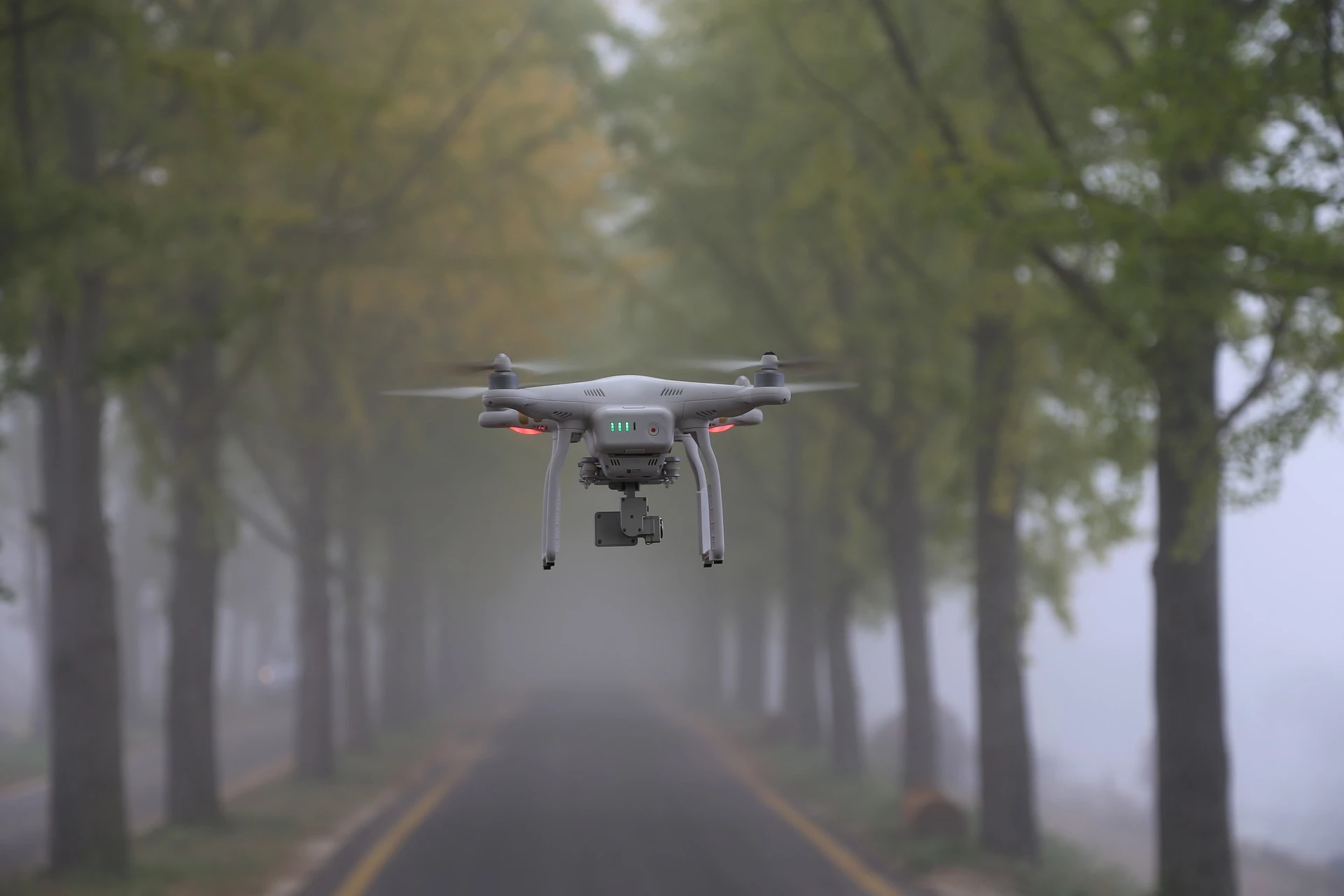
Hi folks,I'm working on a movie for my sick neighbour but have a big problem. I've made several fragments with my Mavic pro 1 last year. They play perfectly well in Windows media player for example. Crisp en clear, but as soon as I open them in Adobe Premiere elements they appear with a strange ripple effect in sertain areas of the clip. Rendering doesn't help and when I produce a movie to an end file it still appears. File information:- FPS 23.98- Framesize 4096 x 2160In the attachments I've put a part of the original file (Example 2) as well as the file (Example) created by adobe Premiere Elements with the strange effect. The effect is good noticable in the roof of the concrete silo and surounding paddocks. It's looks like shaking/shifting lines.Really hope somebody has a solution to fix this and if you need more info let me know.
This function appears to be setup identical to Pro. But its not making any difference. After choosing both E IN and E OUT, no change. Am I missing something that must be enabled? I have tried the Bazier and Auto, etc.
Why won't my .prel project open in PE 5? It has plenty of times, but all of a sudden it will only open through my pc path, not directly from PE15. I get:"loading project" - then goes to 100% and just spinsWhen I choose "cancel" I get "load project not responding" - then I close that and get"Program Not Responding"If I open from my pc using Adobe I can still edit, etc. Any help would be appreciated!
I am using Premire Elements 15 on a Mac. Tyring to render and/or export the video and I am getting a "invalid scratch disk" message. I change the scratch disk, but I keep getting the message.
I've put together a group of images and set them to music.In the storyboard (?) there's always a blank one (to drop media into) regardless of how many I have. When I play it back I get a blank screen at the end, which spoils the video. Is there anywya to stop this? I'm very new to all this so please bear with me if it's obvious to you what I'm doing wrong! Thanks in advance
It appears that the minimum amount of time for a transition in Premiere Elements is 1 second. It would be wonderful if Adobe would make it possible to shorten that transition time. There are just times when being able to have a 1/2 second or maybe even less would really help make for a better video. Please Adobe ... Please give us the option to go less than 1 full second on the transitions.
I created a project in Premiere Elements 2019 using my Macbook Pro 2018. Now I need to open the .prel file in Premiere Pro but premiere pro will not open it. I get a message the files can't be found, although there are all there.
Hi everyone!I'm having issues uploading my video to youtube from Premiere Elements 19. I tried twice, and each time it rendered and uploaded the video, but then turned blank at the end instead of showing the confirmation message. I have a G admin mail account, and I set up the Youtube channel today under the business name. The video doesn't show up in my channel or anywhere else, to my knowledge.Anyone have some help for me with that?
I just purchased and downloaded Premiere Elements 2019, works perfectly for editing, the issue is every time I try to export or share the video it crashes and I get a error that there is no authorization to save to that path. Yet there is no where I can change the path its trying to save to and I thought there should be options on how to share or where to save a video to but there is no options, just a button that says export or share. Here is the error I get on my Imac.Software does me no good if I can't share the videos.Anyone have ideas?
Ik heb met 2 verschillende Iphones filmpjes gemaakt, 1 met de Iphoneapp en 1 met FilMic Pro.Als ik ze in de organizer laadt, dan werkt het geluid bij beide opnames.Zodra ik het in de editor kopieer, dan werkt het geluid van de Iphoneapp wel, maar FilMic Pro niet meer.Waar kan dat aan liggen? windows 10Premiere elements 2019 v17
Apparently, dissolves are set at 1 second. I want a faster more subtle transition. Pro is such an easy environment in which to get exactly what I want, like soft landings in motion affects. Can't find a way to achieve that in Elements. Am I missing something, or am I intended to be satisfied with someone else's motion design craft? Cookie cutter or custom? Thank you.Stu Marks[personal info deleted by mod]
Recently switched over to Premiere Elements 2019 from another video editing platform. Everything has been going great, but have enountered a minor issue.For some reason (after generating auto play DVDs without issues), it suddenly started prompting to create a disk menu. Since this video is being used for a telecast, we need all menus removed to the disk to auto play. Further, I have been unable to locate the option to show the prompt related to "Misisng Disk Menus" nor any other means Adobe support provides related to that option.This appears to have come up before, but looks like Adobe broke how Google search results link to the help topics.Is there something I am missing to remove the disk menus and disable all prompts to add disk menus? Screen shots for expert mode specific to Premiere Elements 2019 would be appreciated. [Moved from generic Help forum to Premiere Elements... Mod]
I have a similar issue! I am comparing the test versions of Premiere Elements 19, Wondershare Filmora 9 and CyberLink Power Director 17 on my Windows 10 PC.Premiere Elements is my favorite, but when exporting my test video (30 seconds long) in 4K (MP4), the result is very disappointing! Some sequences are OK, but zoom-ins are stuttering and at a certain point the video freezes with colorful artefacts (like a tv tuner losing the signal). I repeated the export, but result was the same.I would not expect 4K-teething problems in Premiere Elements, but what else can be the reason?
As in the title, the video merge eye dropper simply does not work. This is a critical feature for me to select the key and one of the main reasons I bought the software!Is this a know inssue? Does anyone have a work around? Are Adobe aware of the issue?Any help greatly appreciated.
Remix with Firefly Community Gallery
Thousands of free creations to fall in love with and remix in Firefly.
Already have an account? Login
No account yet? Create an account
Enter your E-mail address. We'll send you an e-mail with instructions to reset your password.