


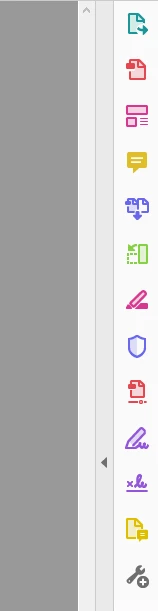
Colorful circus of icons in Tools Pane
Hi - I finally figured out the option for "Remember current state of Tools Pane". It works insomuch as now it's "hidden" every time I open a new doc, except that it's not really hidden at all. It's like a big colorful circus of icons that totally distracts my eye when I'm trying to read the document (it doesn't help that I have ADD, which causes me to get distracted easily). Can you guys please make it so:
1) The Tools Pane can be completely hidden.
2) The colorful icons are reverted back to a standard gray.
3) Maybe if anything, please fix this terrible design once and for all. Based on the amount of negative discussion around it on your forums and the web, you'd finally take care of it instead of throwing a band-aid on it with colorful icons.
Thank you!


 AdChoices