Hope you are doing well. Thank you for writing in, and sorry for the delayed response.
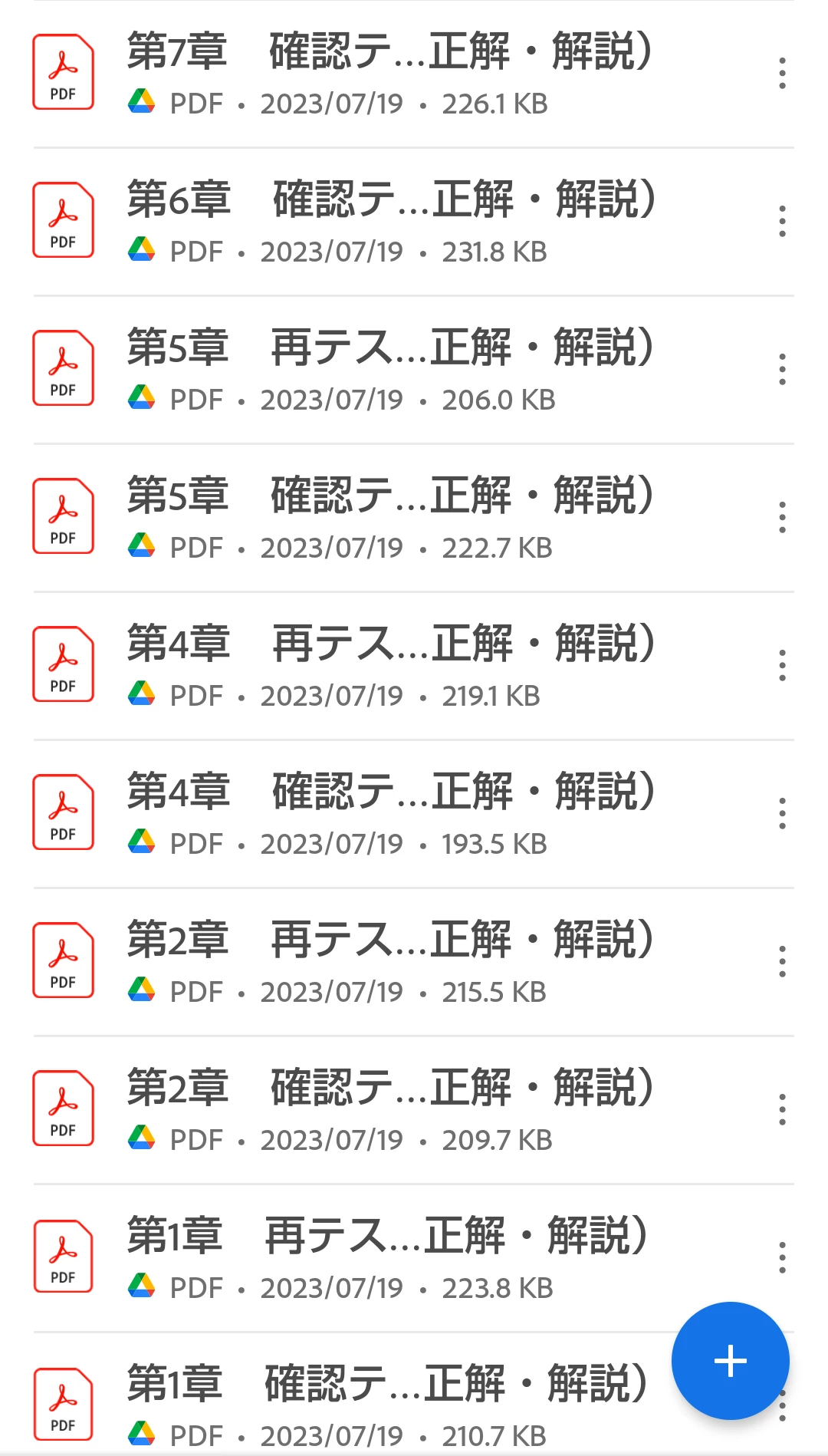
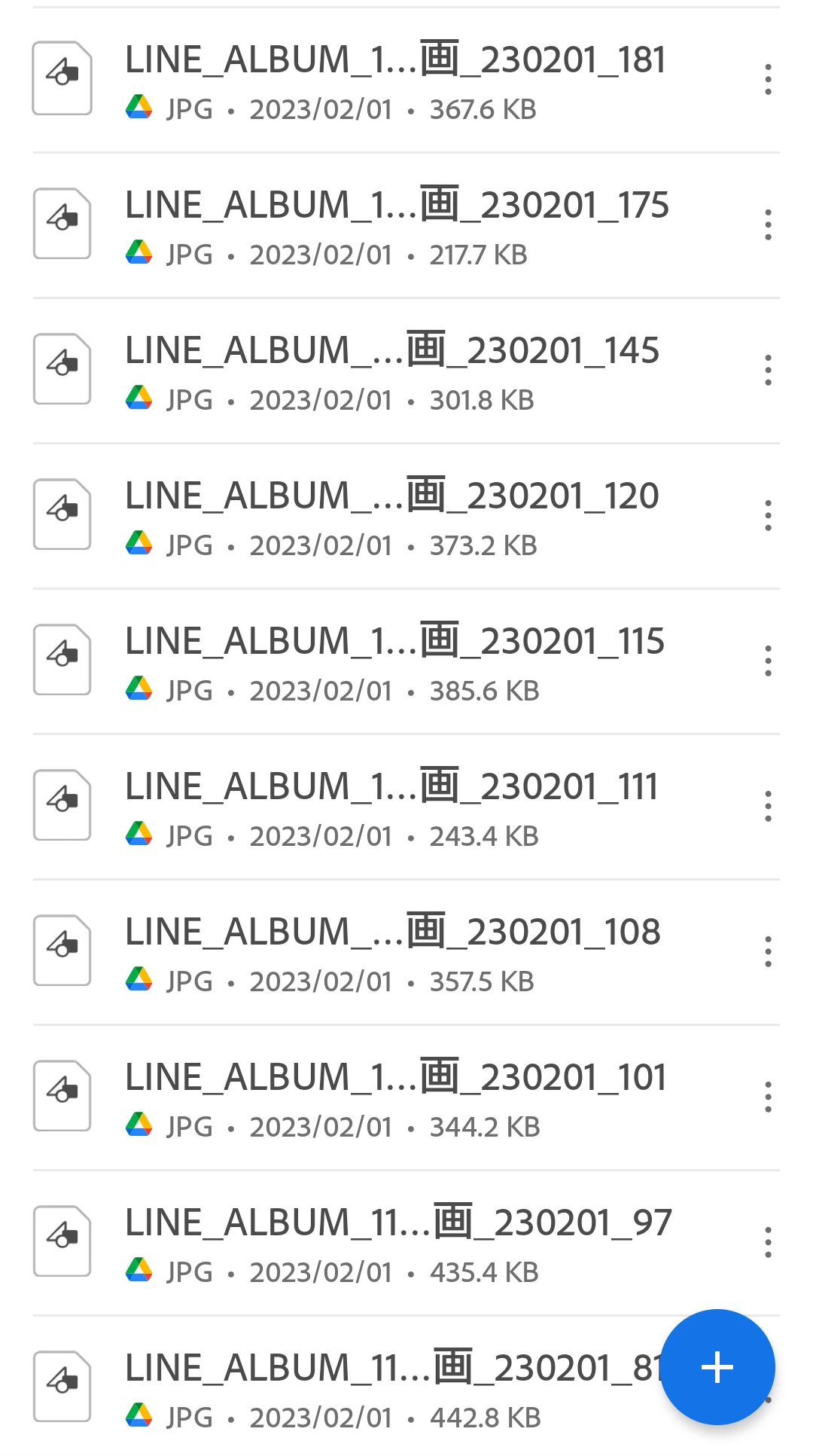
The screenshots show the recent files that have either been opened or are in your Google Drive.
If in the "My Recents" tab, you can click the three dots on the top-right-> click clear recent and the list will disappear.
If this is not the case, click the Files icon on the bottom menu-> Click on Google Drive-> click the three dots on the top-right-> click "Manage Google Accounts-> click the "minus" icon to the right of the account name, and it should disappear.




 AdChoices