Hi,
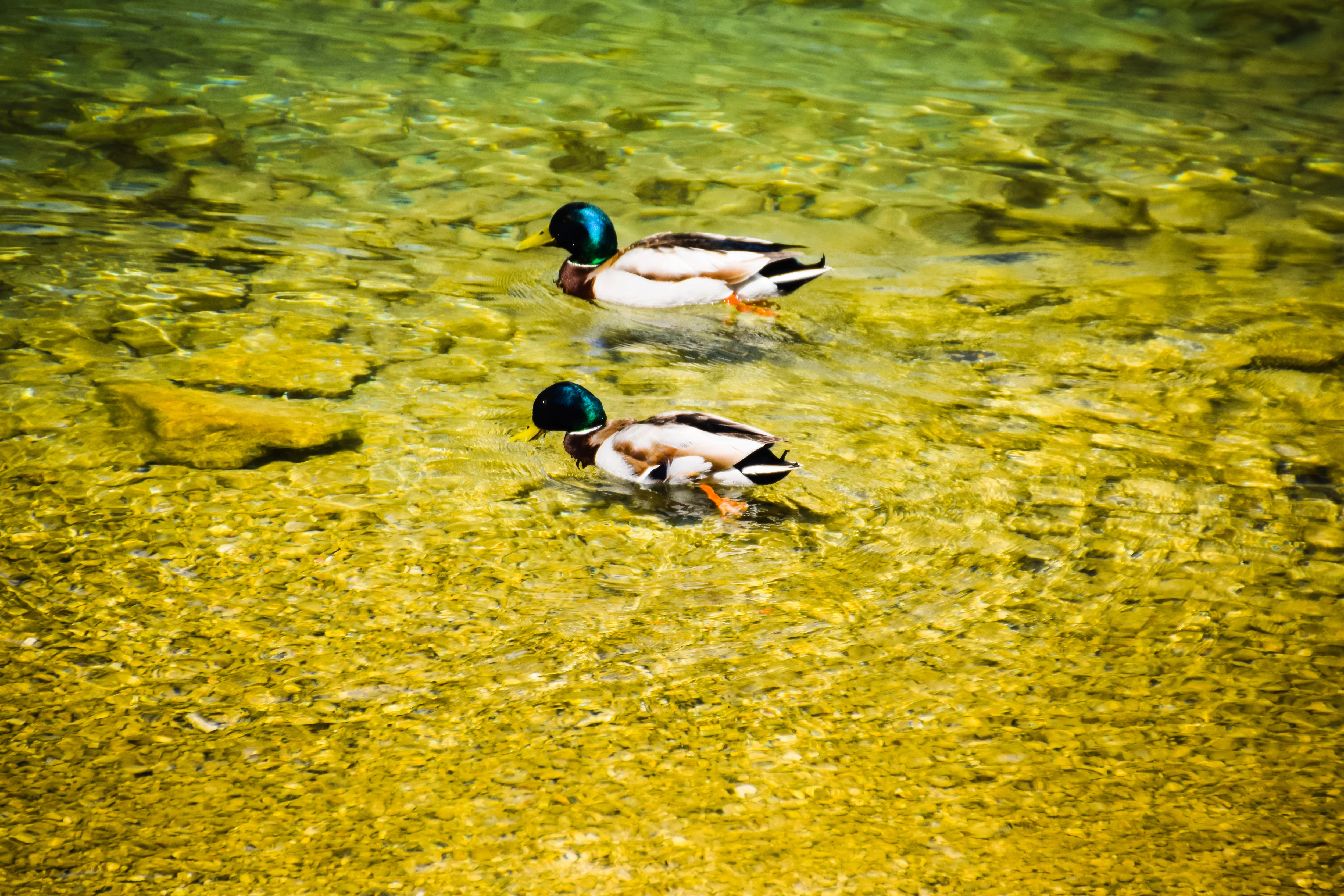
Your white balance is completely out - hence the deep yellow and green colour cast. If you use Lightroom, and took this in raw, you can fix the white balance.Otherwise, if you use Adobe Photoshop and took this in JPEG, you can use the Camera Raw Filter to make adjustments.
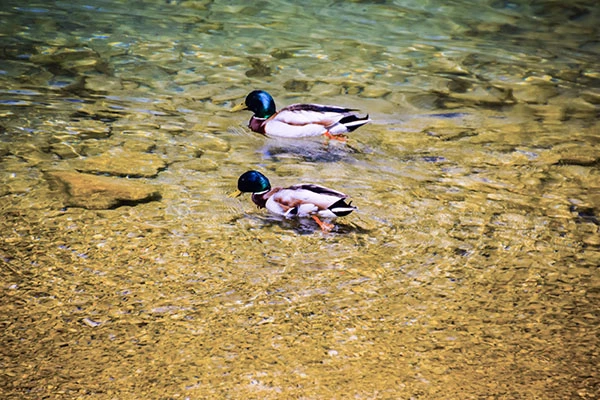
I've made a quick adjustment to show how you can get reduce the colour cast. (Decreasing the temp slider to more blue and increasing the tint slider to more magenta.) I used Camera Raw Filter, but there are other methods as well. You can also reduce the highlights a bit.However, in my personal opinion, I don't think it is worth resubmitting. There are some other problems as well, but the 'technical issues' (colour cast) are the most obvious.






 AdChoices