


Participant
Jul 20, 2021 9:07 PM UTC
Question

My .sbs file is completely empty when I try to open it with Substance Designer.

3 days ago I finished a complete graph in Substance Designer. I saved it as a .sbs as usual. I reopened it several times since.

Today I tried opening it in Substance Designer (same version) and the file is completely empty :
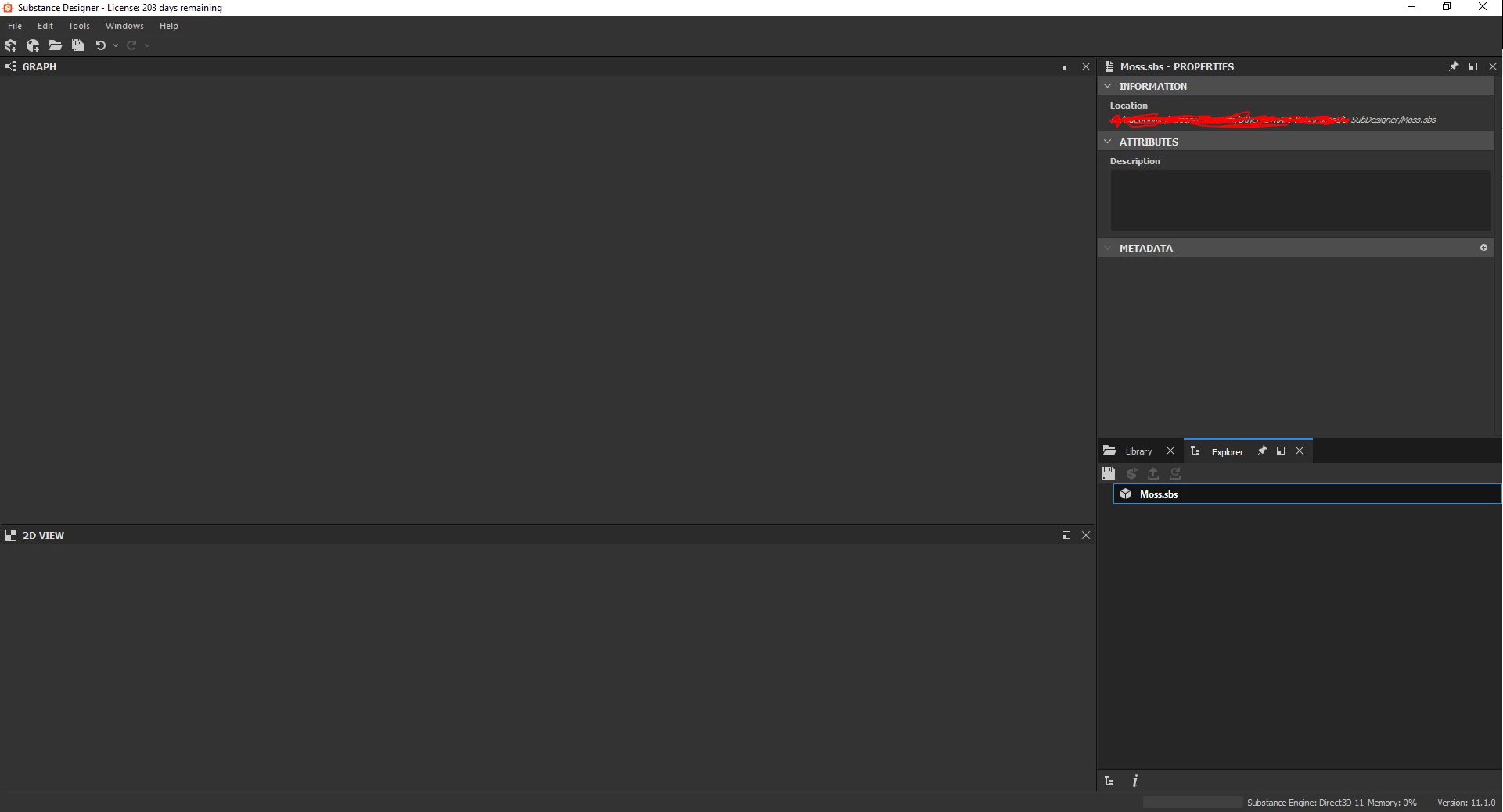
 My file explorer says the file is 1KB and that's clearly not normal. Also, I opened it yesterday, and everything was fine. I'm sure everything was fine. 

Any idea was caused this and how to solve it? That would be a real bummer if I couldn't get it back. 

Thanks in advance for any help. 

PS: I searches the internet and didn't find anything except checking if it was a .sbar file. It's not, it's a .sbs.

This topic is closed to new replies. Start a new post to keep the conversation going.

3 replies

Jeremie Noguer
Community Manager
Community Manager
Jul 20, 2021 9:53 PM UTC

Would you be able to share this file with us? Designer should also create autosave files in a .autosave folder next to your sbs.

Translate
Participant
Jul 28, 2021 4:27 PM UTC

I'm so sorry for the delay, Turned out I had a backup on my External Hard Drive (how could I even forget) so I could get it back pretty easily. 

However, for the sake of the "bug" resolution I'm going to try to add info.

There was indeed probably a good file in the .autosave folder but I had deleted it a few days prior when I was sure my substance was finished.


I do not have the original "bugged" file anymore, but I have an autosave of it and it also has no graph, exactely like the original file. I would gladly send it, but I can't attach it here because apparently .sbs files are not supported (as shown on the screenshot). If you have a workaround, I'll gladly sent that autosave file - if it's even useful since it's not the original.


Translate
Luca Giarrizzo
Community Manager
Community Manager
Jul 29, 2021 7:26 AM UTC

Hello,


For Substance 3D files (SBS), add the .xml extension to the filename, like so: <your_file>.sbs.xml

XML is a supported file attachment, and SBS files use the XML format. This will make it possible to send out your file without compromising its data.


Best regards.


Translate
Luca Giarrizzo | Quality Engineer - Substance 3D Designer | Adobe