


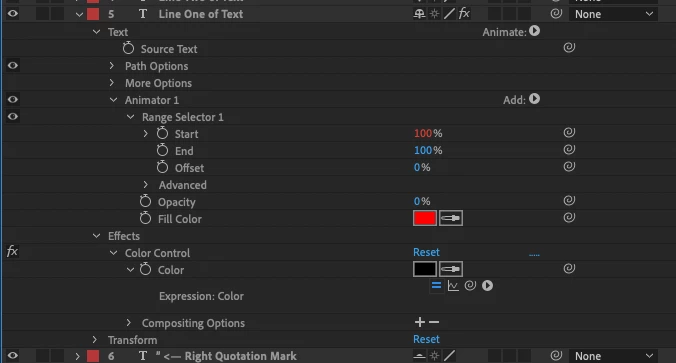
Can't change/animate the colour of my text objects (I need Opacity set to 0% for the Range Selector animation to work)
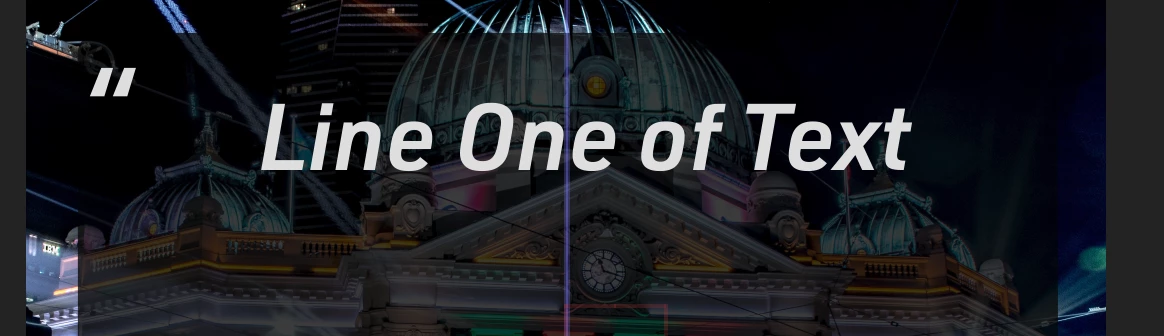
I have text running out by character left to right in the standard way shown in many tutorials.
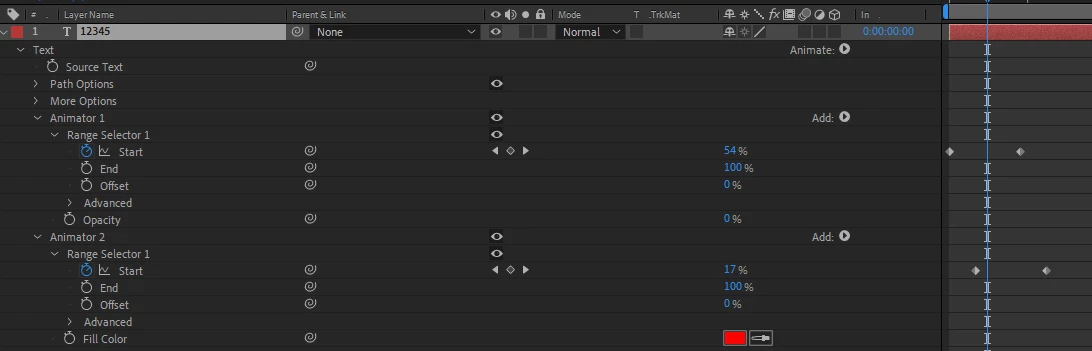
In order to set the start at 0% then interpolate it to 100% you have to have the Opacity property set to 0% (or you see all the text as soon as the layer comes on).
But in order to set the text colour (with an expression I might add not using the AE User Interface) I need the Opacity up higher.
There must be an answer but it isn't obvious to me. I can use expressions and a slider mapping to an RGB colour effect set of keys to do it on text layers I aren't animating and it works fine using:
thisComp.layer("[CONTROLS]").effect("Quote Mark Colours")("Color").key(thisComp.layer("[CONTROLS]").effect("Quote Mark Colour")("Slider"));
I tried adding a RGB Color Effect to the layer but it does nothing when I change it's color manually or programatically. I have an expression controlling the time of these layers in the Start property of the Range selector. It's not strictly relevant but it's complicated and I need it to stay as is (or functionally equivalent).
 AdChoices