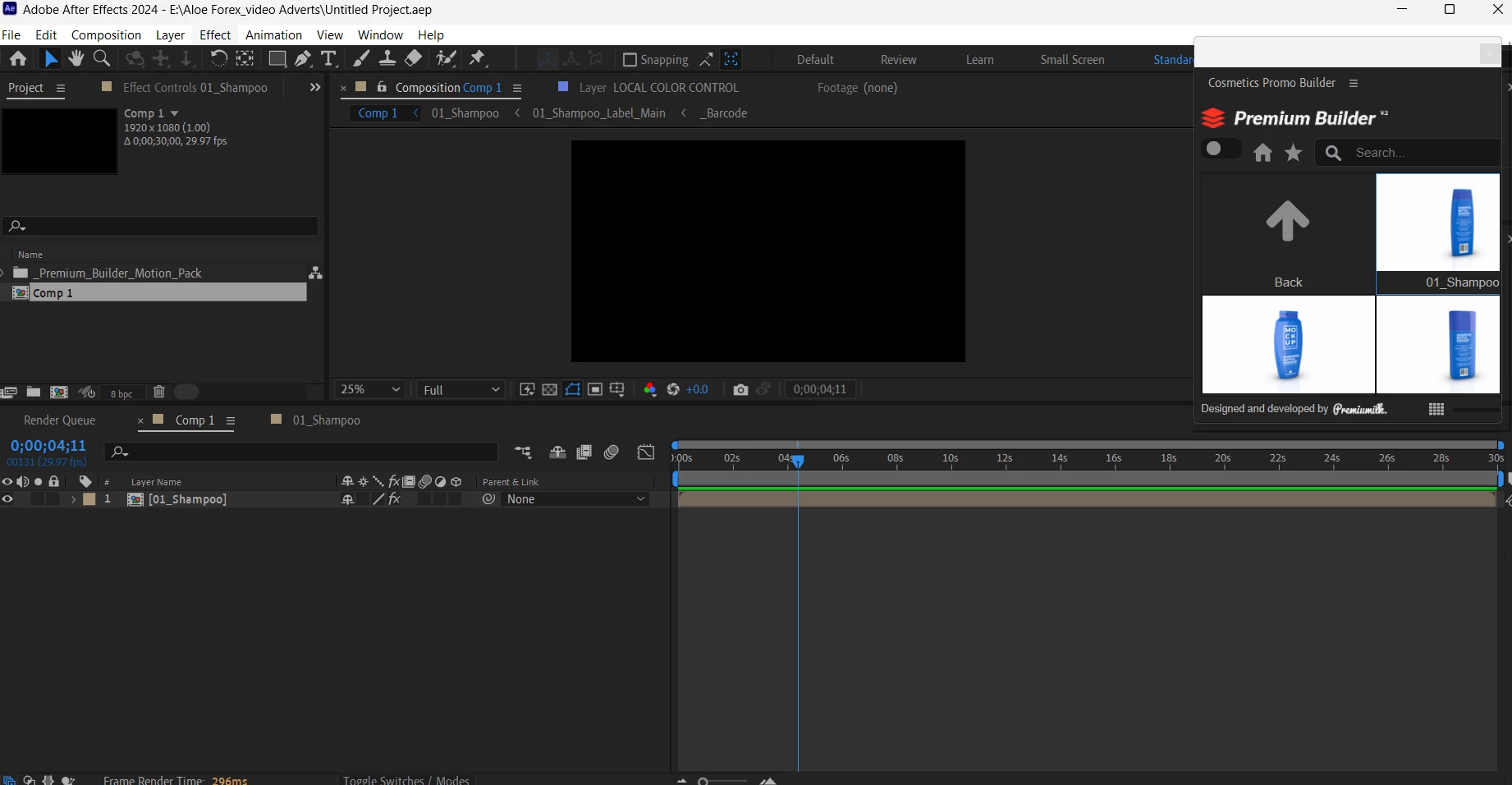
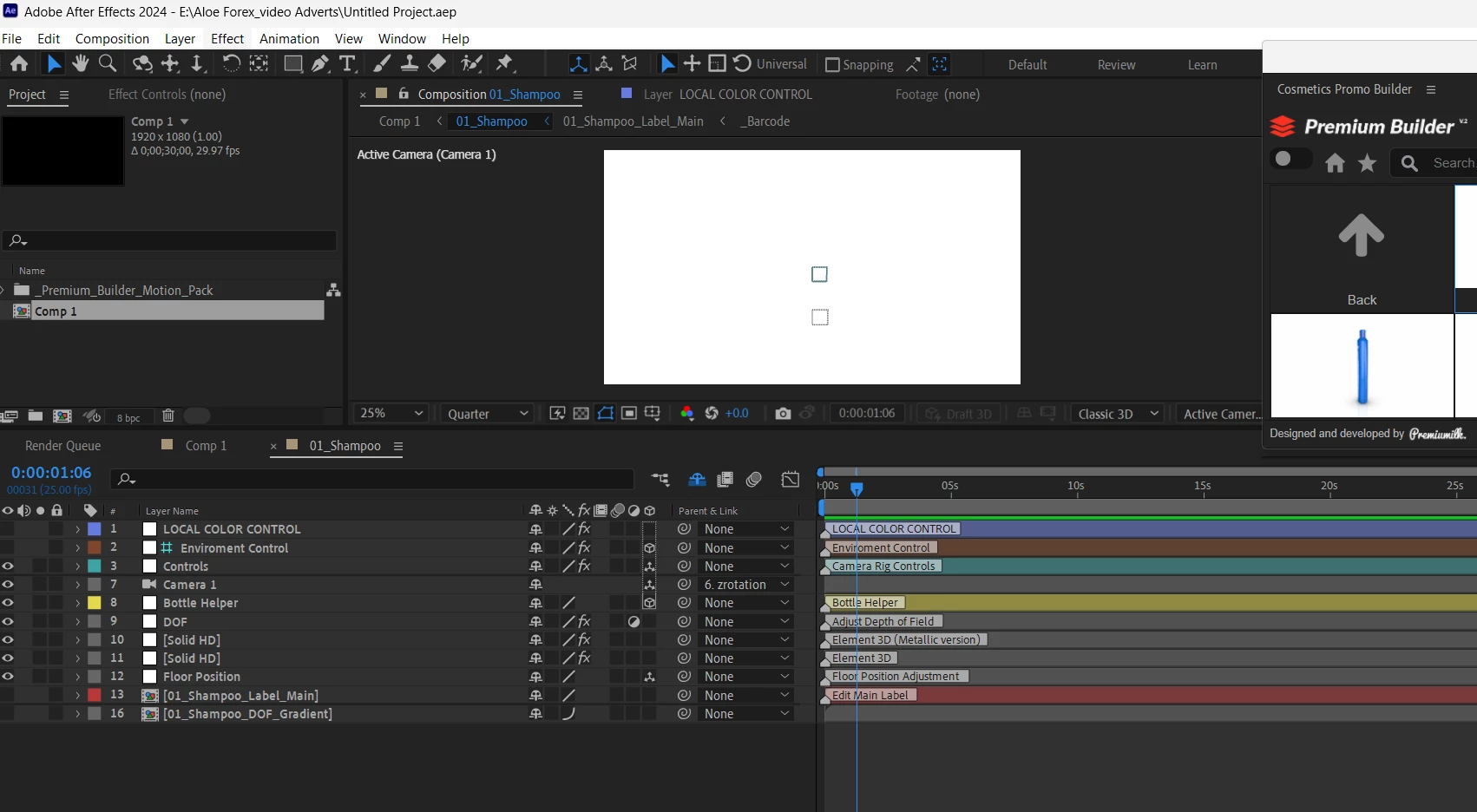
Looks like you're using Element3D. When the textures are too large for your GPU to process, Element renders black. Try downscaling the images in Photoshop and see if that solves it.
At first, when I saw your reply I thought "neat! Adobe have included some 3D objects to experiment with" but I've just looked on my C Drive and I don't have a Cosmetics_Promo_Builder folder in extensions. A quick Google suggests these folders have come from a template by Pixamins which is a set of templates for Element 3D.
I don't know how this template has been put together but my guess is still that your GPU. I did find this older document on Video Copilot which lists compatible GPUs ( I see you have an Intel ) https://www.videocopilot.net/assets/public/misc/Element-GPUs.pdf
Right at the top in red it says Element is not compatible with Intel.
It might be worth reaching out to Video Copilot to confirm or the template creator. They may be able to supply the OBJ files for animation directly in After Effects.



 AdChoices