


解決済み
Captivate 8 - Responsive Project and Text Inside of Buttons
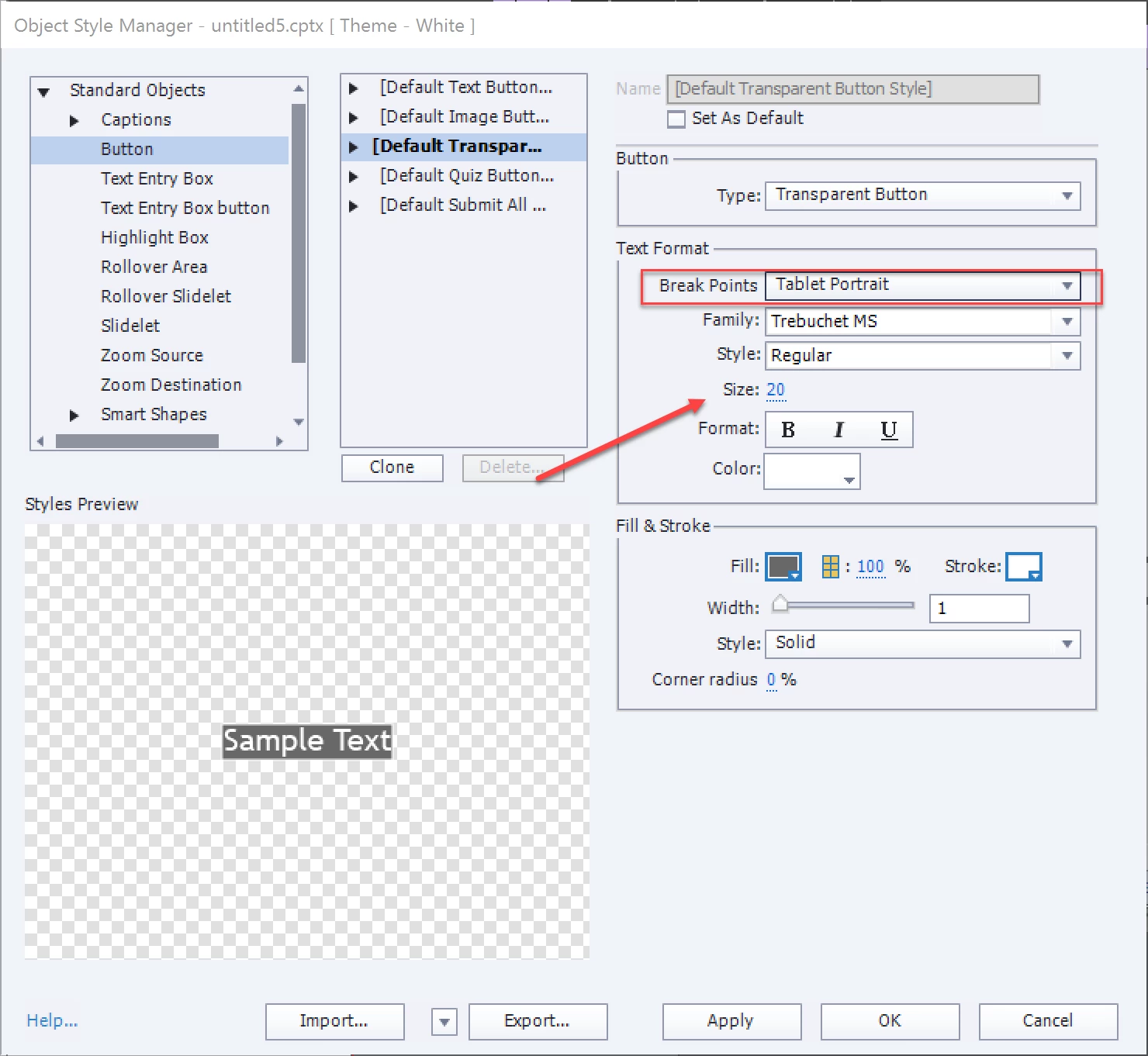
I want to have text inside my buttons and I want that text to size DOWN when I view those in a mobile device.
Yet when I click on the TABLET icon or the MOBILE icon at the top of my screen, my button sizes shrink but the text does not.
Tried it with Interactions/buttons and tried it with Shapes/rectangles. The text did not adjust for the screen size in either case.
What's a good solution to this problem?
 AdChoices