Participating Frequently
May 6, 2022
Answered

Rigging issues help pls! head moves along with the rest of body, torso looks like its pinned 2 somet

  • May 6, 2022
  • 1 reply
  • 759 views

I have problems with the neck as the head moves along with the rest of the body...
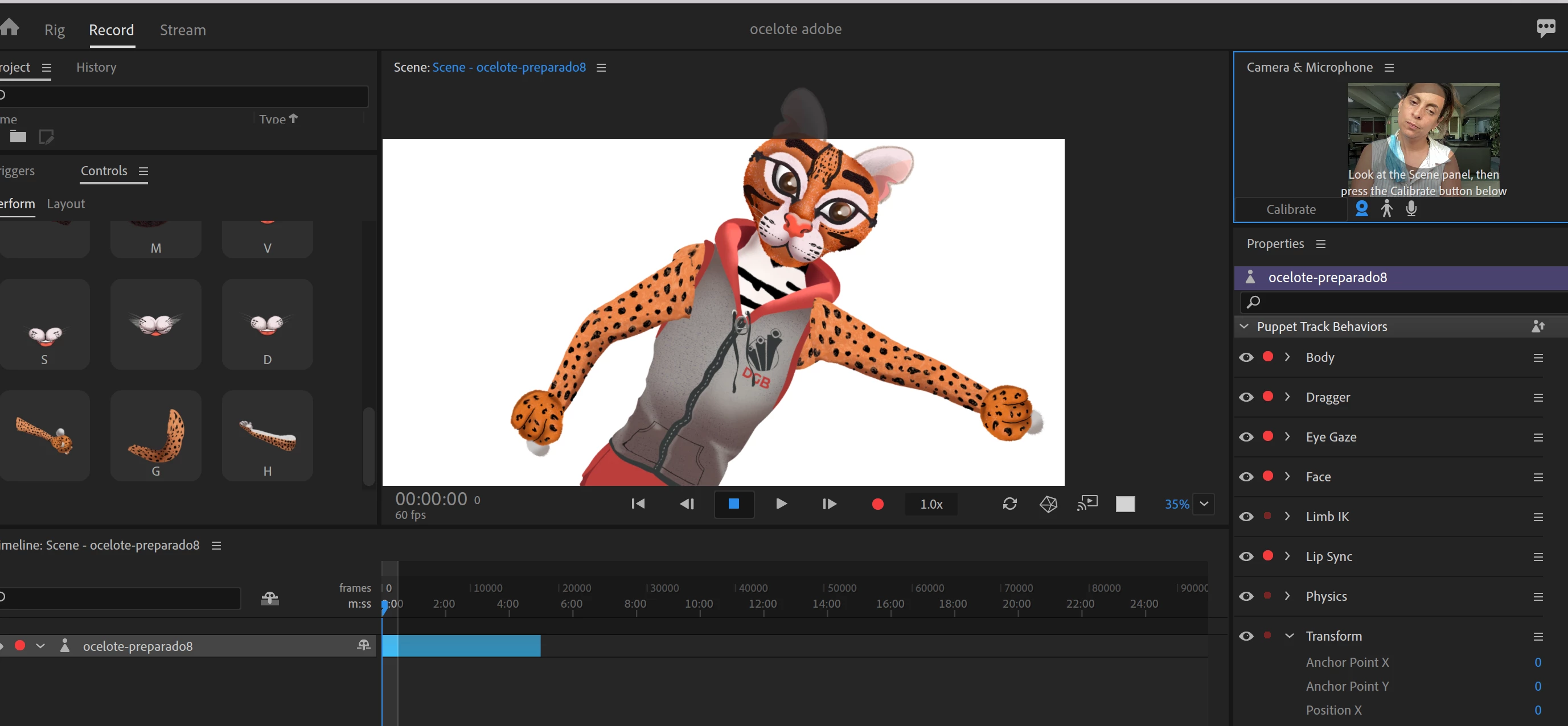
 the puppet seems suffer some deformations when i start moving...
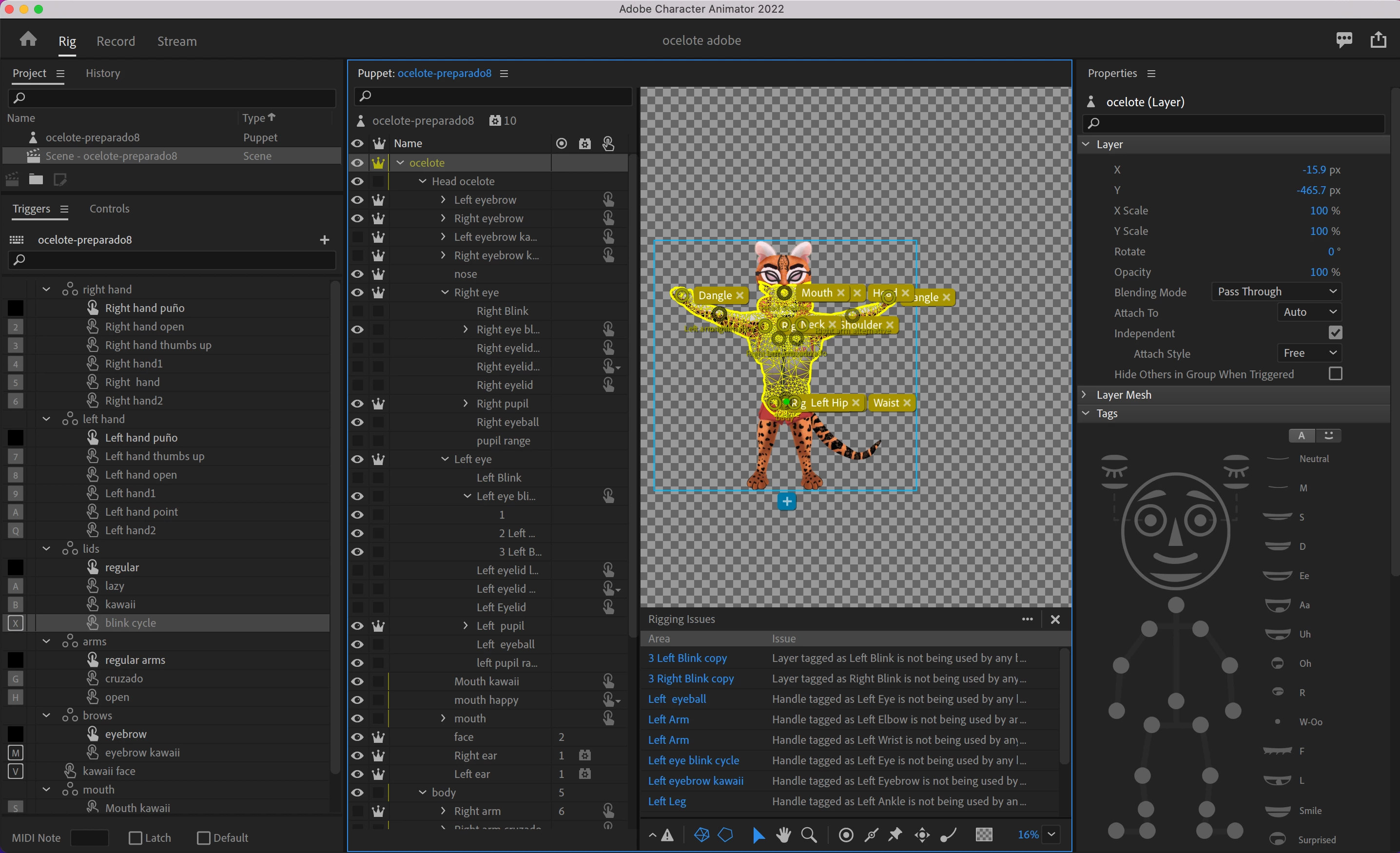
 here is how it´s rigged...
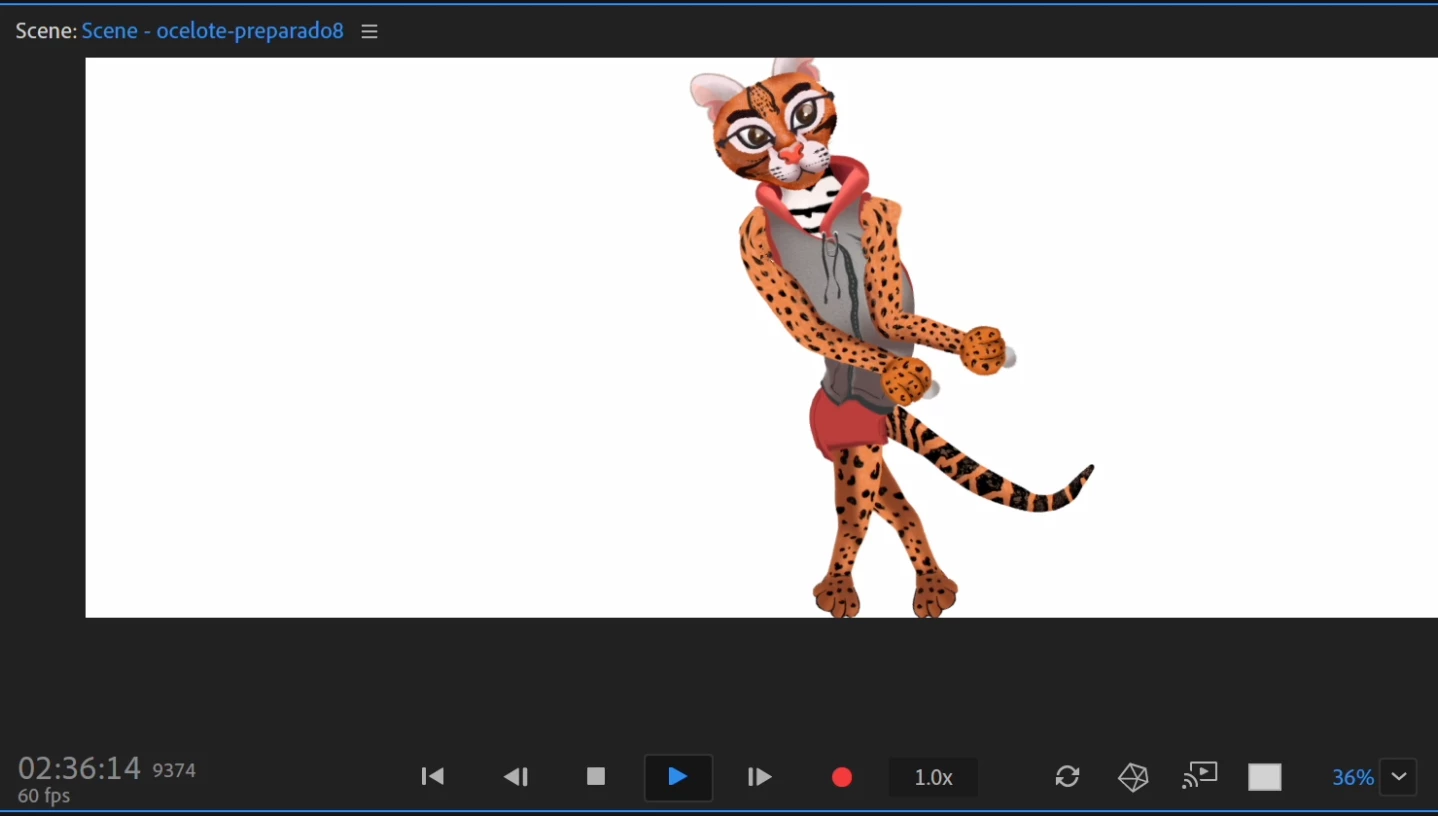
 

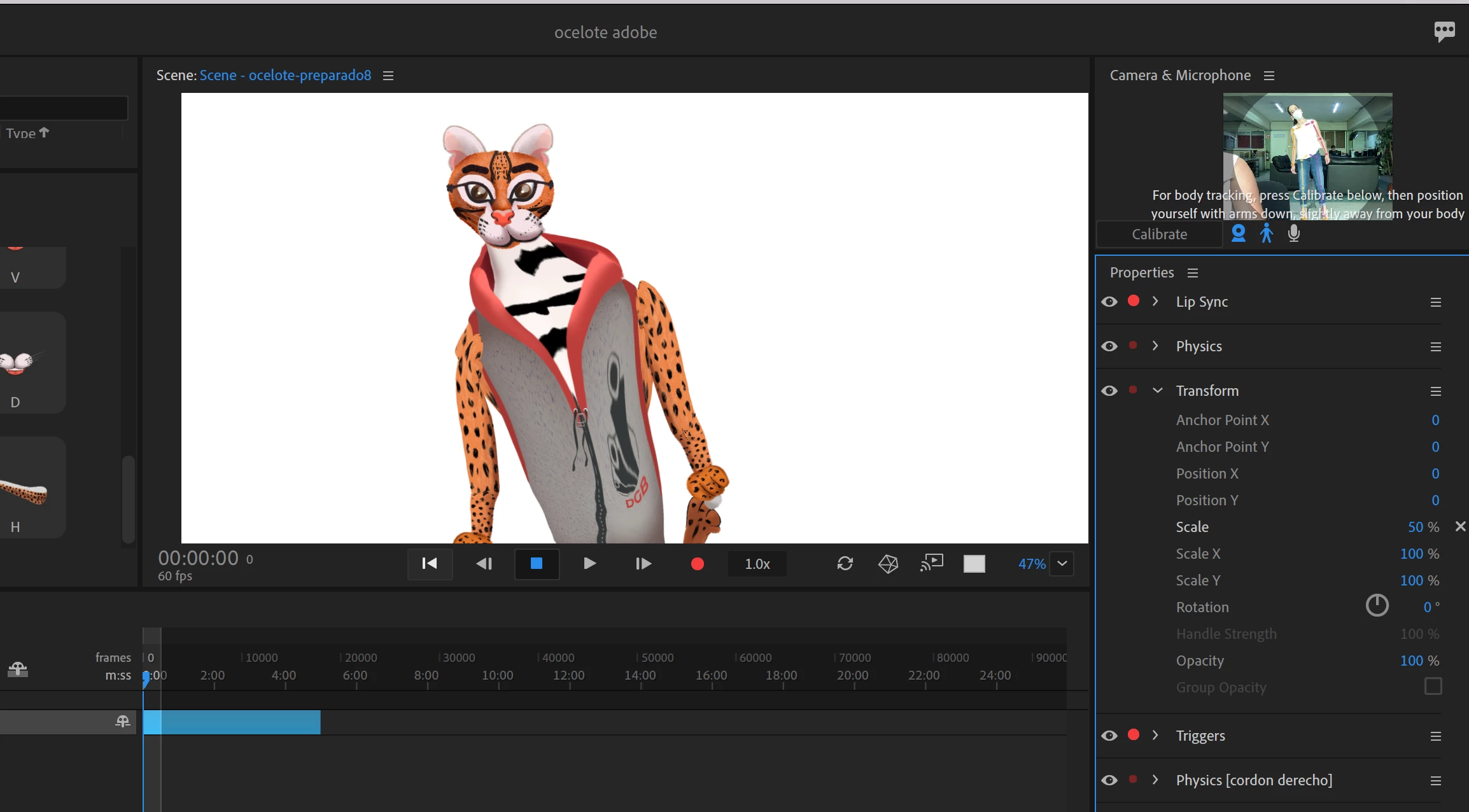
When I use the full body camera there is a lot of jittering and the torso appears to have been pinned to the background. Ive have already played with independence with different parts of the body and I have even turned on face time because it said in the forum that it improved mobility I have also changed the scene settings and Im recording at 60 f per sec. Legs, arms, tail and face are independent as well as the zipper from the sweat shirt to be able to add some dangle to it.


Last but not least. Ive noticed that the puppets from adobe dont get deformed when you get close to the camera or leave the scene but mine does.
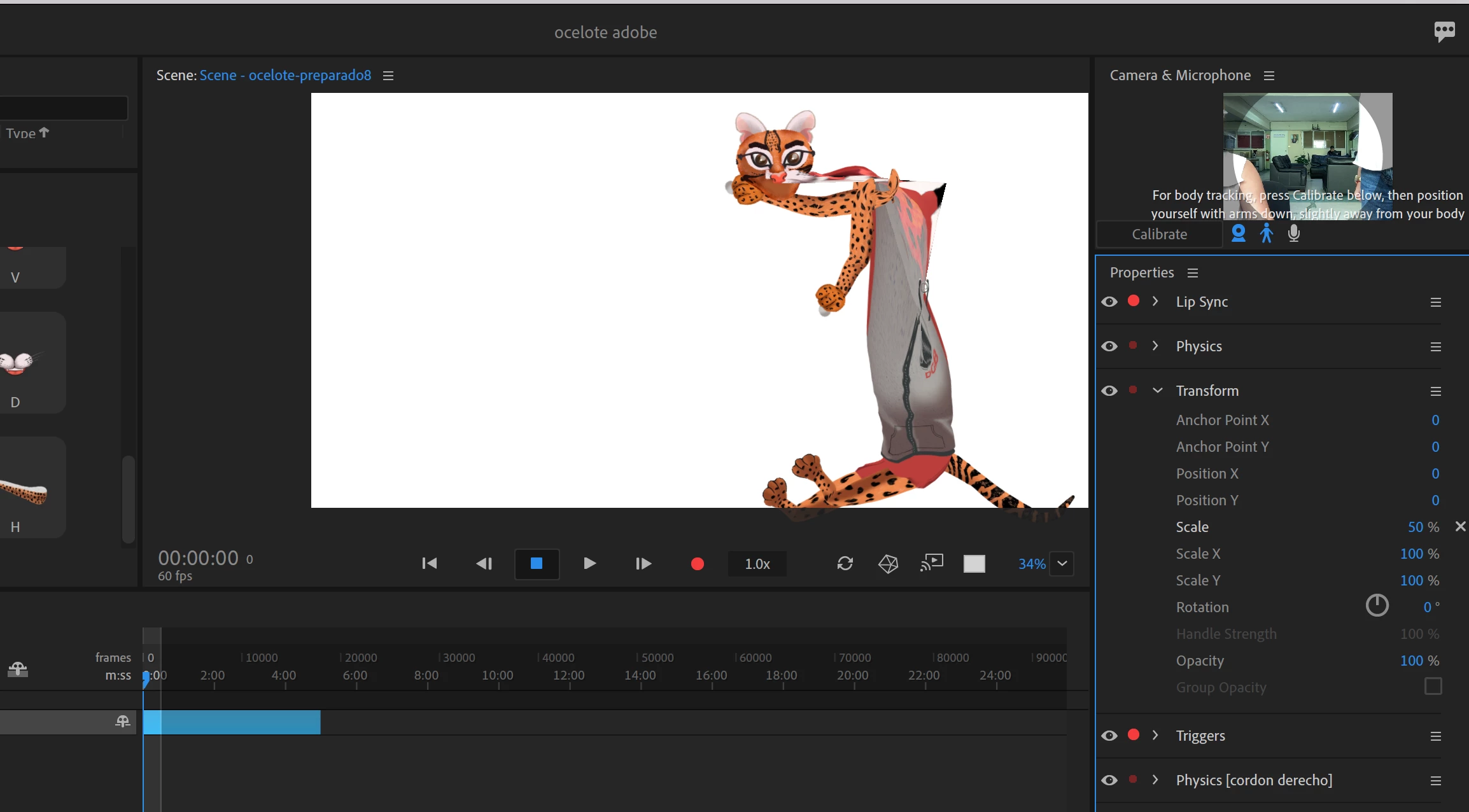
 

Any ideas on how to solve it???

This topic has been closed for replies.
Correct answer TheOriginalGC
Hi,
Here is the link of my puppet!!

https://drive.google.com/drive/folders/1XCPPn46-syM-VsjZIBcZIvvQZkCJxoKP?usp=sharing

I noticed that you have alternate parts for the eyebrows, Eyelids, arms and so on. I am assuming that you want to use those for swap sets and if so, they are not set up correctly. There can only be one blank, root layer for each of those parts, with all of the swap parts inside that folder. So for the left arm, you need one master layer for the left arm, with left arm, left arm cruzado, and left arm alternative inside that folder. Otherwise, character animator gets very confused with all of the parts sitting on the same layer. Even if they're hidden, character animator sees those layers and gets confused. Removing the confusion is the first step to getting the program to work properly.


To get body tracking to work best, you'll need good lighting and an uncluttered background. Do what you can to clean up the background or hang up a sheet so that the program can easily see your motions.

1 reply

TheOriginalGC
Community Expert
Community Expert
May 6, 2022

I'm trying to get a better look at the rigging hierarchy in the images that you posted, but all I'm seeing is a blank screen. I do not know why that is. Without knowing what's going on, all I can suggest is to check the independence of your head and body layers. Those should not be independent.

alank99101739
Legend
May 6, 2022

It's like the forum software is broken - I cannot view the rigging hierarchy either. Tap to expand and it does not show the image.