Thank you for your post, @Incredible_perfectionf4bf.
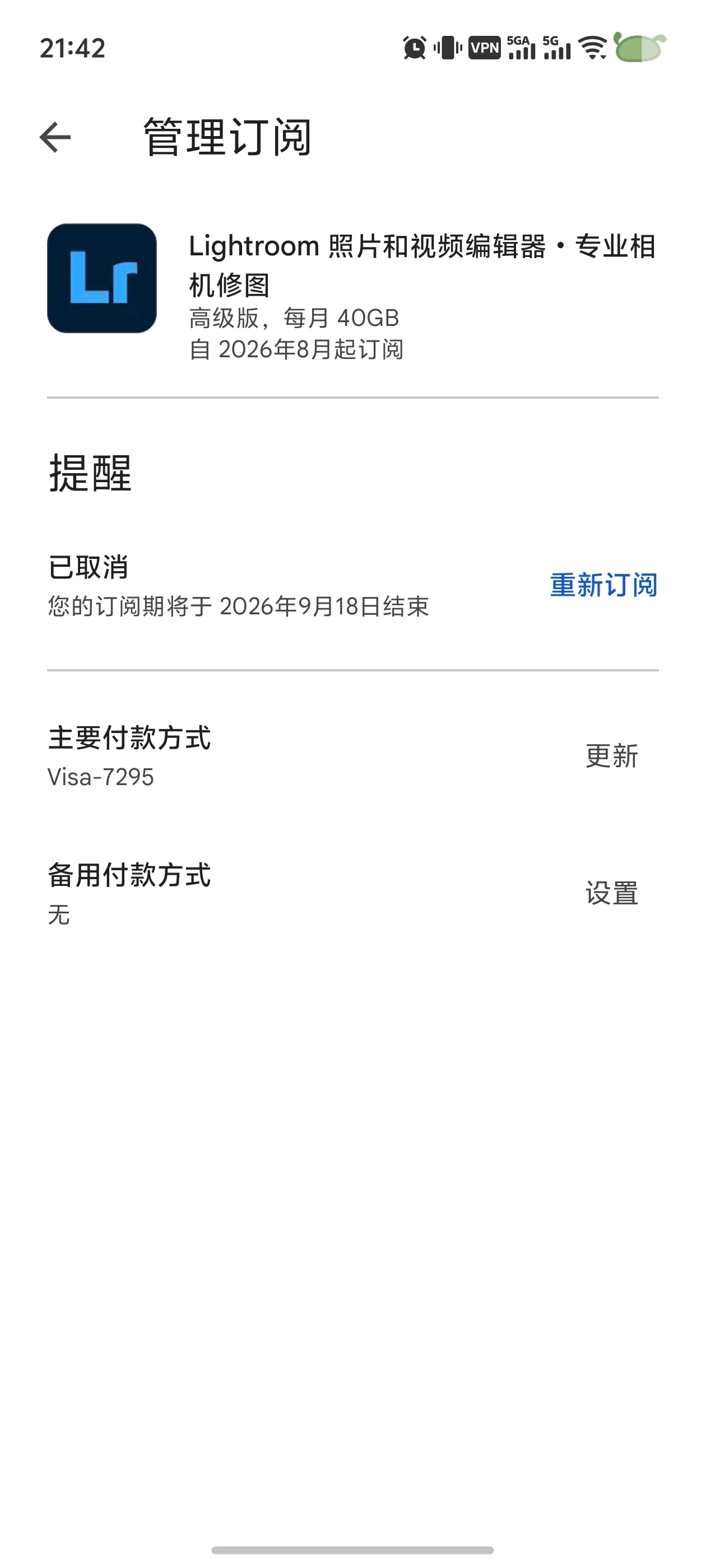
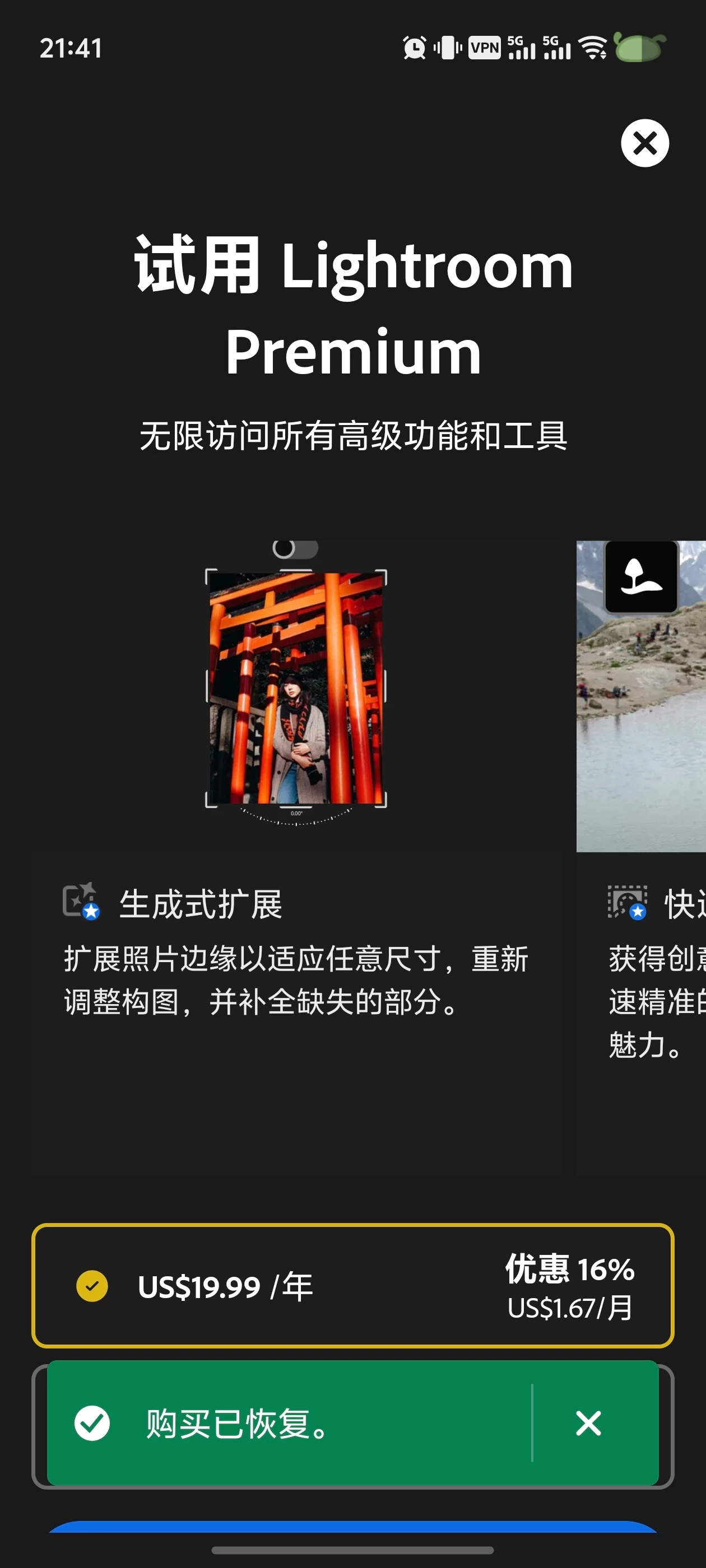
I understand how frustrating this must be, especially when Google Play shows your subscription as active, but the app still displays a subscription prompt, and the Restore Purchase option doesn't resolve the issue.
I reviewed the Adobe account associated with your community profile and found no active subscriptions or recent transactions. This can sometimes occur when the Adobe account currently signed in to the app differs from the account originally linked to the Google Play purchase.
As a first step, please verify that you're signed in with the same Adobe account used when the subscription was purchased. If you're unsure which Adobe account was used, this article explains how to locate it using Adobe's account recovery tools:
Can’t find an Adobe account with your email address
If the Google Play subscription is still active and you're signed in with the correct Adobe account, please let us know which Adobe application you're using so the community can provide more targeted guidance.
Please update this public discussion thread if you have any additional questions, @Incredible_perfectionf4bf.




 AdChoices