
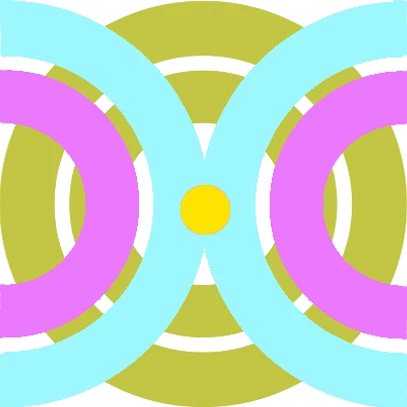



Hi. I'm new to Dimension. I installed it today and did a few tutorials, and now I am trying to overlay a graphic on a sphere model. The graphic is my own file that I made in Photoshop. It is a png file. I'm following what sure seems like the right menu path, but nothing happens. Here are the steps I'm taking. Would really appreciate hearing what I'm missing! 1.) I have my sphere model file open, and I select the sphere.2.) On the toolbar, I hover over the + sign and see a bubble message that says "Add and Import Content." Sounds like what I want to do, so I click it.3.) On the menu that appears, I click "Import Your Content" and then "Place Graphic on Model".4.) A dialog opens where I can navigate to my graphic file and I do that, and double-click.5.) The dialog closes and I see a spinning blue circle for a little while--then nothing. I never see any change, and I don't see my graphic either on the model or imported into my library. Whaaaat am I missing?