

Participant
December 15, 2022
質問

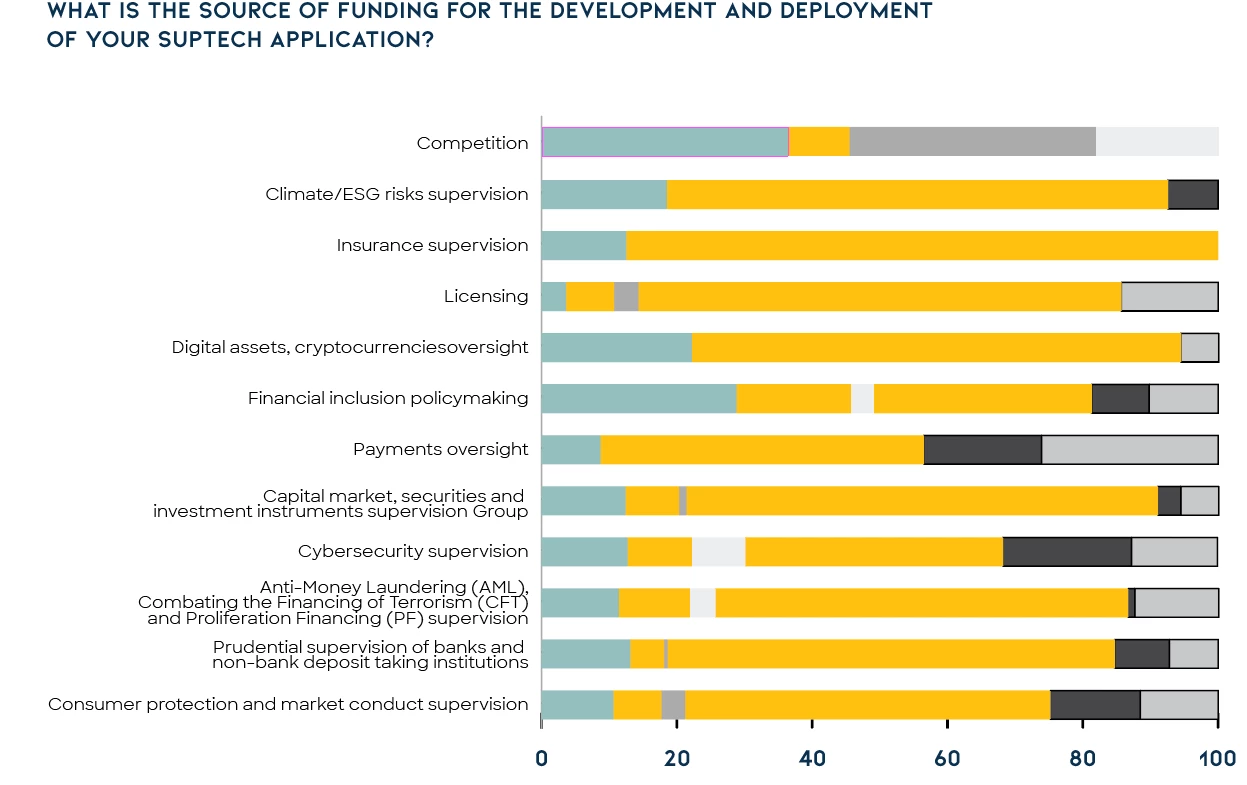
How to show percentage on top of the graph?
  • December 15, 2022
  • 返信数 1.
  • 762 ビュー


I would like the show the precentage on top of the graph instead of typing manually, any way can do it? Thx

このトピックへの返信は締め切られました。

返信数 1

Monika Gause
Community Expert
Community Expert
December 15, 2022

And the values in the data table are already the percentages?

In that case: create your own custom graph design.

Here's a video: https://www.youtube.com/watch?v=P66sEGEqYbI

For those horizontal bars, you have to rotate the design 90° before creating the graph design in Illustrator.

Participant
December 15, 2022

No, I have to keep them horizontal, not rotate the design 90°, any other way?

Monika Gause
Community Expert
Community Expert
December 15, 2022

You only have to rotate the design itself, then create it in the upright position. Then you can apply it to the horizontal bars.


As for the percentage sign: You have to make an additional text object that has just the percentage sign. Align the actual value to the right and the percentage sign to the left and then put them into the graph design