



Illustrator 2019/2020 Menu Flyouts stuck in left corner of the screen on Windows 10 machine
This is a work stopage issue for me. I am on Windows Enterprise 10 Build 17763. I was running Adobe Illustrator Version 23.0.3 for compatibility of our custom upload apps.
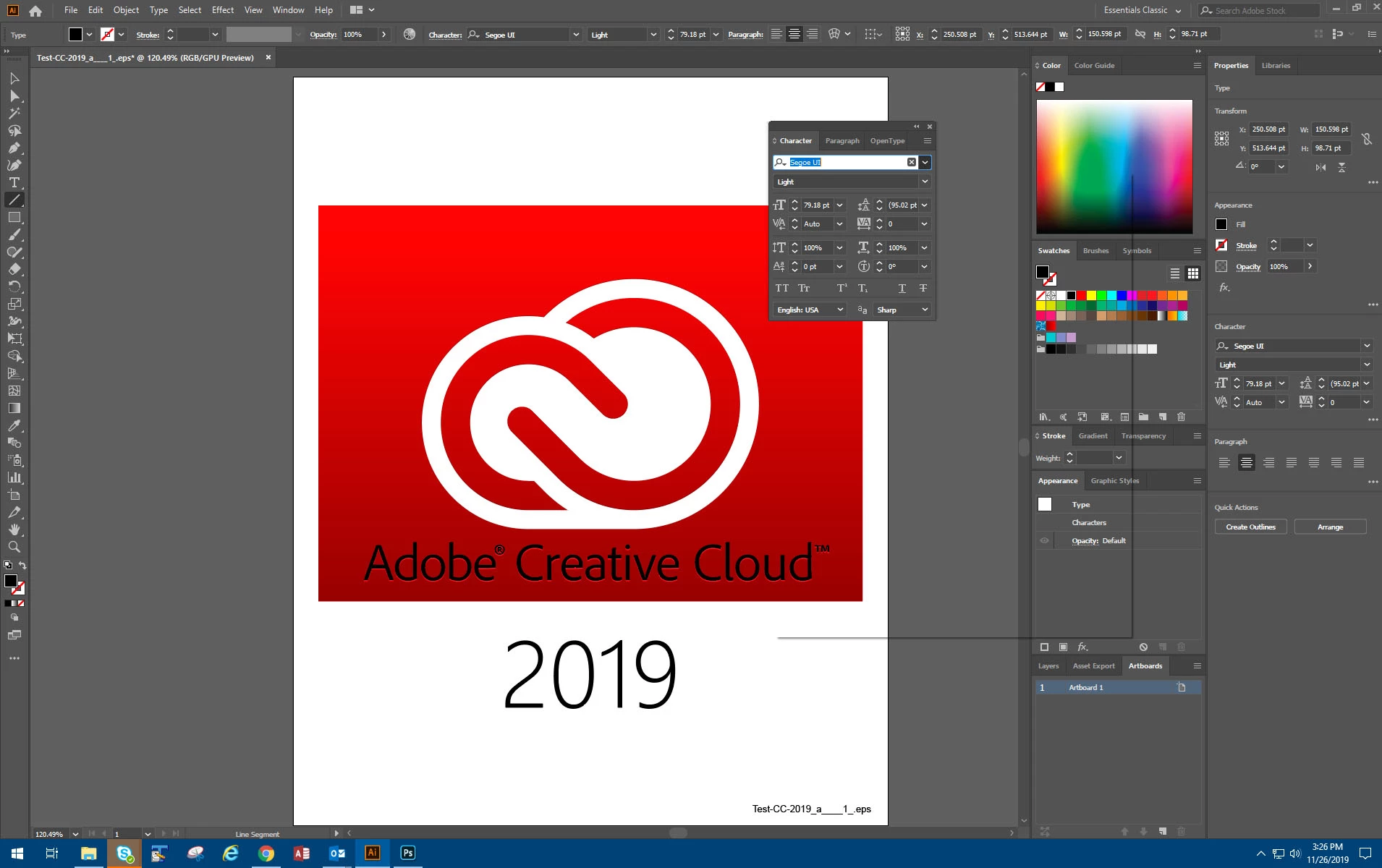
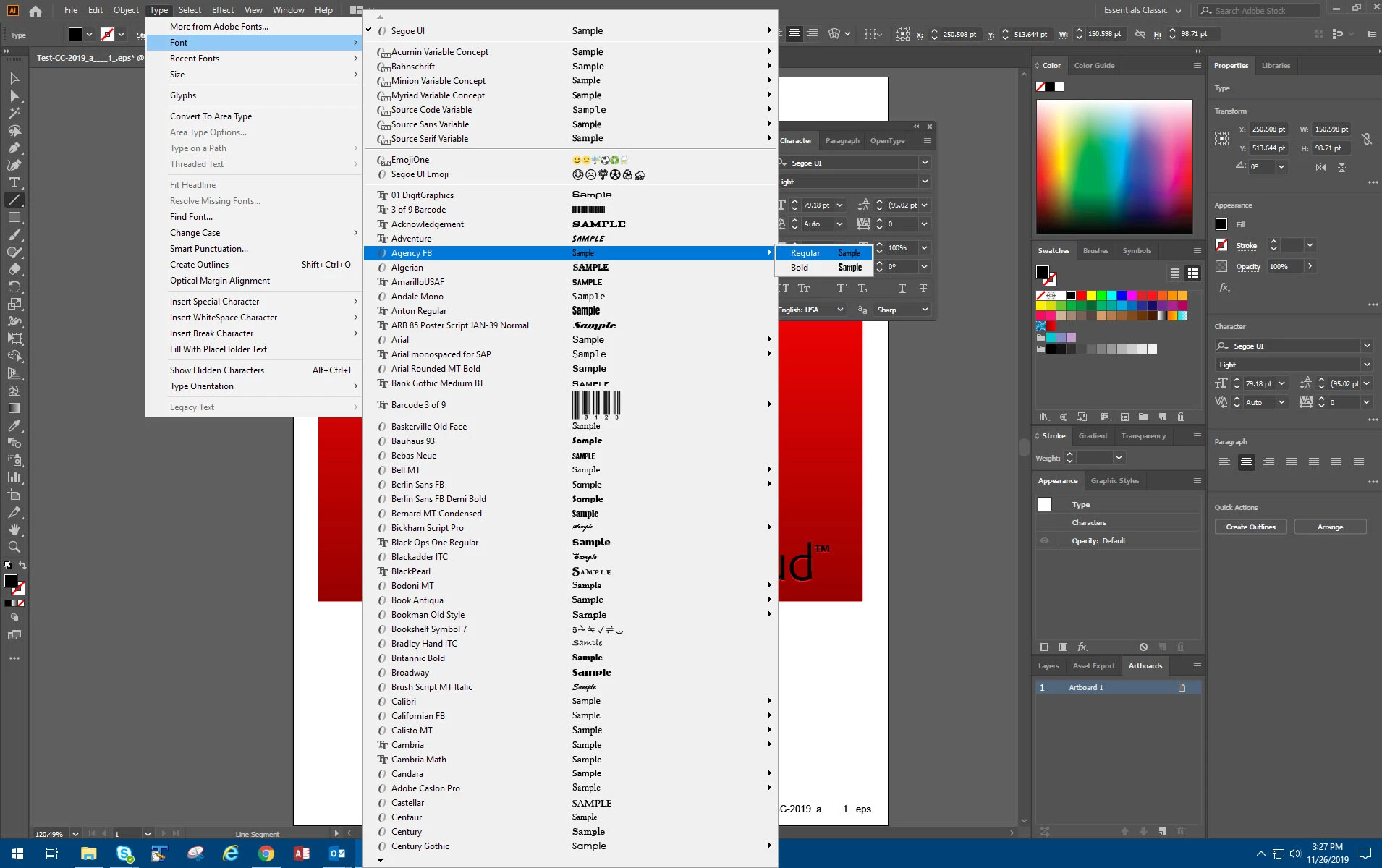
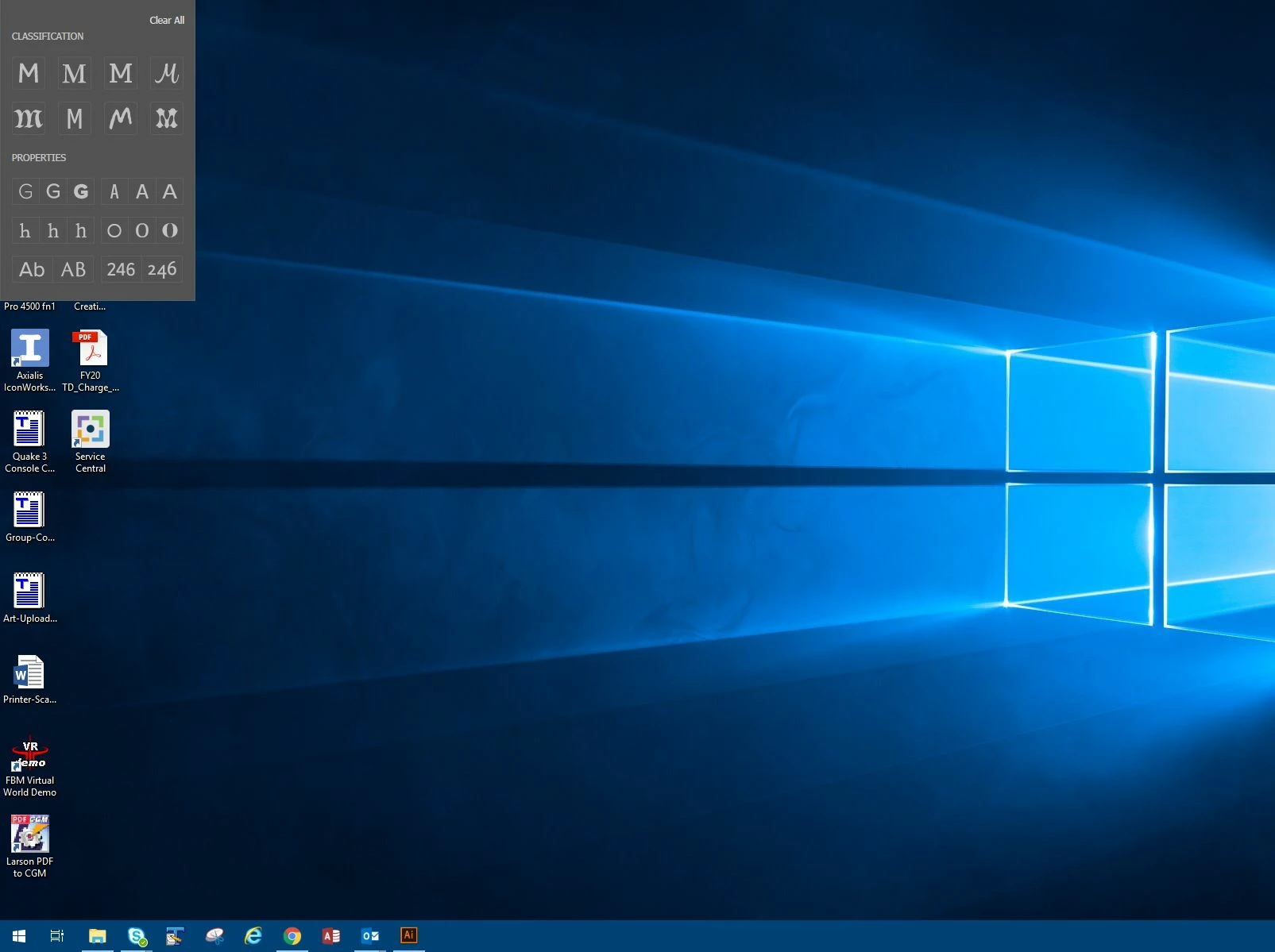
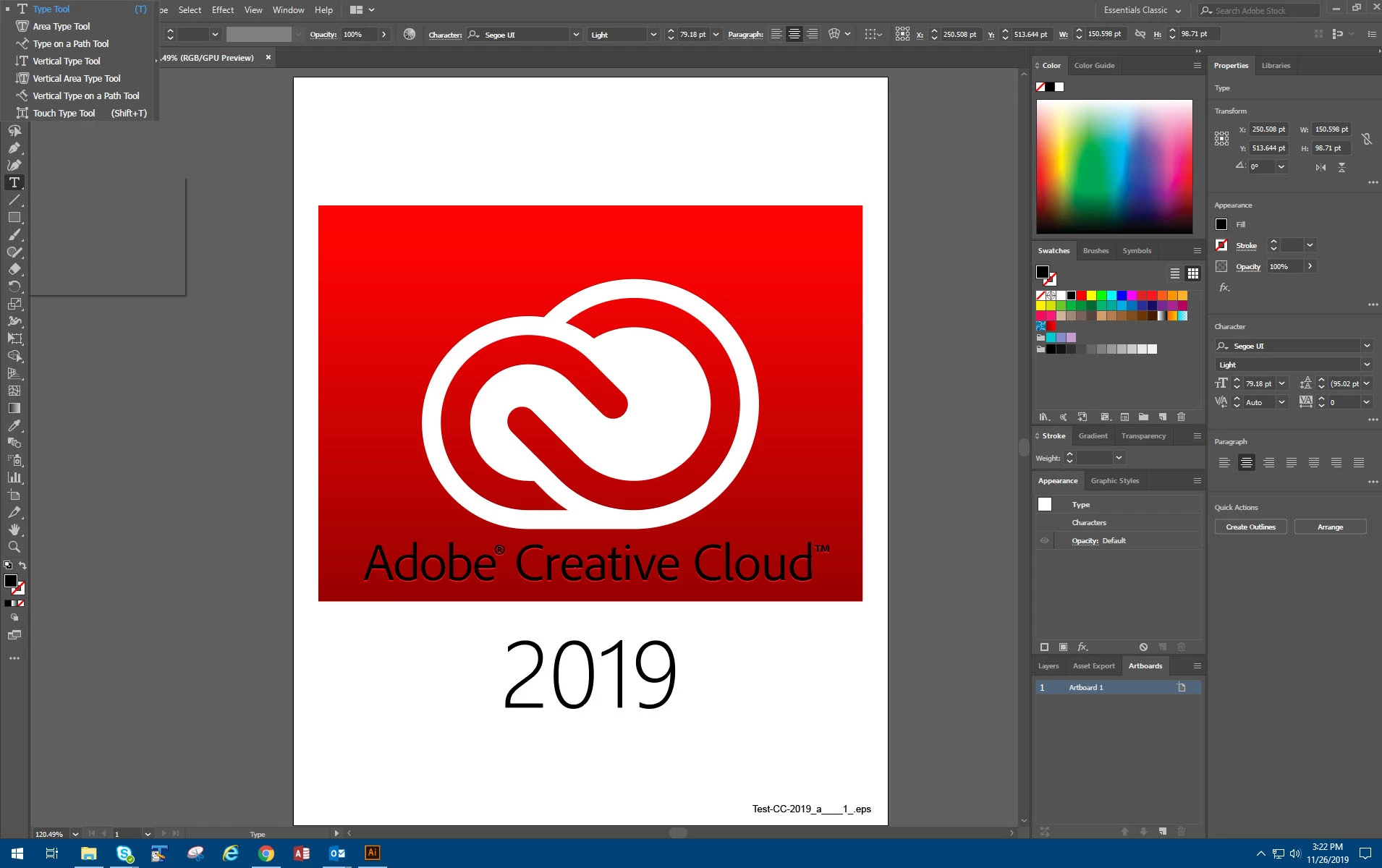
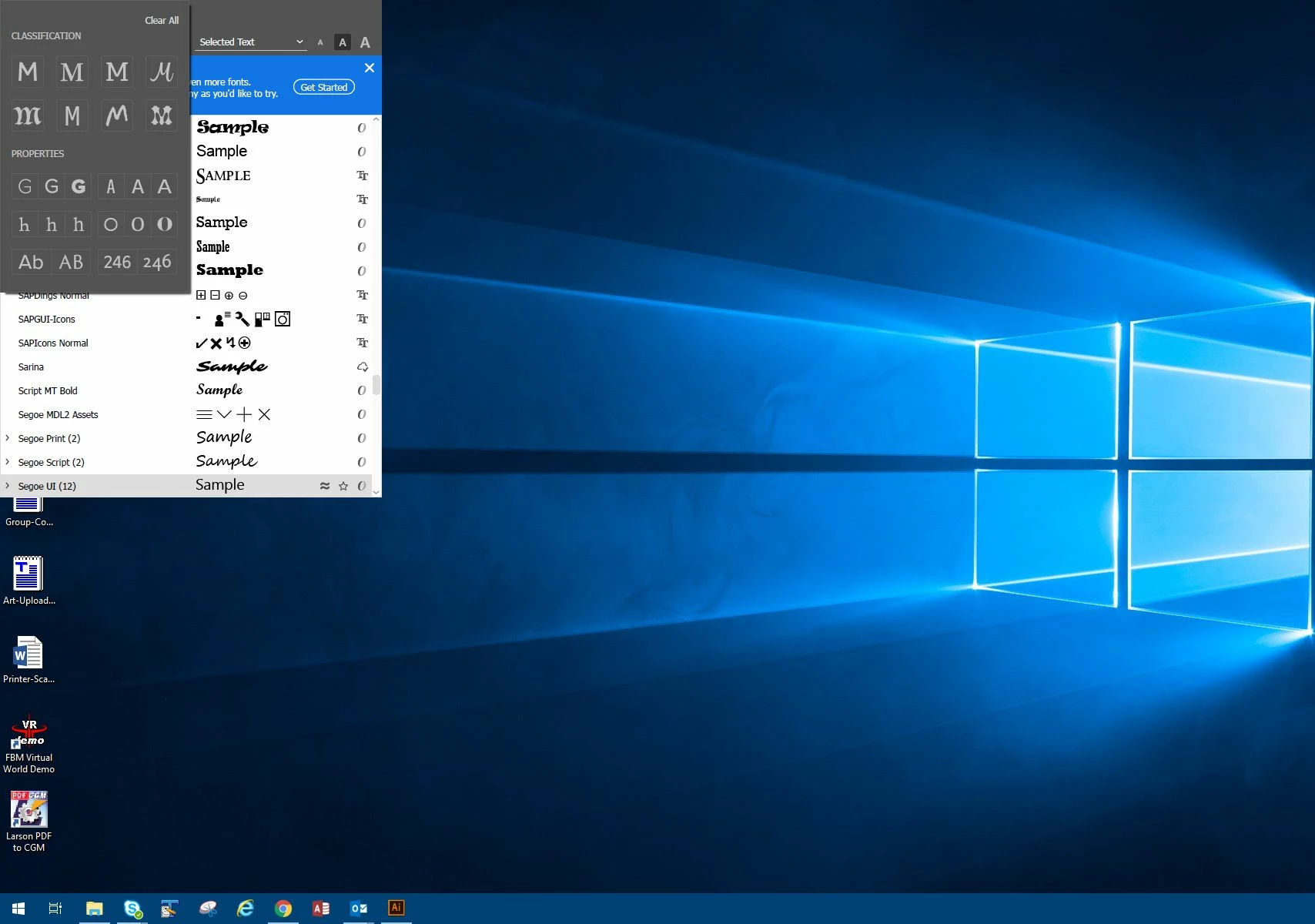
For the past two days when I open Illustrator right before the splash screen loads the font filter menu appears stuck at the uppper left of my screen, When I open a file and access the flyout menus for the pen tool and shape tool among others, the menus instead of appearing next to the appropriate tool, appear at the top left of the screen.
I've tried resetting Illustrator and deleting the Illustrator prefs file. Nothing worked so today I decided to uninstall and reinstall Illustrator and Photoshop (for other reasons). Now the Adobe CC app gives me no option to install those two previous versions even when I look at the "Other versions" list.
Contacting Adobe support did not help since they sent me download links to the wrong versions too.
I ended up installing the latest version (Illustrator v24.0)
It still has the issue with the menus in the wrong place and stuck there until I click off screen. I can't do any work until I get this fixed.
Any ideas would be greatly apprciated.
{Renamed by MOD}


 AdChoices