


Participant
April 5, 2024
Question

Pattern issue

  • April 5, 2024
  • 2 replies
  • 136 views

Hi! I've created a pattern in 3 versions and as I was saving them as PNG, I've encountered the following issue: when dragging the swatch onto the artboard in order to create the background and then proceed to fit artboard to the tile, the 3rd pattern didn't show both rectagles as it is supposed to. I've created them saving as copy and the other 2 are just fine, so I just don't get what went wrong.


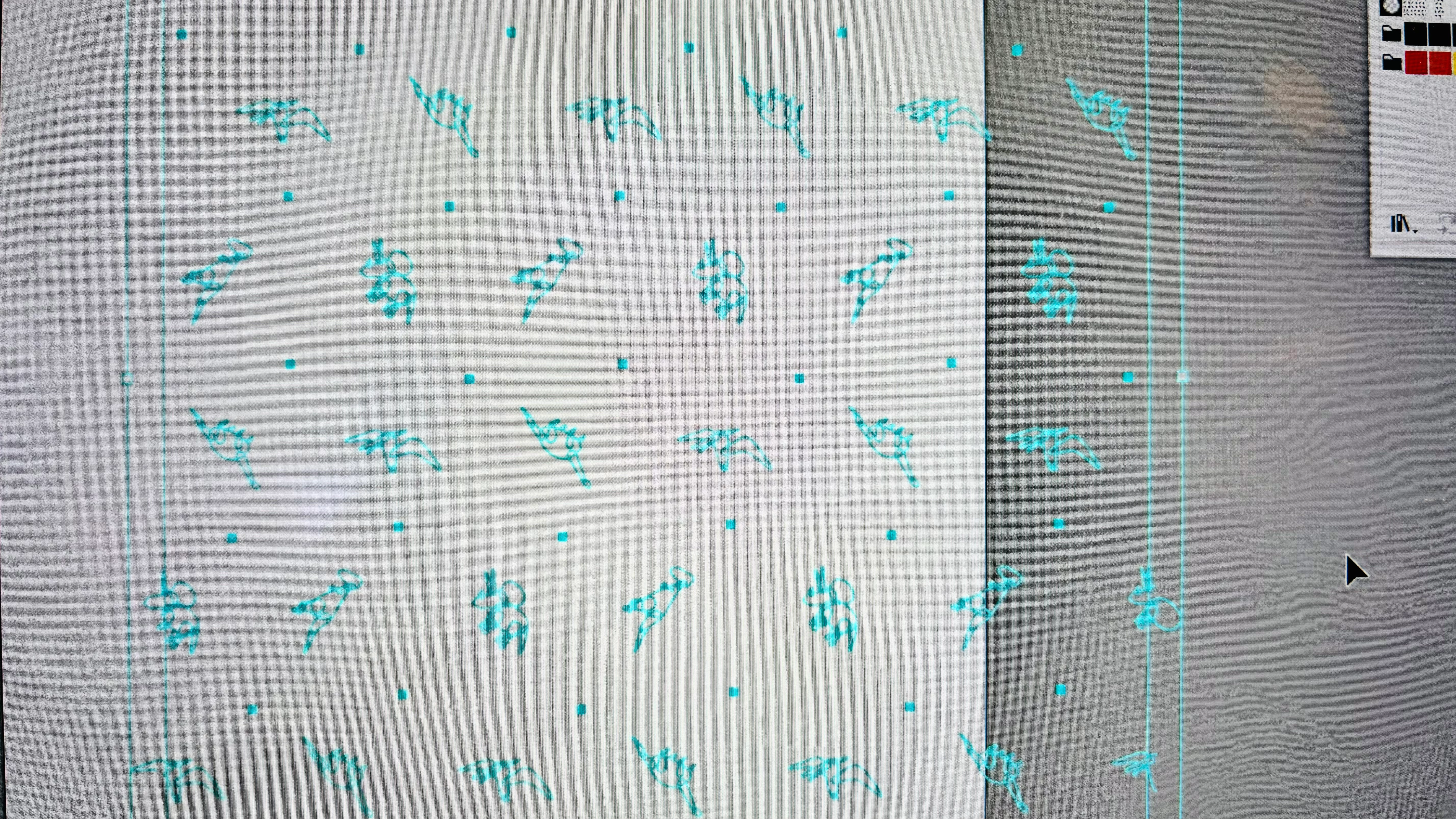
Here is what I see when I work with the swatches that are right:


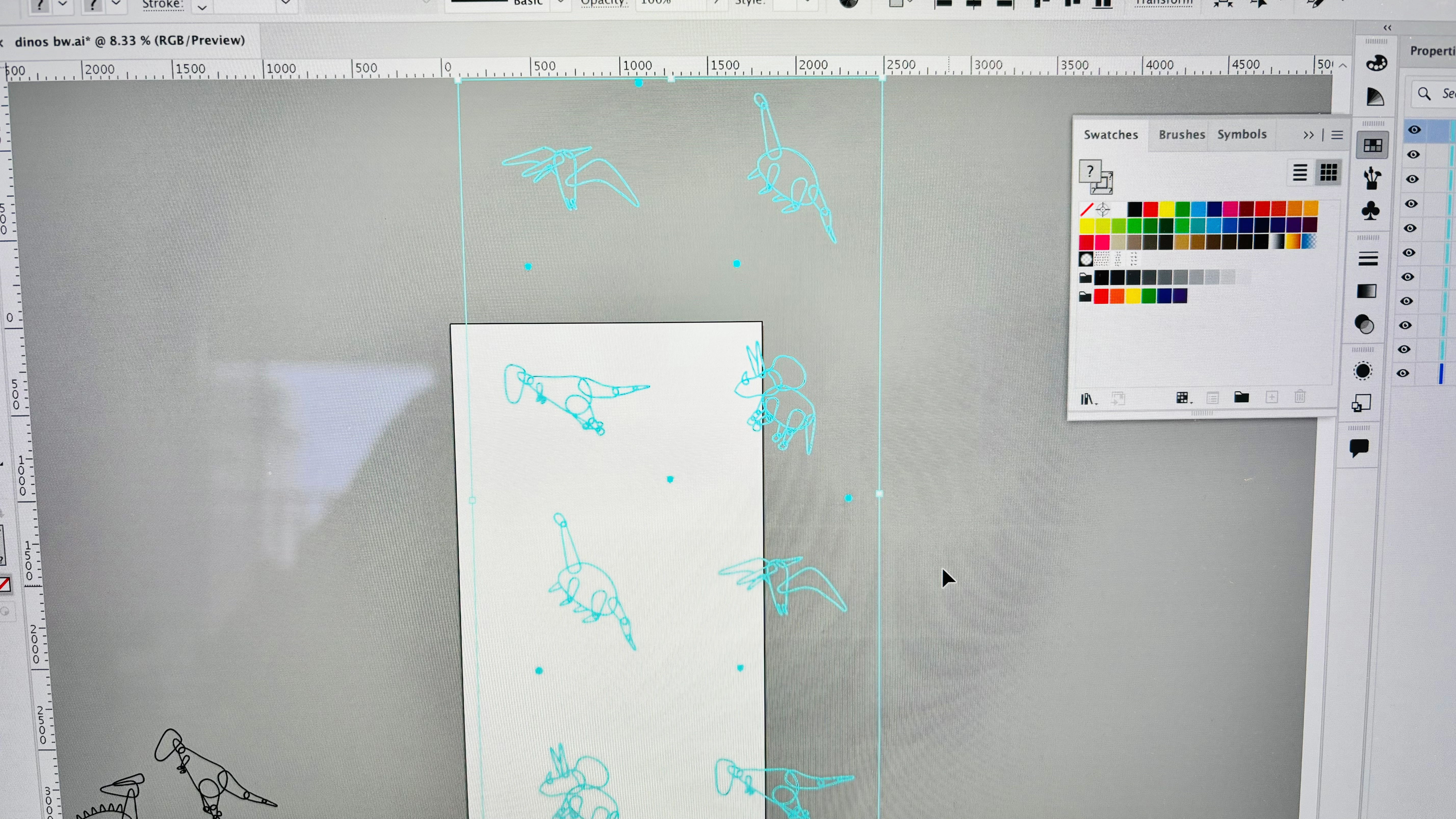
Here is the swatch that doesn't show the 2 rectangles:


Please, help!

This topic has been closed for replies.

2 replies

Doug A Roberts
Community Expert
Community Expert
April 5, 2024

I'm guessing one of those rectangles is the pattern tile and one is just the bounding box? There would only be two if the pattern tile was smaller than the pattern contents.

kglad
Community Expert
Community Expert
April 5, 2024

in the future, to find the best place to post your message, use the list here, https://community.adobe.com/

p.s. i don't think the adobe website, and forums in particular, are easy to navigate, so don't spend a lot of time searching that forum list. do your best and we'll move the post (like this one has already been moved) if it helps you get responses.


<"moved from using the community">