


Participant
February 19, 2024
Question

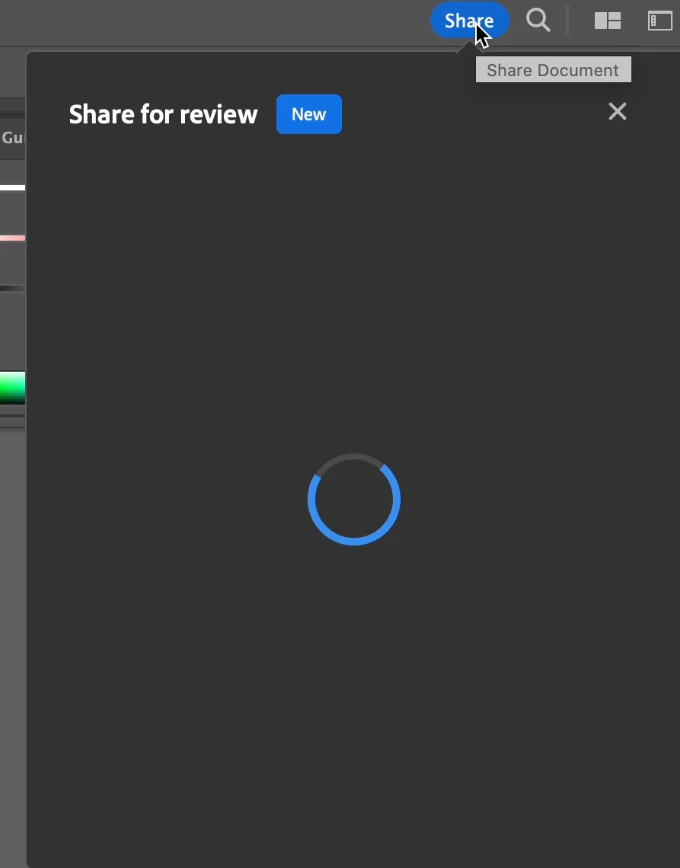
Share for review is not loading, not giving me any buttons or options at all

  • February 19, 2024
  • 2 replies
  • 182 views

Hi guys, I can't share my work for review, as it stays at the loading page as screenshot below.

I tried quit the application completely and open my file again, but this happens again no matter how many times I quit the app.

I need to generate a link so I can share my work to others...

Has anyone ever met this problem? Any idea what other approach I can try?
This topic has been closed for replies.

2 replies

Mike_Gondek10189183
Community Expert
Community Expert
February 20, 2024

Has this ever worked before on this computer? What version OS are you running? Is the Adobe Cloud app up and running? Restart your computer. 


Are your libraries coming up ok?


Anubhav M
Community Manager
Community Manager
February 19, 2024

Hello @user1444438,

We understand that encountering technical issues can be frustrating. Would you mind trying the following steps and checking if they help:

  • Close all Adobe applications
  • Remove the Creative Cloud Desktop application, CCLibrary, and CoreSync using the Creative Cloud Cleaner Tool (https://adobe.ly/4bJkI0g)
  • Reinstall the Creative Cloud Desktop application (https://adobe.ly/3T0VkvA)
  • Relaunch Illustrator


Looking forward to hearing from you.


Thanks,

Anubhav