

dublove
Legend
August 11, 2025
解決済み

How to capture images contained in text selections and apply object styles to the images?

  • August 11, 2025
  • 返信数 1.
  • 301 ビュー

I have selected some text, tables, and images, and I want to apply object styles(exapmle name:"AA") to the images.
How do I capture these images?
Sometimes they are imported from Word without links. Other times, they may be linked.


This is the original code for capturing the table:

       if (app.selection != null) {
            for (var f = 0; f < app.selection.length; f++) {
                var obj = app.selection[f];
                var t = obj.texts[0].tables;
. . . 

}


解決に役立った回答 rob day
//a selection’s graphics as an array
var sg = app.selection[0].allGraphics
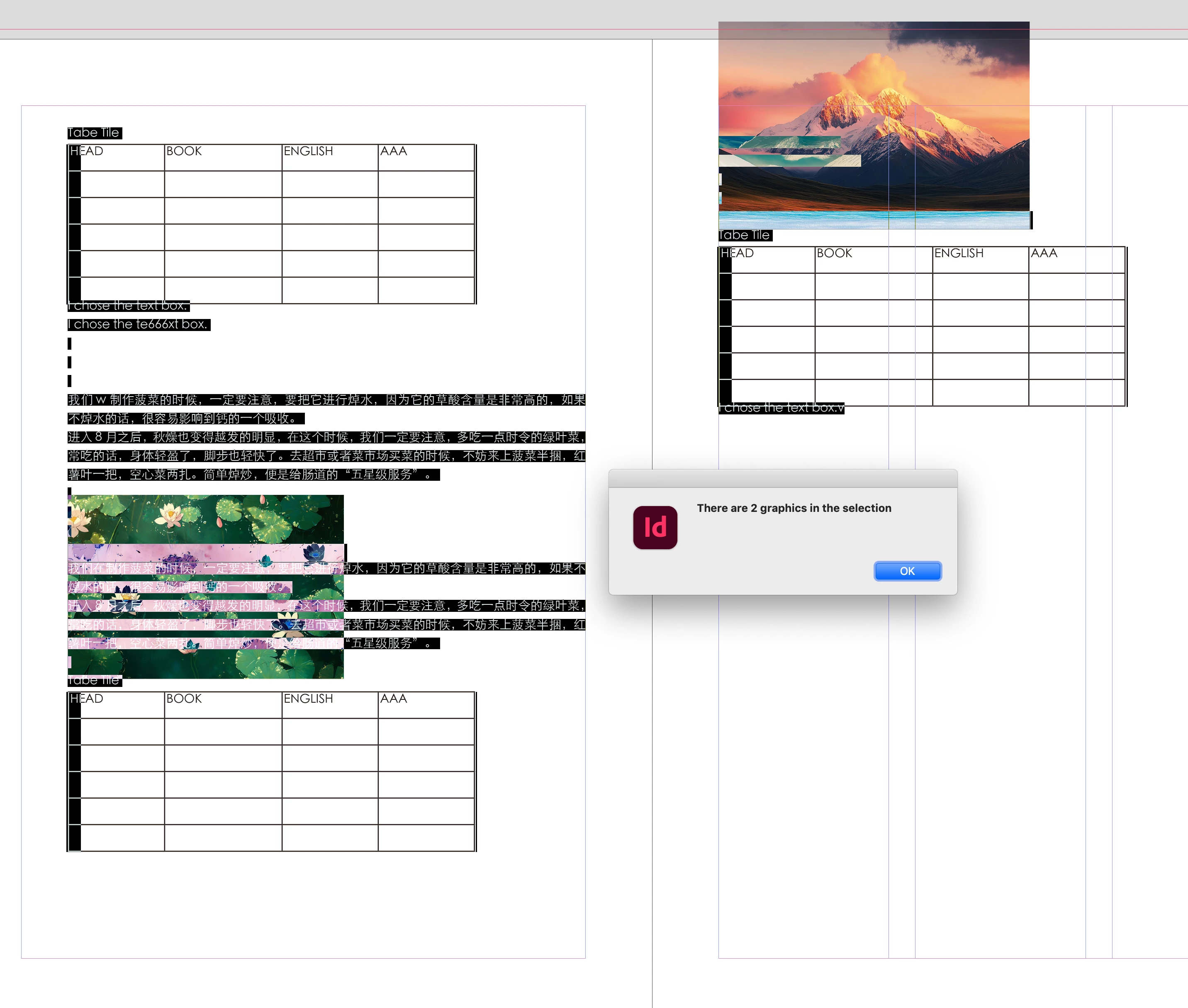
alert("There are " + sg.length + " graphics in the selection")
if (sg != null) {
    for (var f = 0; f < sg.length; f++) {
        sg[f].appliedObjectStyle = app.activeDocument.objectStyles.itemByName("AA");
    }
}


返信数 1

rob day
Community Expert
rob dayCommunity Expert解決!
Community Expert
August 11, 2025
//a selection’s graphics as an array
var sg = app.selection[0].allGraphics
alert("There are " + sg.length + " graphics in the selection")
if (sg != null) {
    for (var f = 0; f < sg.length; f++) {
        sg[f].appliedObjectStyle = app.activeDocument.objectStyles.itemByName("AA");
    }
}


dublove
dublove作成者
Legend
August 11, 2025

Hi rob day.

Thank you very much.

It seems that the object style has not been applied successfully.


I saw it.

It seems that the white arrow is the only one that shows the effect?


rob day
Community Expert
Community Expert
August 11, 2025

It seems that the object style has not been applied successfully.


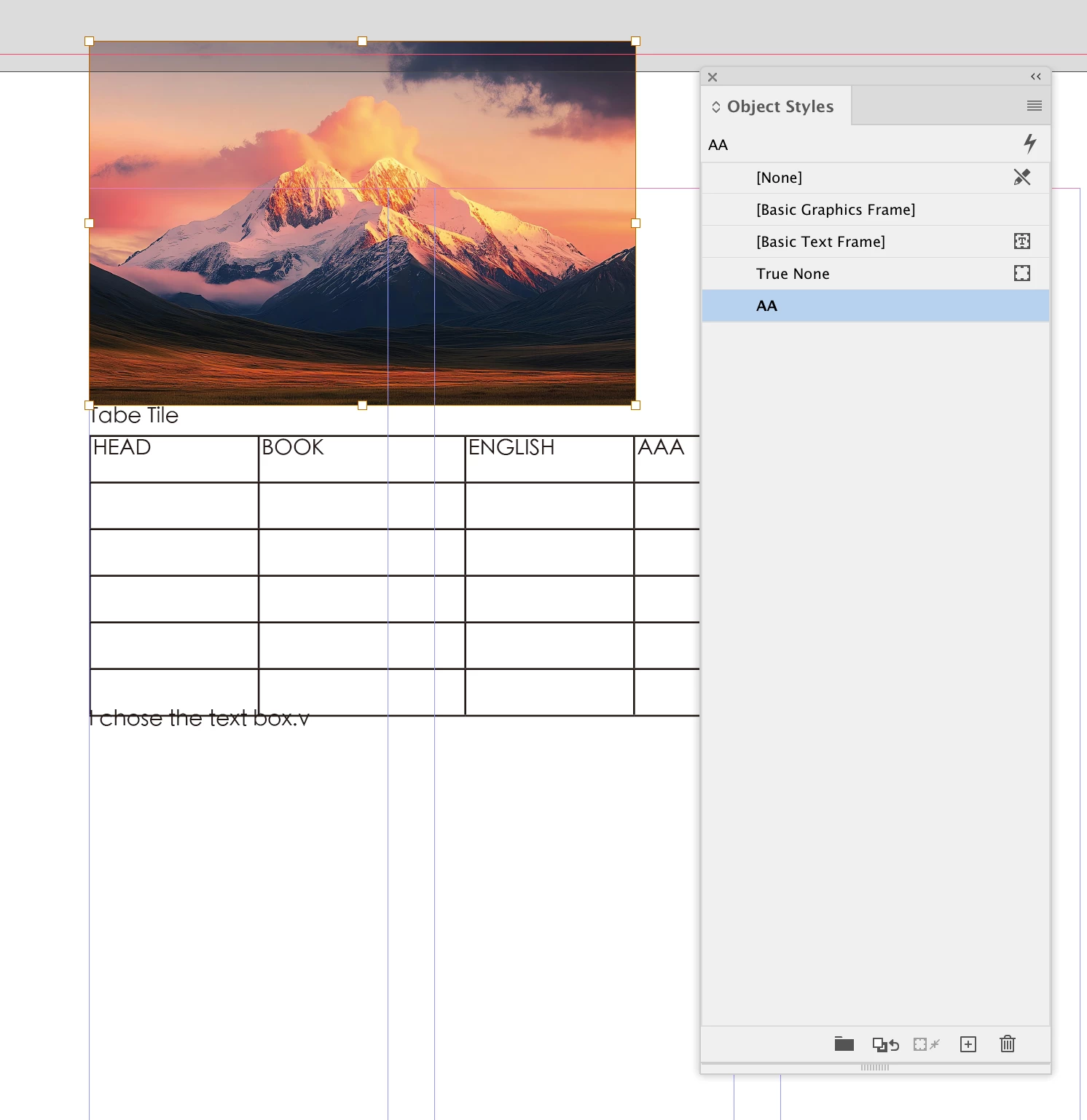
It is in my example—it’s been set to your AA object style.


Note that it has to be:


sg[f].appliedObjectStyle = app.activeDocument.objectStyles.itemByName("AA");
 
A string like this doesn’t work
sg[f].appliedObjectStyle = "AA";