


# in URL of Hyperlink in Hyperlinks panel is substituted with %23 when opened in browser from panel
Hi together,
when working with hyperlinks with URL destination an URL like:
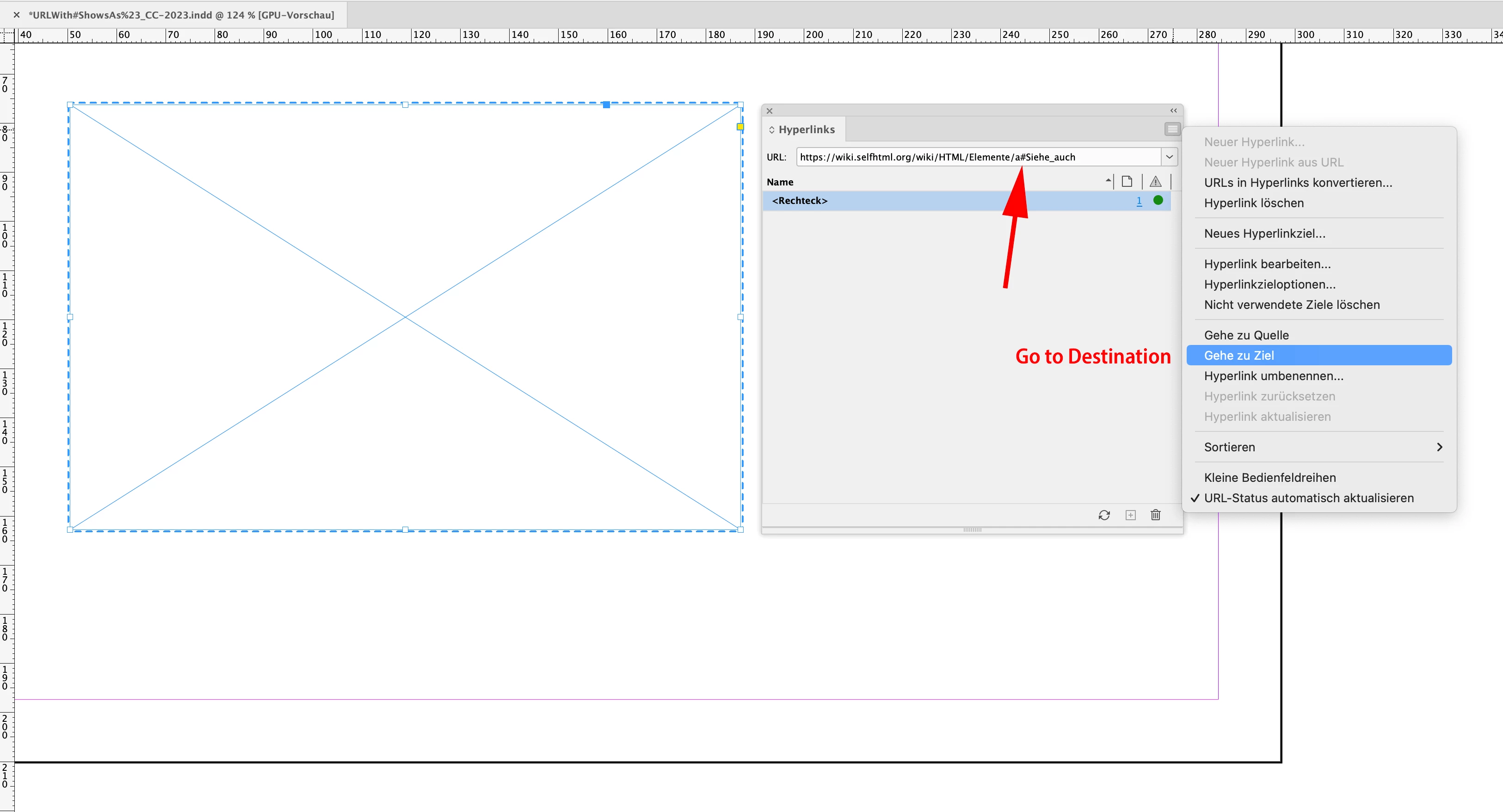
https://wiki.selfhtml.org/wiki/HTML/Elemente/a#Siehe_auchwill not be transferred to the browser as is when the menu command "Go to Destination" is used or if the "green" bullet in the panel is clicked that indicates a correct and connectable hyperlink destination.
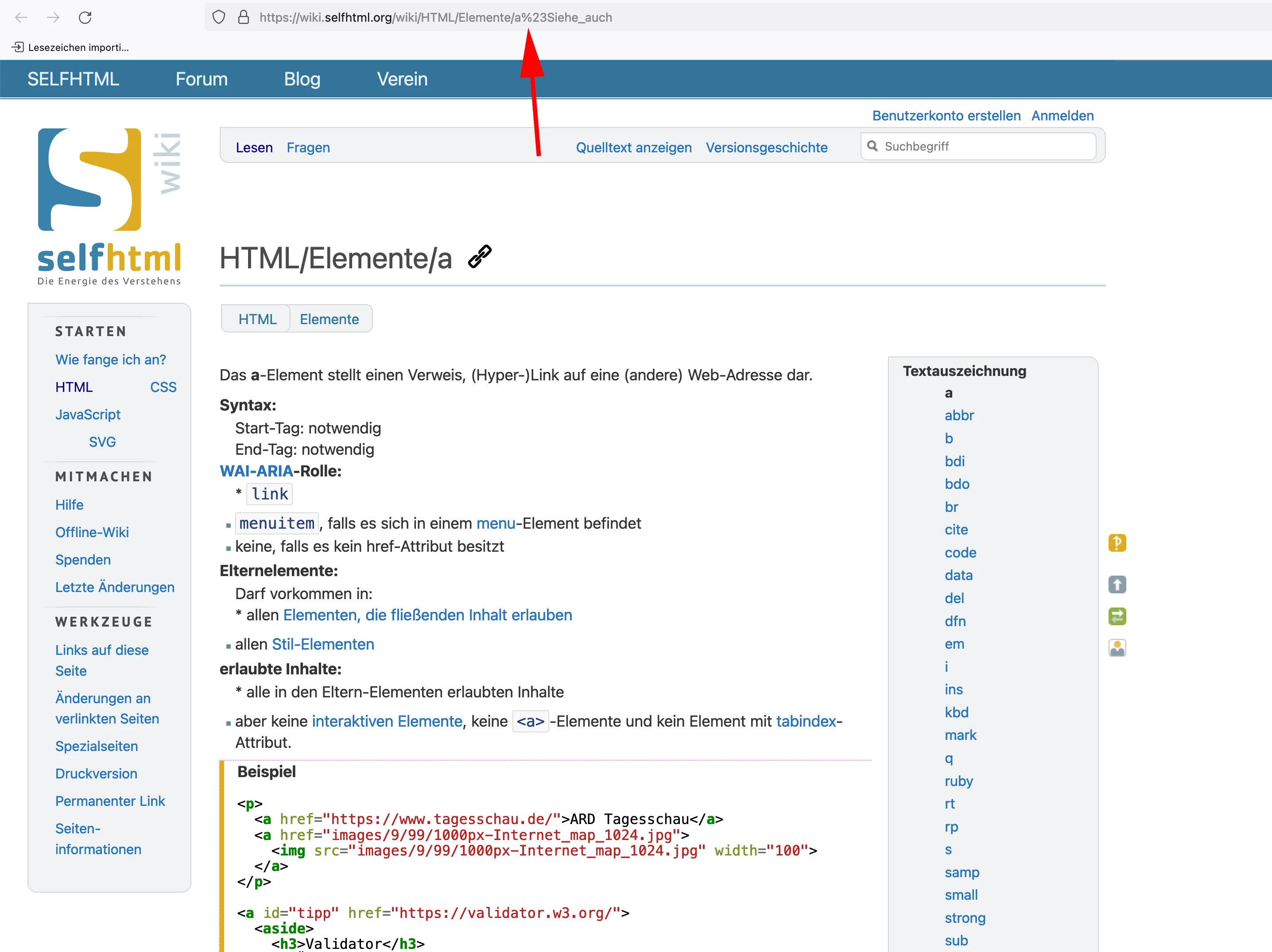
Instead character # will be substituted with %23 like that:
https://wiki.selfhtml.org/wiki/HTML/Elemente/a%23Siehe_auch
Correct page view when the URL is copied to the browser:
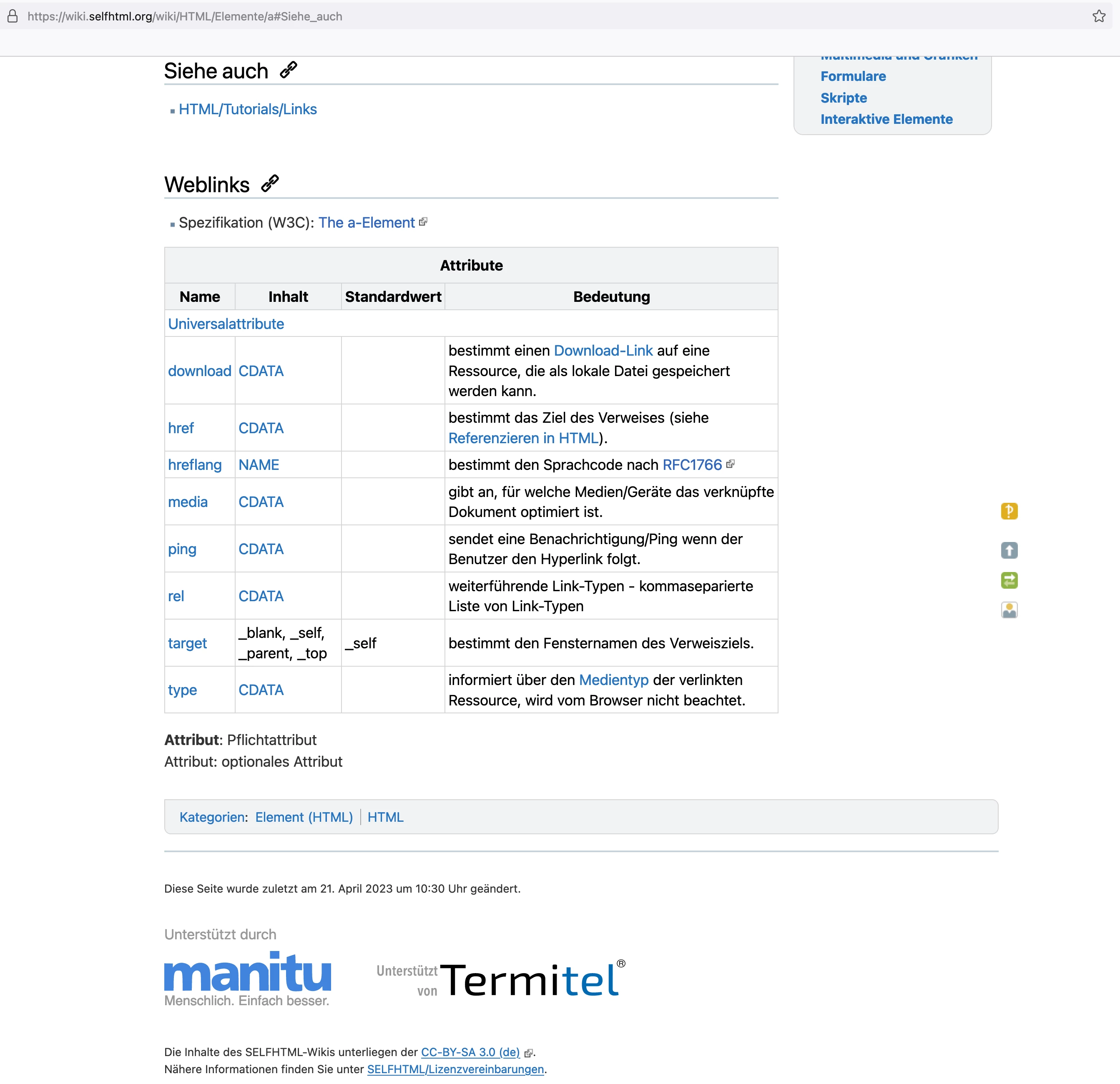
Incorrect page view when the menu command "Go to Destination" of the Hyperlinks panel is used:
Result:
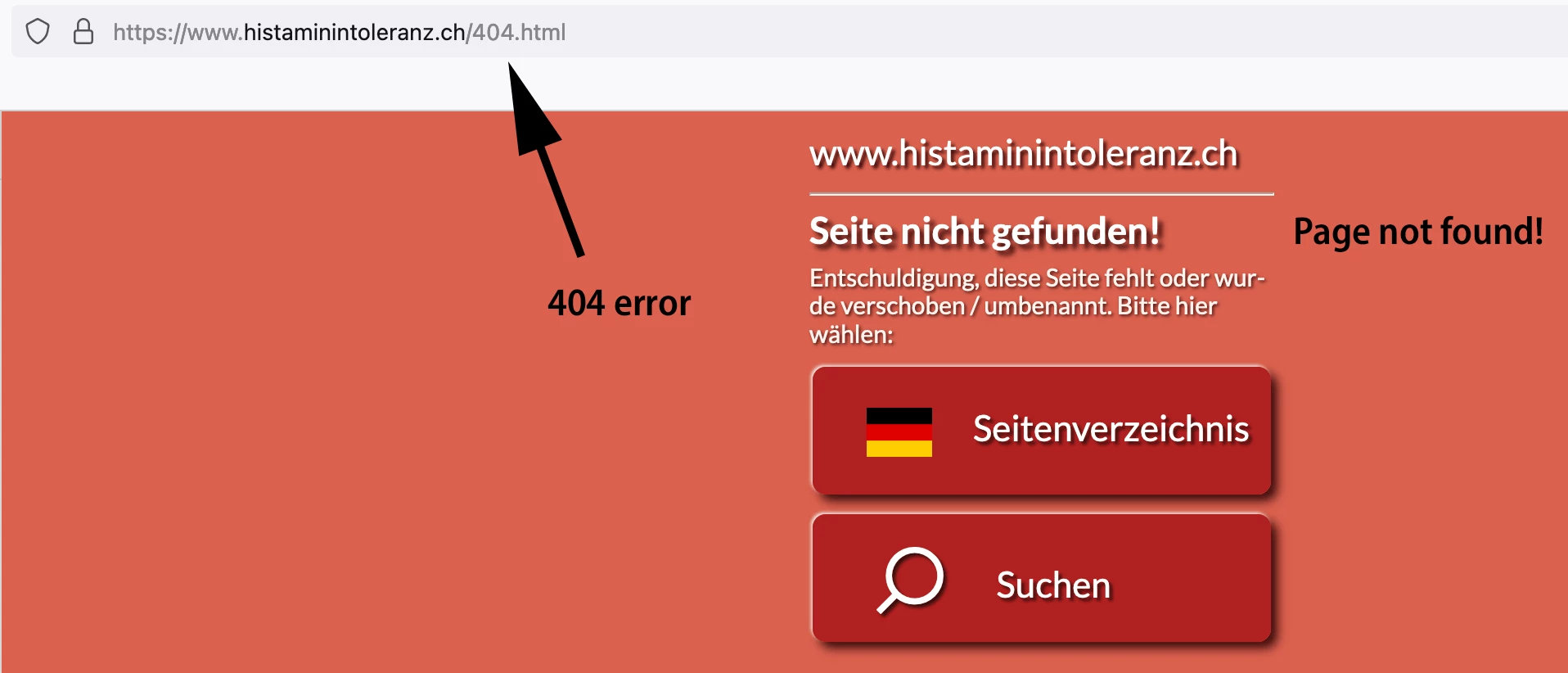
Depending on the web site it also is possible that a 404 error ( page not found ) could emerge.
Example URL showing the page correctly:
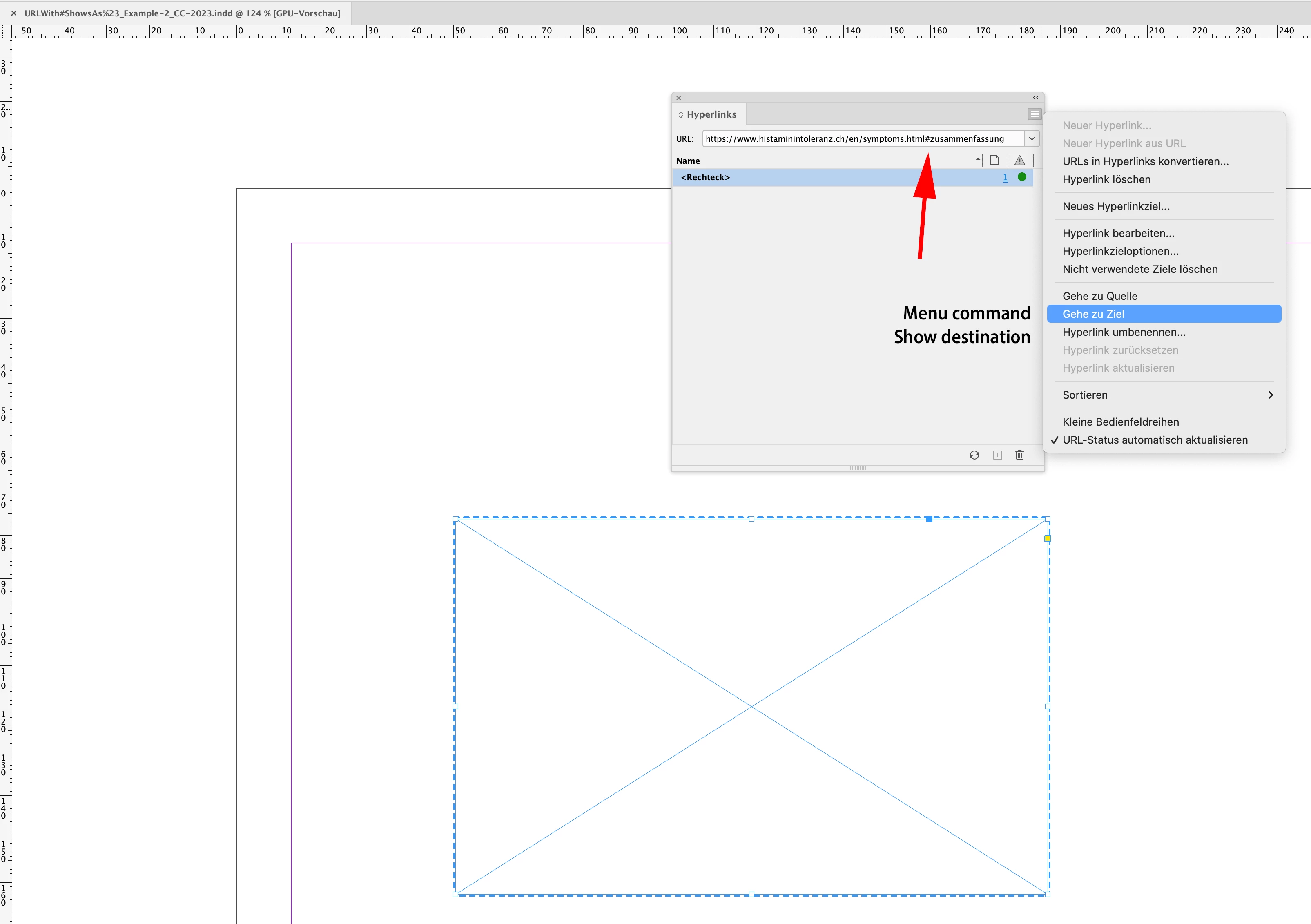
https://www.histaminintoleranz.ch/en/symptoms.html#zusammenfassung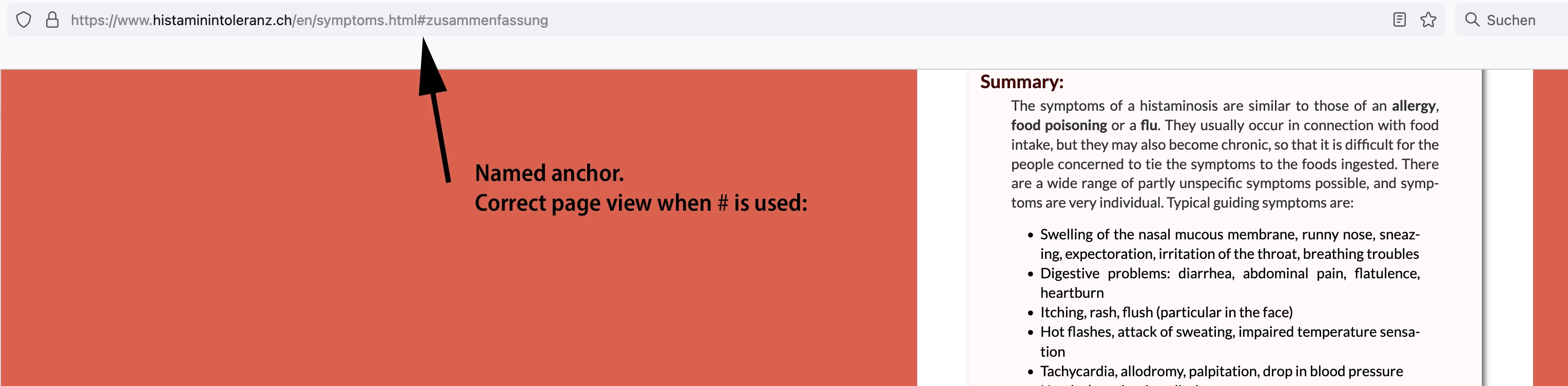
Hyperlinks panel from my German InDesign 2023:
Bad result:
My tests on macOS with several versions of InDesign reveal:
InDesign 2019 > OK: # remains #
InDesign 2020 > OK: # remains #
InDesign 2021 > OK: # remains #
InDesign 2022 > BUG: # is substituted with %23
InDesign 2023 > BUG: # is substituted with %23
Regards,
Uwe Laubender
( Adobe Community Expert )
 AdChoices