Admiral Adama
Inspiring
May 3, 2021
解決済み

Spell-check is not running in French, but all my options are set to French, please help!

Hi there, 


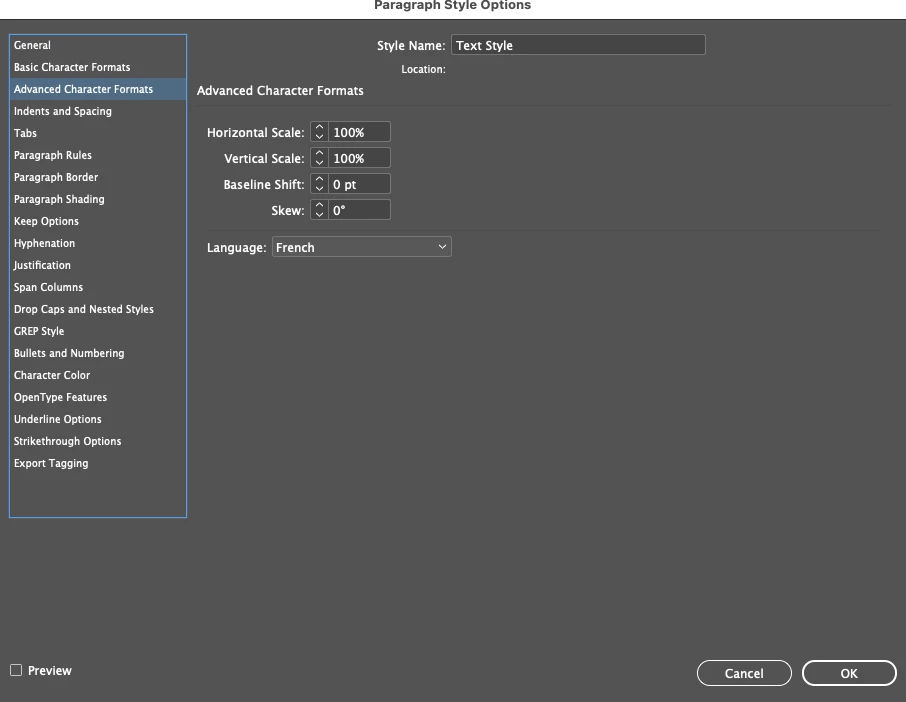
I've researched it and I painstakingly applied French as an "Advanced Character Format" to every single one of my many, many paragraph styles in the French book I am designing in Adobe InDesign 2020 (with an English menu) on my Mac running Big Sur 11.2.3


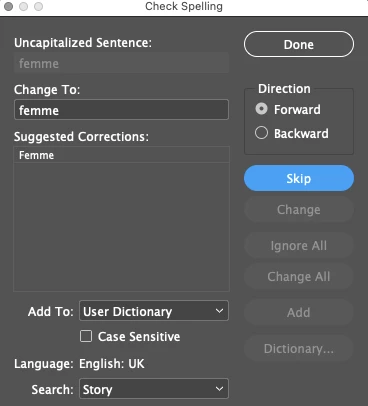
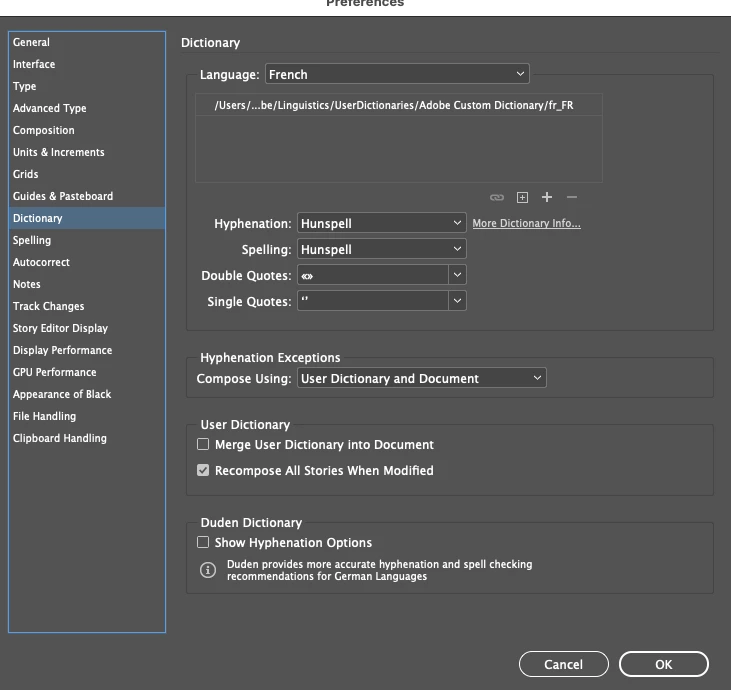
I also went into Preferences and chose the French dictionary, here are pictures of my settings, and the last photo is the spell-check window, which is now checking on English (UK) dictionary. Before all my changes it was running the English (US) dictionary. 


What am I doing wrong, and why isn't it spell-checking using the French dictionary which I selected? 


このトピックへの返信は締め切られました。
解決に役立った回答 Peter Spier

Did you make these preference changes with the document open? If not, and the file existed before you set them, they will not apply.

返信数 2

Peter Spier
Community Expert
Peter SpierCommunity Expert解決!
Community Expert
May 3, 2021

Did you make these preference changes with the document open? If not, and the file existed before you set them, they will not apply.

Peter Spier
Community Expert
Community Expert
May 3, 2021

Just to verify the language actually assigned to the text you should select a word or two and check the langauge assigned in the control panel, as well.

Admiral Adama
Admiral Adama作成者
Inspiring
May 3, 2021

Thanks for a great tip! As you'll see below, I did everything right, so I think you hit the nail on the head with your previous comment. I made the language dictionary change AFTER I created this document. Now how I am going to duplicate this very complicated document...I don't know. I think I'll sleep first and do it in the morning because I'm pretty frustrated with Adobe right now. I can't believe this is an issue. Word recognizes preferences changes on open documents. That's insane. 


Here is what the Paragraph Styles > Advanced Character formats panel looks like for every one of my styles: 


And here is what the Control Panel looks like for every one of my Paragraph Styles: 


jmlevy
Community Expert
Community Expert
May 3, 2021

What happens if you click on the suggested correction (which is correct)?

Admiral Adama
Admiral Adama作成者
Inspiring
May 3, 2021

Hi there friend! 


if I click on it, it moves to the next one, which doesn't recognized the past tense of "venir" (to come) as "venu" and wants to correct it, in English, as "venue" see the screenshot below: