



Cobra
Inspiring
May 20, 2021
質問

Font Size in Lightroom problems using a QHD (2560x1440) monitor and people with vision problems

  • May 20, 2021
  • 返信数 2.
  • 880 ビュー

Before you continue reading, this article is as I stated in the subject is for people with vision problems. I have nearsightedness (myopia) and astigmatism and I'm wearing glasses or contacts.
I just don't get it. After upgrading from an 1080p monitor to my new QHD monitor I have problems fine tuning it.

First I hated how all the window fonts became smaller. I fixed that going to scale and 125%
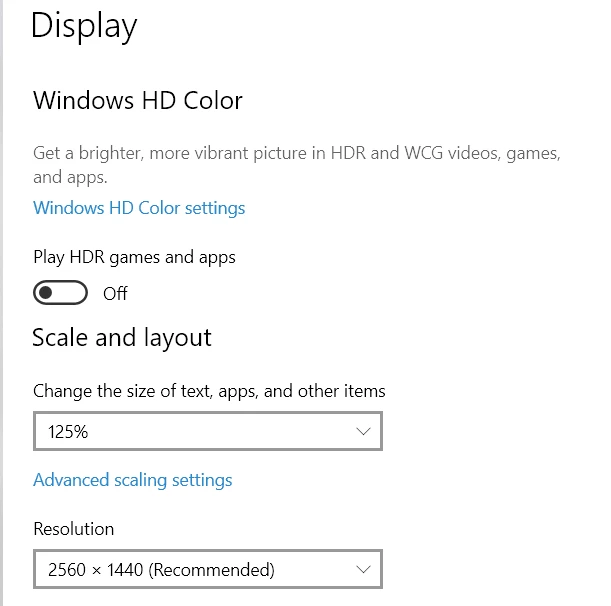
 

Now everything looks like my old 1080p monitor.
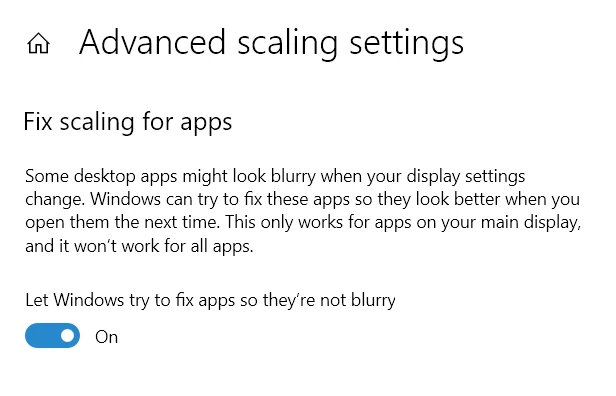
The problem is that MOST of programs look either with tiny letters or blurry. I have also checked the fix apps tab.
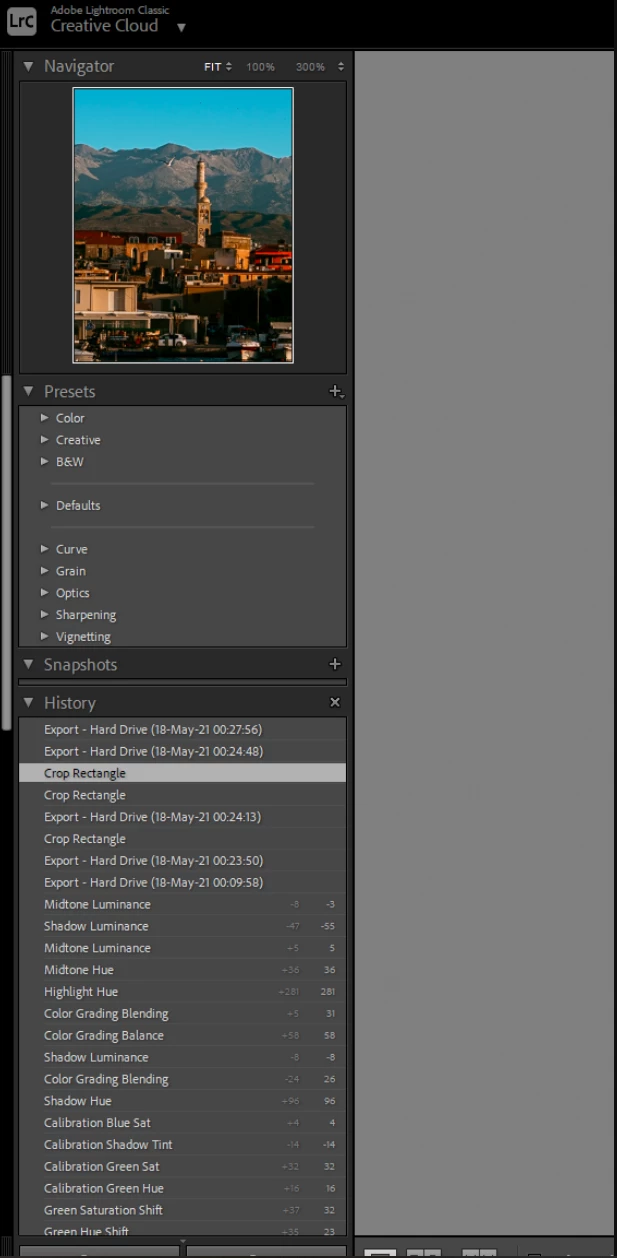
Lightroom fonts by default now is too small. 
 

So I changed it to LARGE
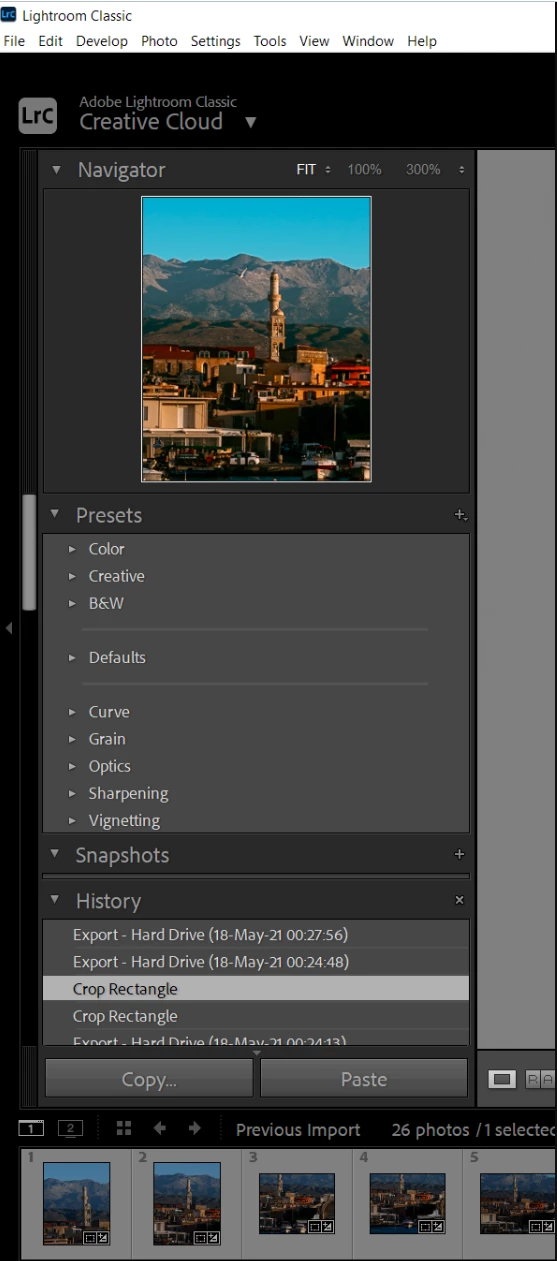
I do not understand why there is not a slider to choose a custom % percentage of size. It looks that it went from tiny to huge. Look at the proportions of this, there is no middle ground. Thoughts?

このトピックへの返信は締め切られました。

返信数 2

JohanElzenga
Community Expert
Community Expert
May 23, 2021

Have you tried setting the monitor to a lower resolution rather than a larger magnification? Your screenshot shows it is set to 125% and 2560 x 1440 (Recommended), but you can set that to a lower value and 100% too. If you set it to 1920 x 1080 and 100%, it should look like your old display and might be sharper than your current settings.


-- Johan W. Elzenga
F. McLion
Community Expert
Community Expert
May 23, 2021

IMHO, this is not a good choice since this lowers the resolution even for places like i.e. the image display part in develop where you would welcome the higher resolution.

I'd really try to find a setting for the text size that fits for you.

--- Got your issue resolved? Please label the response as 'Correct Answer' to help your fellow community members find a solution to similar problems. ---
JohanElzenga
Community Expert
Community Expert
May 23, 2021

@F. McLion wrote:

IMHO, this is not a good choice since this lowers the resolution even for places like i.e. the image display part in develop where you would welcome the higher resolution.

I'd really try to find a setting for the text size that fits for you.


No, it shouldn't. Lightroom will always use the native resolution to display images. Mind you: if you set a 4K display to 2560 x 1440 (Recommended), then you are already doing this because the native resolution is 3840 x 2160 pixels.


-- Johan W. Elzenga
F. McLion
Community Expert
Community Expert
May 23, 2021

That is a well known experience with high resolution displays in rather low size.

There's nothing I know of that you could do except setting the size in Windows as you did and also adjust Lightroom.

This is the reason why I personally never go for the fancy resolutions available and instead select a reasonable (to me!) resolution depending on the size of the display.

--- Got your issue resolved? Please label the response as 'Correct Answer' to help your fellow community members find a solution to similar problems. ---
JohanElzenga
Community Expert
Community Expert
May 23, 2021

I'm a Mac user, so yes, it may be different on a Mac than it is on Windows. What the OP wants is similar to somebody who uses a 4K display (but doesn't want the tiny menus and other interface items that the native resolution would give you). Mybe this helps: https://www.digitaltrends.com/computing/how-to-adjust-high-dpi-scaling-in-windows-10/


-- Johan W. Elzenga