


Participant
November 28, 2023
Question

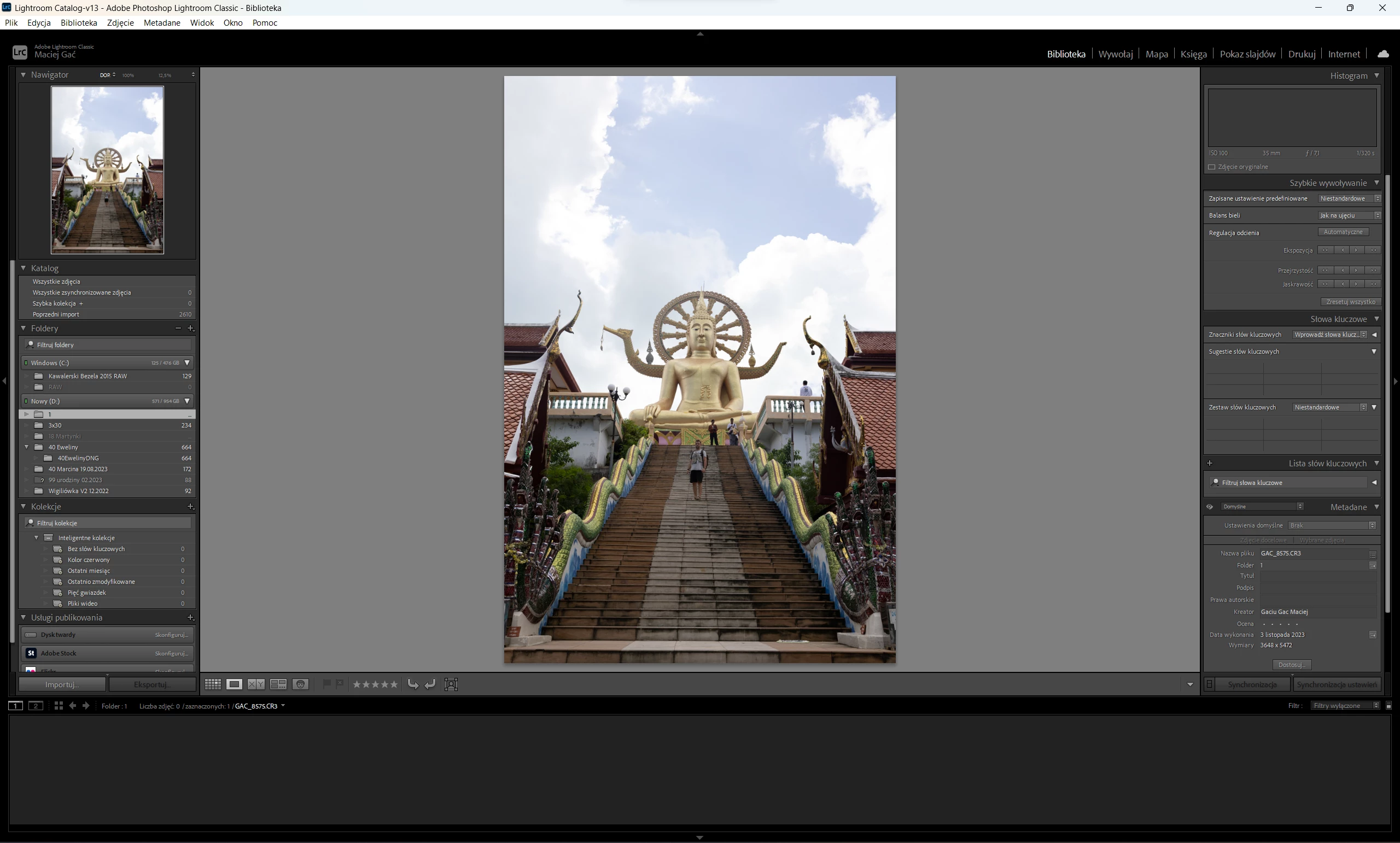
LCR does not show any previously uploaded photos to the gallery and does not allow you to upload new

  • November 28, 2023
  • 1 reply
  • 195 views

Hello,

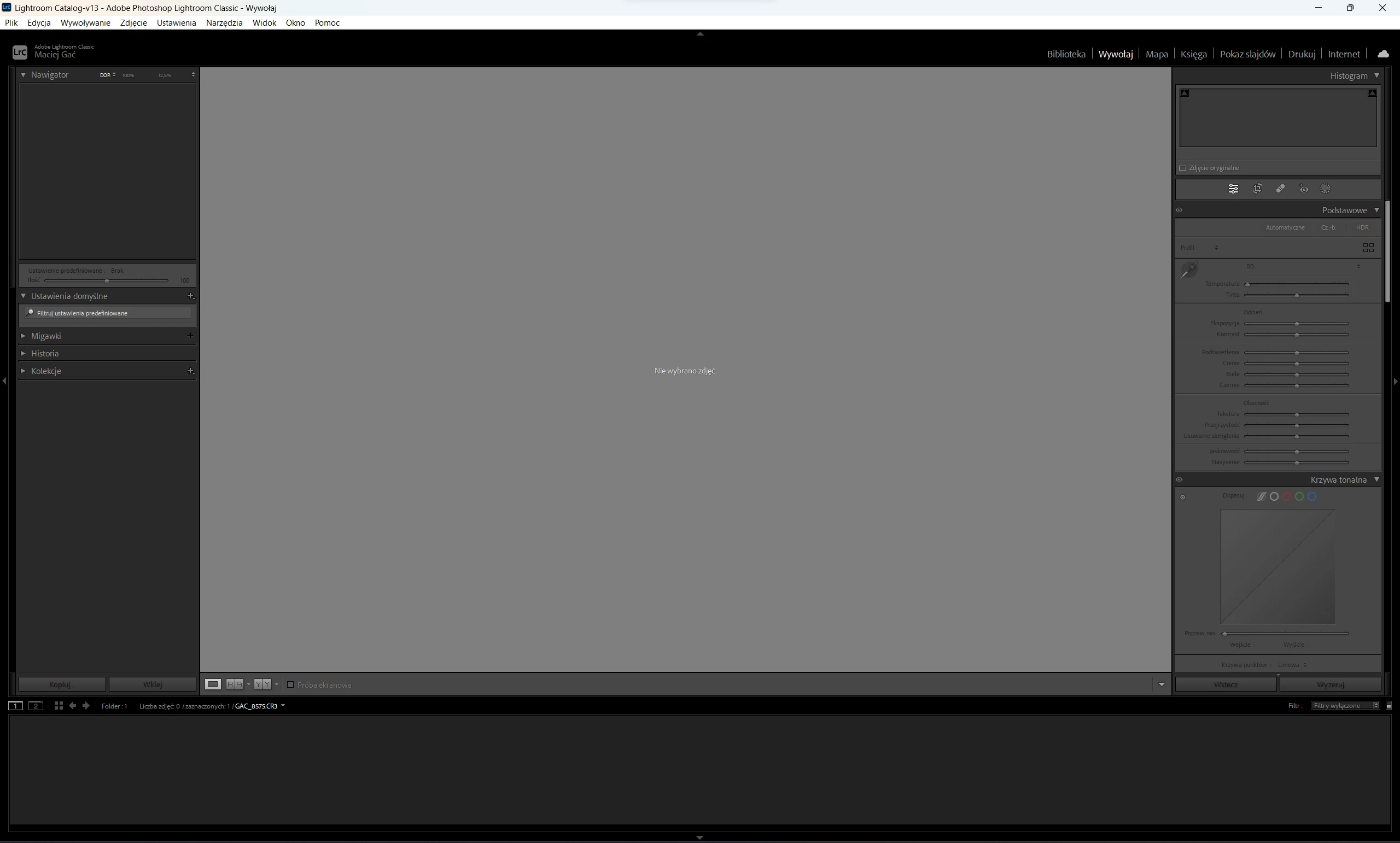
 I encountered a problem. My lcr has worked without problems so far, but today when I turn it on it shows a preview of only 1 photo in the library and does not load all the rest of the photos and thumbnails. The disk is available and the data has not been moved and is still in the same location. What can I do to make the program work normally?  If I go to develop the photos, the only photo displayed at the beginning disappears. Presets are also unavailable. (windows 11, and latest, updatet version of lcr)
This topic has been closed for replies.

1 reply

GoldingD
Legend
November 28, 2023
johnrellis
Genius
November 29, 2023

[This post contains formatting and embedded images that don't appear in email. View the post in your Web browser.]


The screenshots show Folder "1" is selected, but with a photo count of "...", which is strange:


And the filmstrip says "0 photos / 1 selected", which is wrong:


Try deleting the Helper.lrdata folder:


a) Do Catalog Settings > General > Show to open Finder / File Explorer on the current catalog folder.
b) Exit LR.
c) In that folder, delete the folder "<catalog> Helper.lrdata".
d) Restart LR, and it will rebuild the folder.


The Helper.lrdata folder caches information about metadata, keywords, folders, collections, and other things to speed the performance of LR and it can sometimes get corrupted. In recent versions, LR has used it more heavily to improve the speed of displaying metadata, and there have been a fair number of bugs with it.