

Participant
December 12, 2022
解決済み

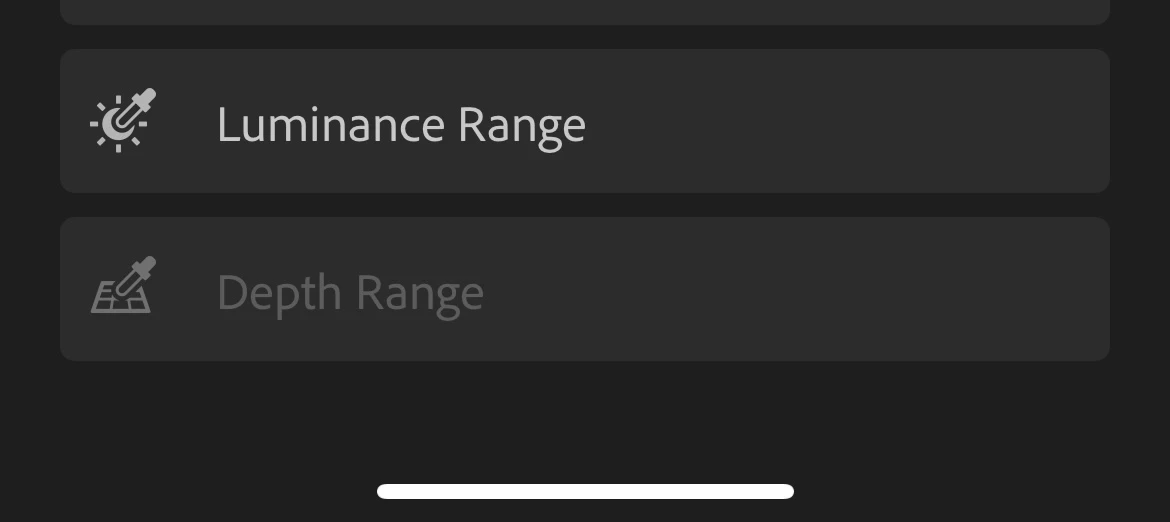
I can't use depth range mode
  • December 12, 2022
  • 返信数 3.
  • 859 ビュー

 I try with so many different pictures, how can I fix it 

Thank you for your help in advance! (:

解決に役立った回答 Theresa J

What kind of phone do you have? I promise it works when you have the correct kind of file. You have to upload the original file, with the depth mask (probably and HEIC), not an exported jpeg of it.

返信数 3

emmal28102658
Participant
November 11, 2025

Its crazy, but this feature seems to only be available to iphone users. 


So those like me, a professional photographer, that has photos I would like to use this feature on, but I take photos with a proper dslr or mirrorless camera. We have to export photos out of Lightroom and use Luminar Neo's depth masking if we want to use this feature because Lightroom does not offer it. So if you want an alternative download Lumiar Neo's free trial, and you'll be able to use this there.

Theresa J
Community Expert
Community Expert
December 13, 2022

This only works for images that were captured with an extra depth channel. The portrait mode on an iPhone creates a depth range channel.

Nutchiiz.p作成者
Participant
December 13, 2022
I try so many different pictures even the old one that used to use the
depth range mode but I still can't do it
Theresa J
Community Expert
Theresa JCommunity Expert解決!
Community Expert
December 13, 2022

What kind of phone do you have? I promise it works when you have the correct kind of file. You have to upload the original file, with the depth mask (probably and HEIC), not an exported jpeg of it.

Community Manager
December 12, 2022

@Nutchiiz.p what images are you trying this with?
Are you testing them with HEIC images?
Do you have any info about camera in case not from iOS device (portrait images)?

thanks,
Ignacio