


Known Participant
September 12, 2025
Answered

Comment supprimer l'effet de transparence en bordure d'une sélection lors d'un copié/collé ?

  • September 12, 2025
  • 1 reply
  • 325 views

Bonjour.

J'ai besoin de votre aide svp !

Comment supprimer l'effet de transparence en bordure d'une sélection lors d'un copié/collé ?

voici en image le problème :


Crop de l'image de base, avec la ligne de la sélection
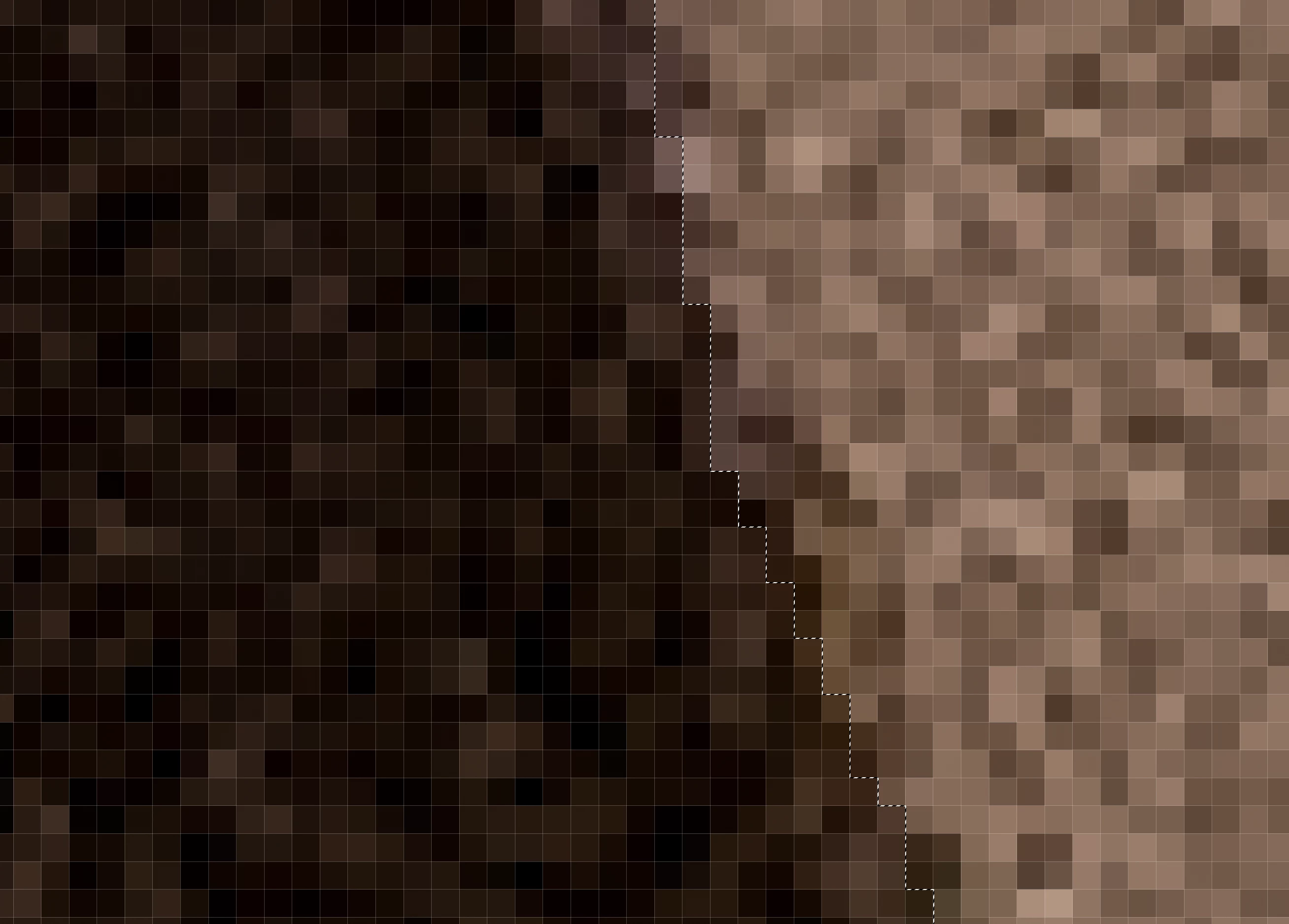
image de la partie collée sélectionnée (avec cette bande en transparence de part et d'autre de la selection)

(le damier de transparence du calque n'est pas visible ici lorsque je dépose la capture d'écran)
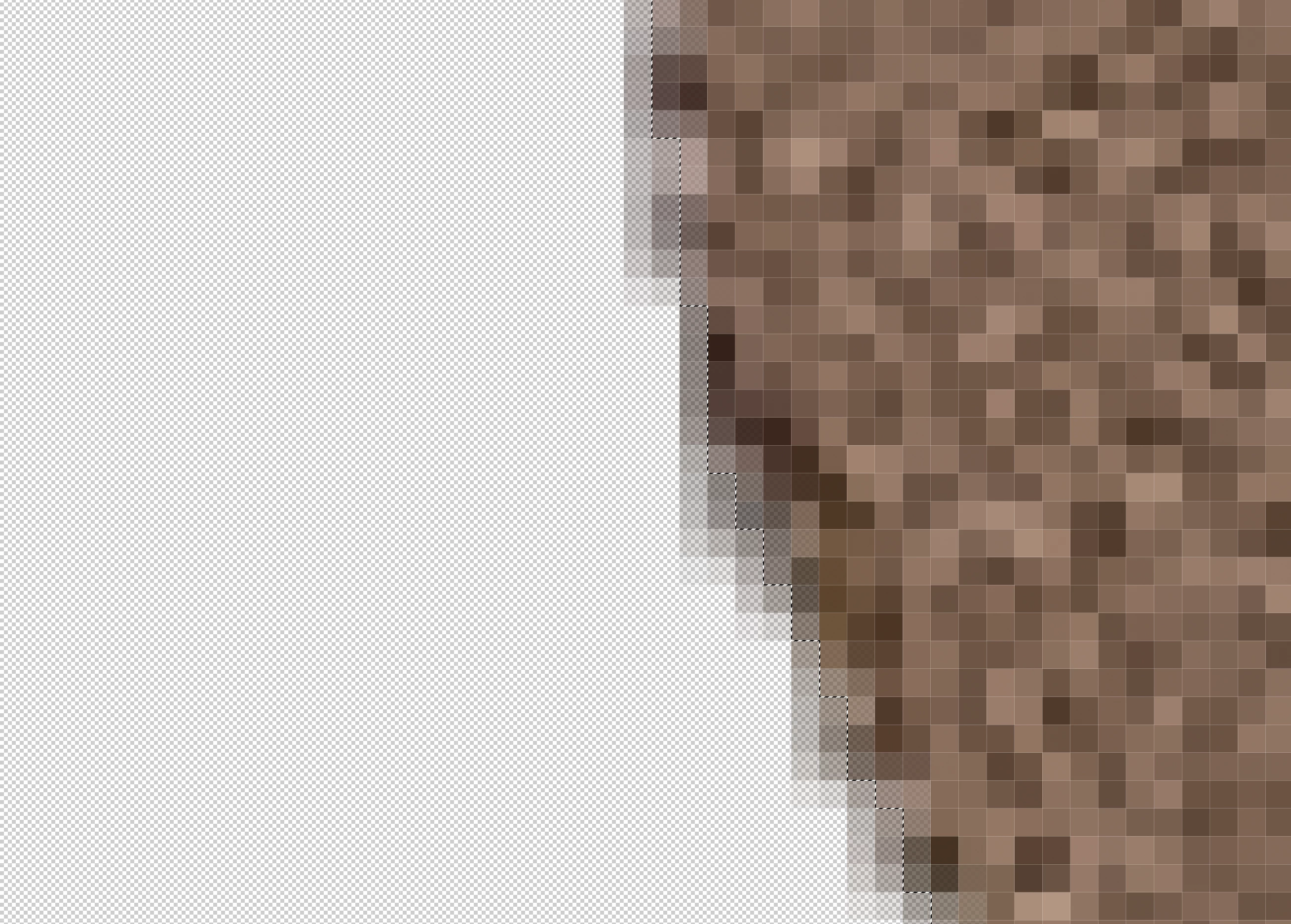
 

 image de la partie collée sélectionnée inversée (avec cette bande en transparence de part et d'autre de la selection)
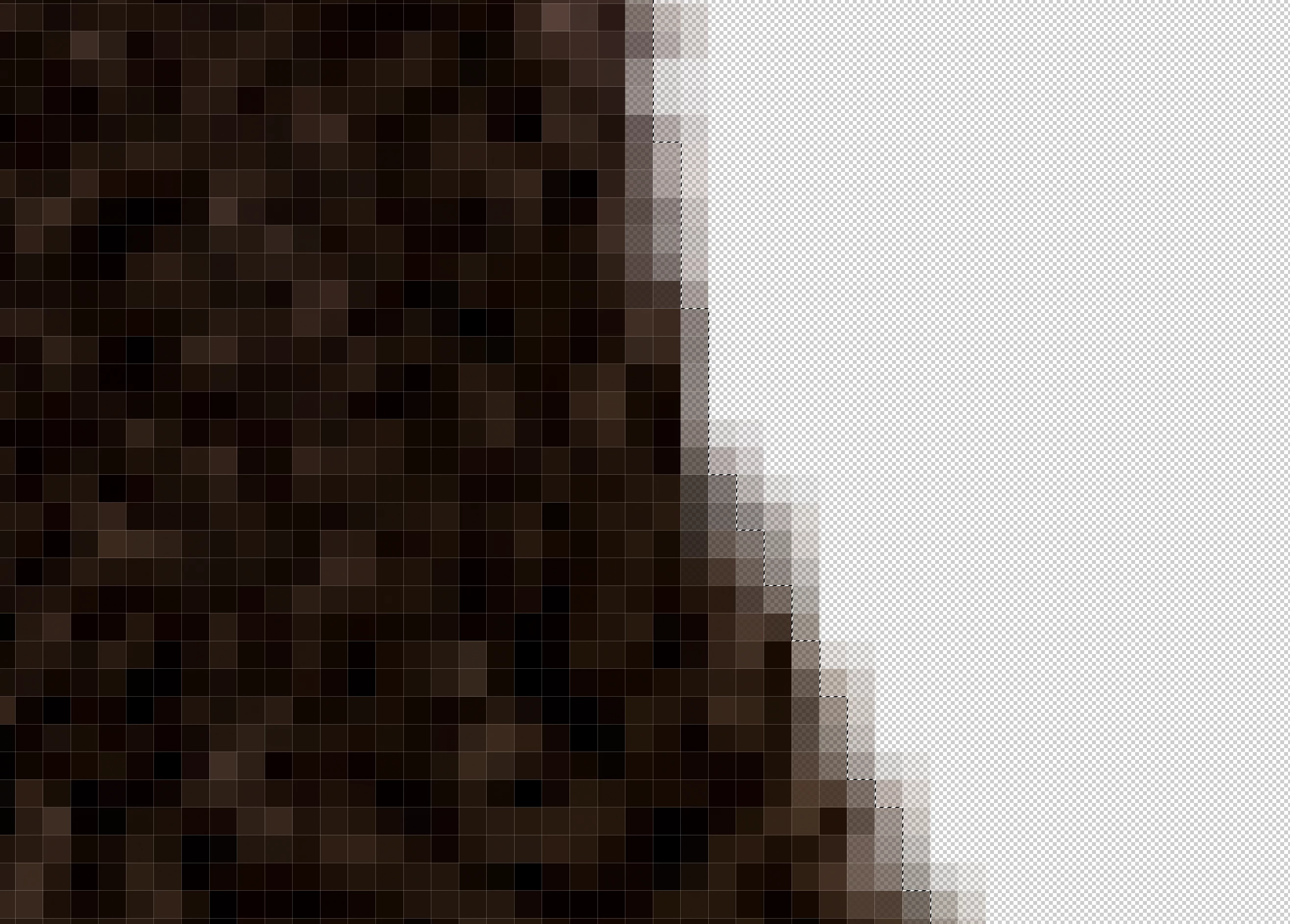
 

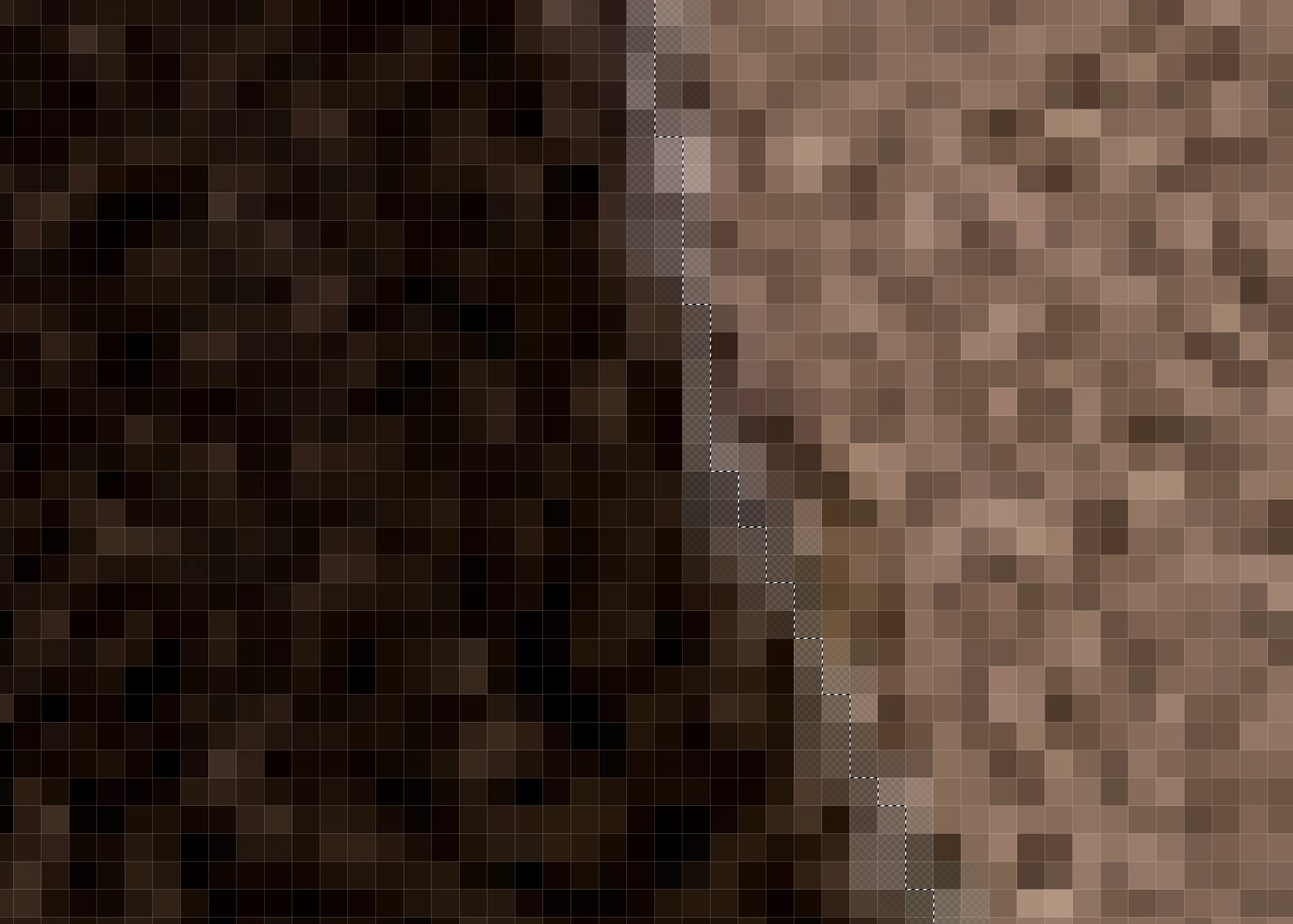
Image recomposée des deux parties collées avec une bande moins dense à l'endroit de rencontre
Bug ou je fais quelque chose de faux (je suis de loin pas un féru de PS)

Merci de votre aide

Correct answer Anshul_Saini

I'm trying to select the sky ( to manage the settings of this part) and after with the reverse selection, the ground to manage it with other settings. And the selection must be sharp not faded.


Hi @Cedders1453,


Thank you for clarifying that you’re aiming for a sharp separation between the sky and the ground without the transparency band you’ve been noticing. You’ve done a good job narrowing this down.

Since you mentioned you are selecting the sky, one reliable alternative is Select > Sky. This option creates a dedicated mask of the sky, and you can then refine it using Select > Modify for a crisp edge.


I hope it helps!


Best,

Anshul Saini

1 reply

Known Participant
September 12, 2025

Je suis sur macOS 15.6.1 et PS 26.10.0

Kevin Stohlmeyer
Community Expert
Community Expert
September 12, 2025

@Cedders1453 you are zoomed in to actual pixel depth - how does the image look at 100%?

Known Participant
September 12, 2025

 zoomed at 70% the lign is visible