


解決済み
How do I change the color of a shape and yet keep the shades of the color?
How do I change the color of a shape and yet keep the shades of the color?
For instance, this is what I see on my Photoshop:
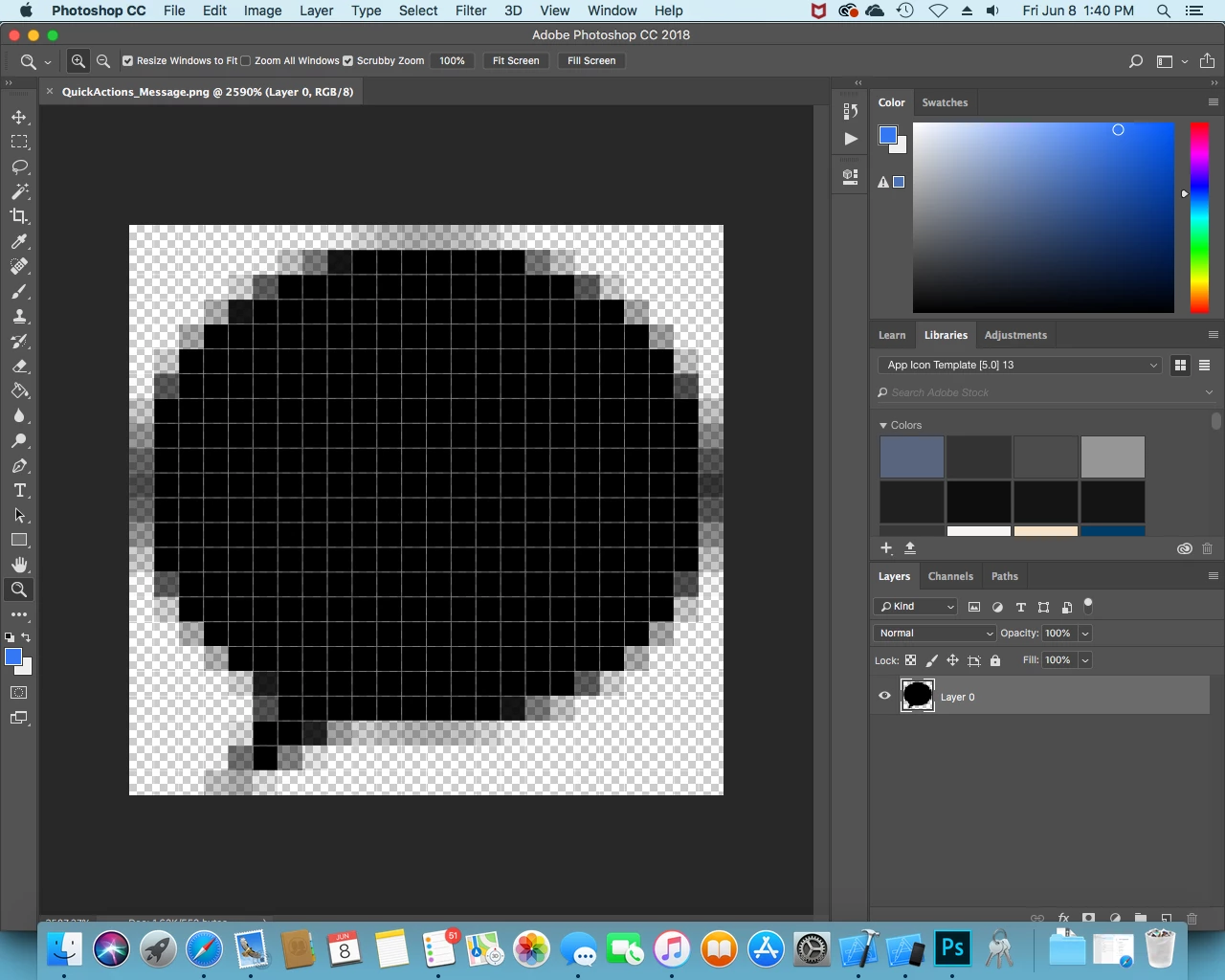
That picture of a message bubble is 24 x 23 pixels. I would like to change the color from black to the blue color selected, but I want the edges of the picture to keep the different shades of the color so that the picture shows smooth edges when it is in it's actual size.
How would I do that?
When I use the paint bucket tool, the color of the image is changed, but the different shades are all changed into one solid color.
 AdChoices