


質問
How do I remove the background and change the colour of an object (science figure)?
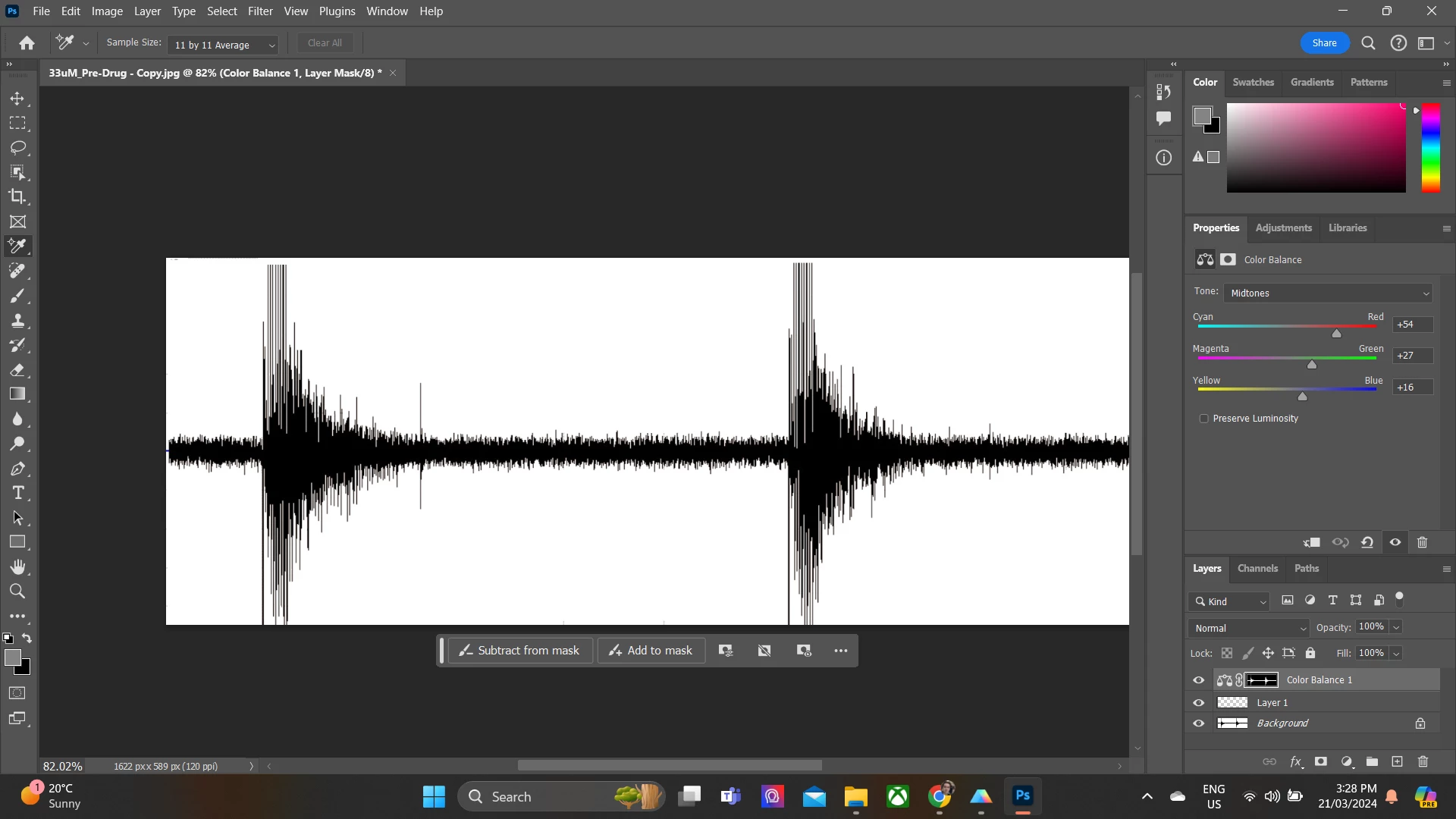
Neuroscientist here with no training in Adobe Photoshop or Illustrator.
I am trying to do two things:
A) Remove the white background, perfectly traced around the neuronal spike response (making it a png). B) Change the colour code of the neural response so match an exact RGB value (I have a series of drugs that I am colour coding for a scientific figure, as you can see below)
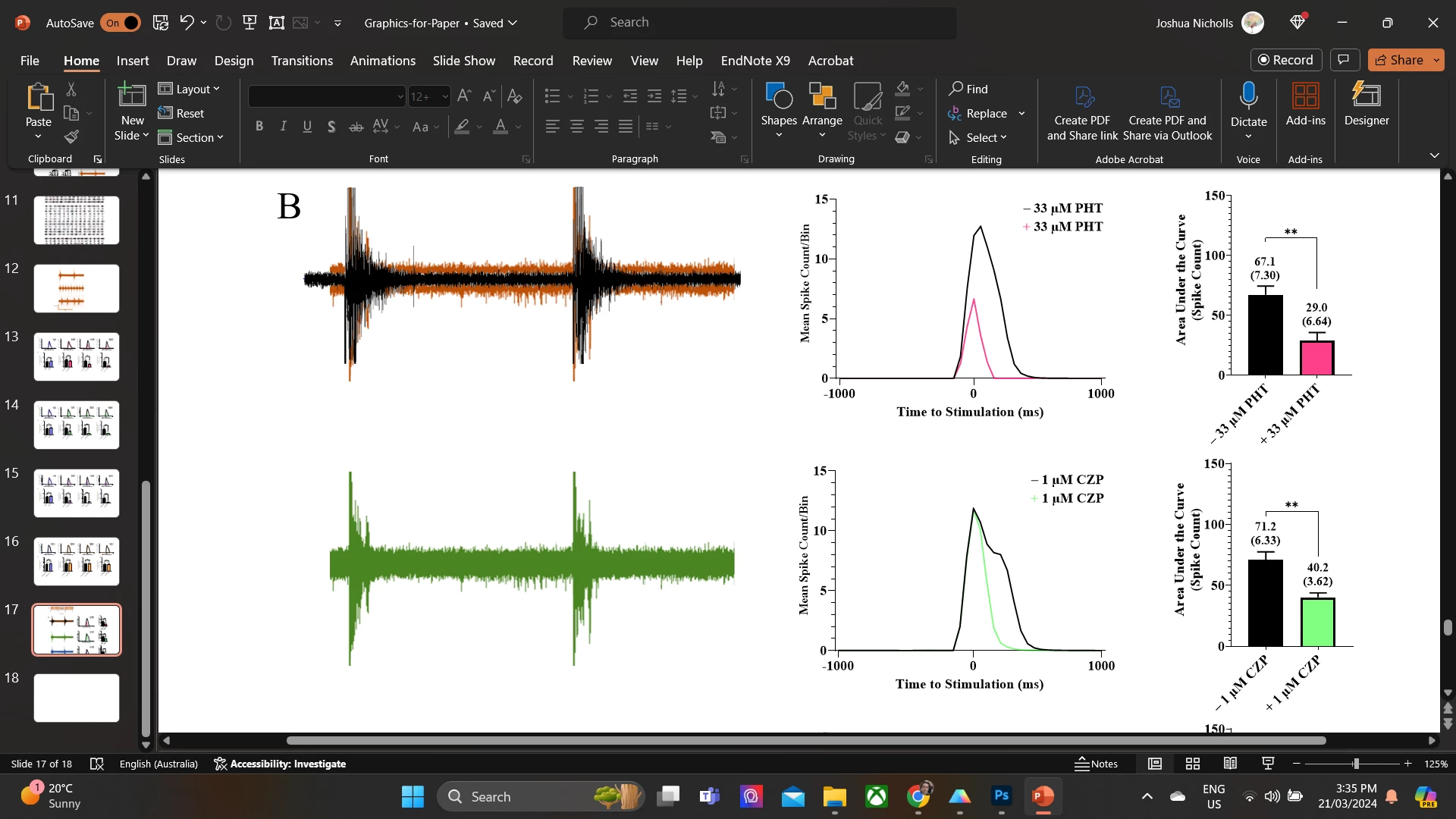
(Yes, I am making figures on PPT as I only just got Illustrator :D)
Cheers!
 AdChoices