Participant
February 21, 2023
解決済み

How to combine two images into one in order to transfer only the values ​​of brightness and dark and

  • February 21, 2023
  • 返信数 2.
  • 3134 ビュー

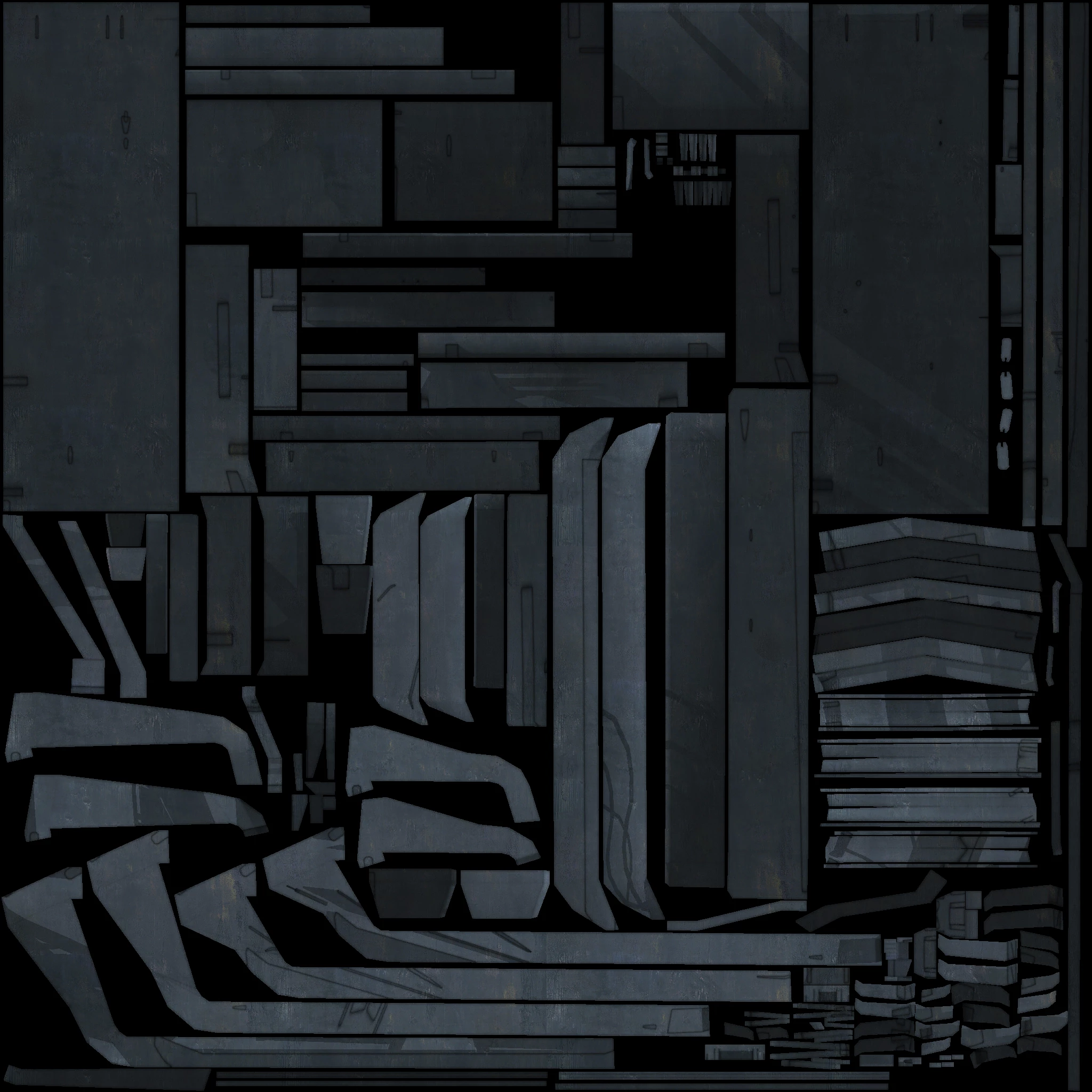
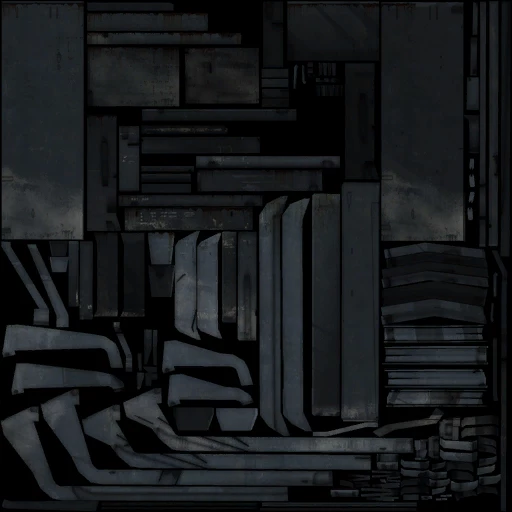
There are two images: one low resolution with the desired shadows and highlights, the other (original) higher resolution with more detail, but without the desired shadows and highlights. How to combine them in order to transfer the dark and light areas of the first image to the second image, so that the detail of the second image remains?

このトピックへの返信は締め切られました。
解決に役立った回答 davescm

Hi,

I would use an adaptation of Frequency Separation which is often used in retouching to separate high frequency detail from low frequency brightness and shadows.


1. Start out with the high detailed version (your 2048 x 2048 pixel image) and make two copies of the image layer. Name the first (lower copy) 'Low Frequency' and the second (upper copy) 'High Frequency'

2. Select the Low layer and use filter Gaussian Blur with a radius of 6px

3. Select the  High layer and use menu Image > Apply image

4 Set source layer to 'Low Frequency'
  Channel RGB

  Blending Subtract
  Scale 2

  Offset 128

Press OK

5. Set the blending mode of that High Frequency Layer to Linear Light


Those steps so far are standard for 8 bit Frequency separation and if you have done them correctly the image should look as it did when you started.


Now the extra steps for your issue

6. Open the second image (your 512 x 512 pixel image) and use Image size 400% to make it 2048 x 2048 px

7. Use Gaussian Blur with Radius 6px

8. Drag the blurred layer onto the other image (hold down shift so that it aligns)

9. Move the layer in the layers panel so that is directly under the High Frequency layer


Now you have the high frequency detail from your first image with the lightness and shadows and low frequency information from your second image
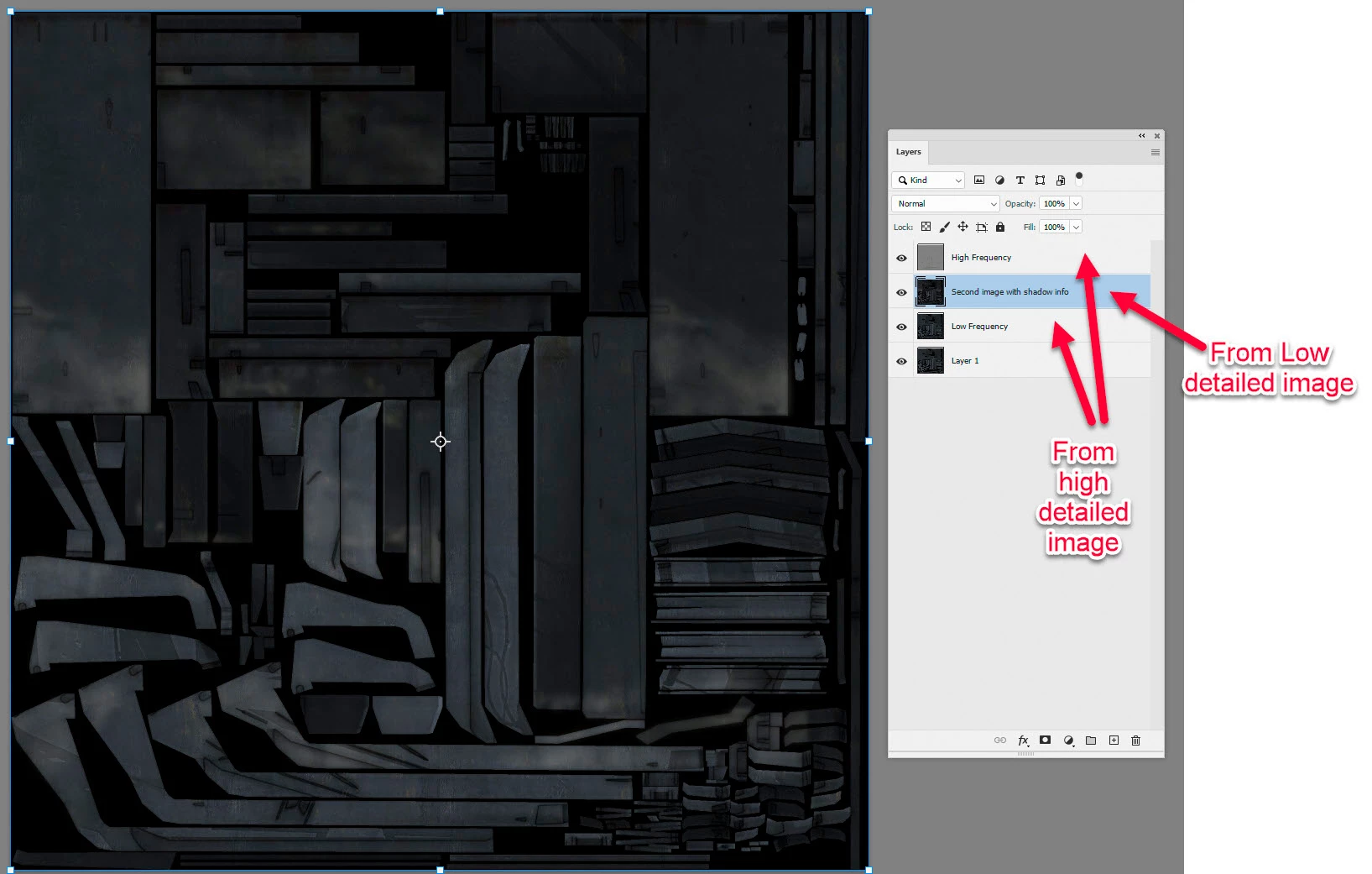


Note : If you try this with 16 bit/channel images then use the following settings in Apply Image

Blending Add

Scale 2

Offset 0


Dave

 

返信数 2

davescm
Community Expert
davescmCommunity Expert解決!
Community Expert
February 21, 2023

Hi,

I would use an adaptation of Frequency Separation which is often used in retouching to separate high frequency detail from low frequency brightness and shadows.


1. Start out with the high detailed version (your 2048 x 2048 pixel image) and make two copies of the image layer. Name the first (lower copy) 'Low Frequency' and the second (upper copy) 'High Frequency'

2. Select the Low layer and use filter Gaussian Blur with a radius of 6px

3. Select the  High layer and use menu Image > Apply image

4 Set source layer to 'Low Frequency'
  Channel RGB

  Blending Subtract
  Scale 2

  Offset 128

Press OK

5. Set the blending mode of that High Frequency Layer to Linear Light


Those steps so far are standard for 8 bit Frequency separation and if you have done them correctly the image should look as it did when you started.


Now the extra steps for your issue

6. Open the second image (your 512 x 512 pixel image) and use Image size 400% to make it 2048 x 2048 px

7. Use Gaussian Blur with Radius 6px

8. Drag the blurred layer onto the other image (hold down shift so that it aligns)

9. Move the layer in the layers panel so that is directly under the High Frequency layer


Now you have the high frequency detail from your first image with the lightness and shadows and low frequency information from your second image


Note : If you try this with 16 bit/channel images then use the following settings in Apply Image

Blending Add

Scale 2

Offset 0


Dave
 

Stephen Marsh
Community Expert
Community Expert
February 21, 2023

@davescm - I was going to suggest the same, but I wanted to test first as I'm currently on a phone.

davescm
Community Expert
Community Expert
February 21, 2023

 @Stephen Marsh  Yes it works 🙂

Dave

Kevin Stohlmeyer
Community Expert
Community Expert
February 21, 2023

Hi @Гордон285233041q8p you could try using Image>Adjustments>Match Color and use the lo-res as the source. That would match the tonal ranges in the lo-res on the higher res image.

Otherwise you could use a Curves or Levels adjustment layer on the hi-res to try and match or improve the quality on the larger image.

Participant
February 22, 2023

Thanks, I already tried that, but the result is not exactly what I need.