

Participating Frequently
February 27, 2020
解決済み

How to make Gifs blend to form a seamless continuous gif

  • February 27, 2020
  • 返信数 4.
  • 8576 ビュー

Hello,


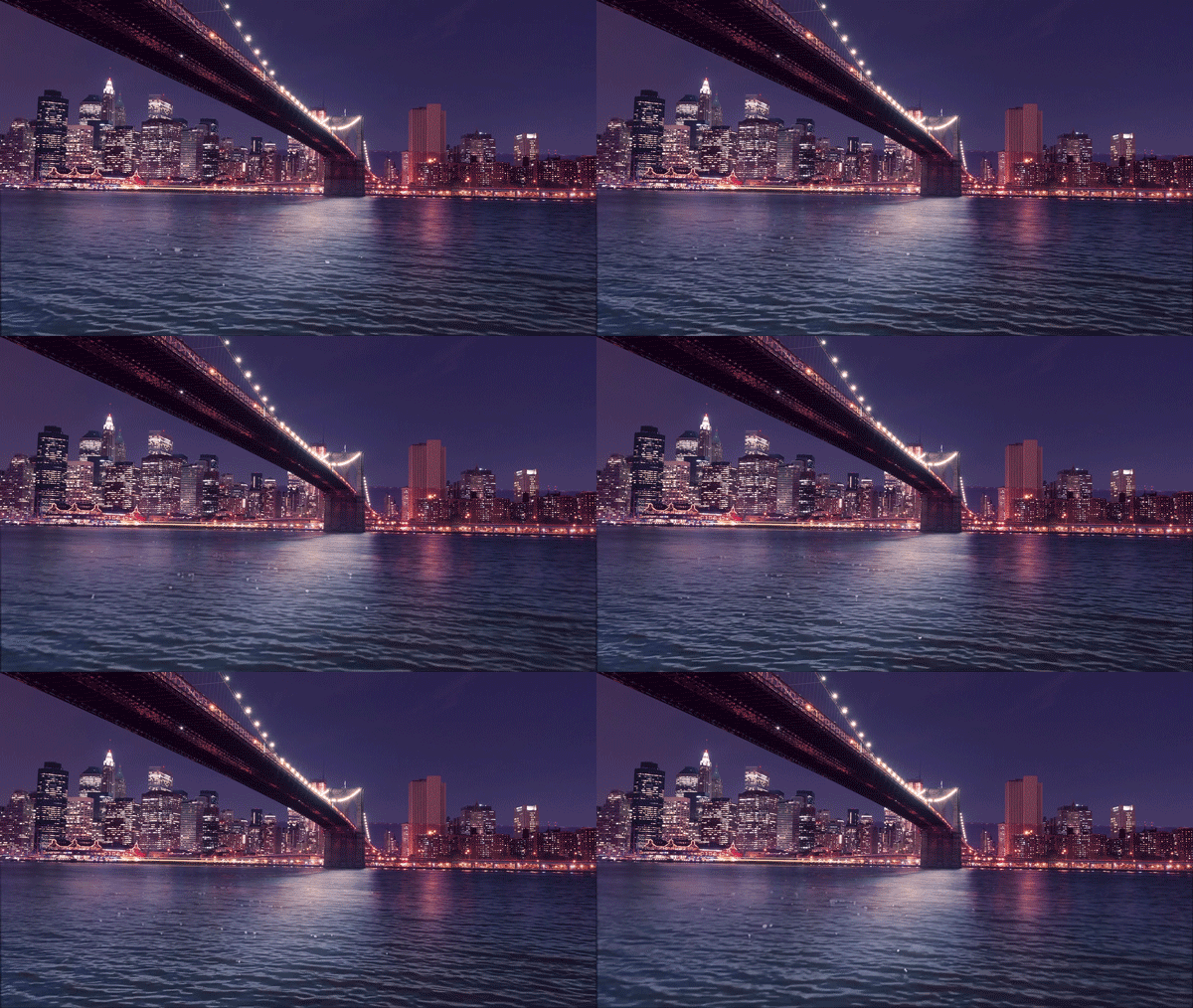
Does anyone know the best way to go about making this gif blend where it ends and begins to make it a seamless looping gif?


Many thanks in advance,


Sam
 

このトピックへの返信は締め切られました。
解決に役立った回答 Sahil.Chawla

Hi Sam,

These seamless animated gifs are known as cinemagraphs, please have a look at this video to know how you can create one too: https://www.youtube.com/watch?v=2DU0Sim_BJ4

Let us know if it helps.
Regards,
Sahil

返信数 4

Sam@Peanut作成者
Participating Frequently
March 5, 2020

Thanks so much for your help!

davescm
Community Expert
Community Expert
February 27, 2020

Hi

1. Convert your GIF to a video timeline.

2. Put all the layers in a smart object and duplicate it twice.

3. Move the top layer to left in timeline and second to the right, so as one ends the other starts.

4. Add opacity keyframes so the top layer starts at 100% and reduces to zero, the second starts at 0% and increases to 100% inside the playable area

Now the join will be covered


Use Save for web to export a new GIF


Dave


Participant
June 21, 2024
  • Hello Dave, this looks like what i have been looking for all week, but i can't seem to get it to work from your steps, do you perhaps have a link to a video tutorial? 
Sahil.Chawla
Adobe Employee
Sahil.Chawla解決!
Adobe Employee
February 27, 2020

Hi Sam,

These seamless animated gifs are known as cinemagraphs, please have a look at this video to know how you can create one too: https://www.youtube.com/watch?v=2DU0Sim_BJ4

Let us know if it helps.
Regards,
Sahil
