

Answered
How to make logo and text look like it’s printed on a curved jar in Photoshop
Hi everyone,
I have a picture of a round jar, and I want to place a logo and some text so it looks like it’s actually printed on the jar.
I’ve tried:
Warp / Arch text → doesn’t follow the jar properly
Displace → didn’t get the realistic effect I want
Other free-transform tricks → alignment and perspective still look weird
No matter what I try, the text and logo look unnatural or distorted.
Can anyone explain the best workflow to make it look realistic on a curved jar? Screenshots or step-by-step advice would be amazing!
Thank you so much!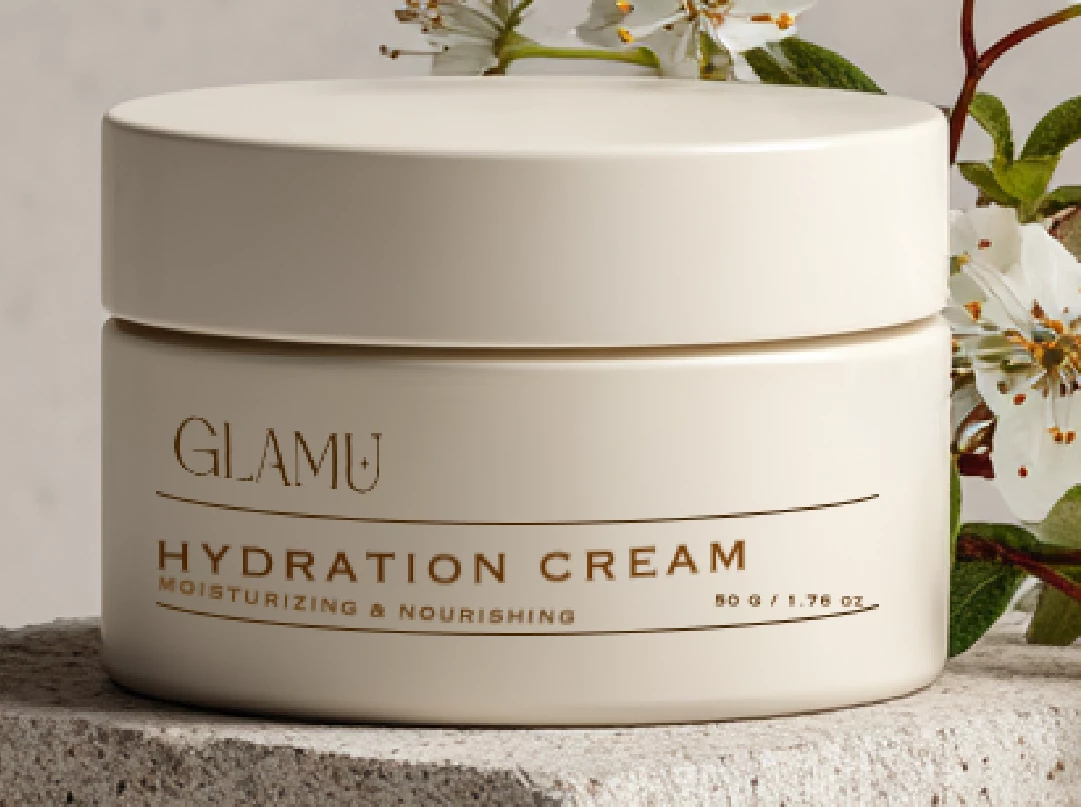


 AdChoices