


Answered
Is there a way to change the bullet color in Photoshop's automatic bullets?
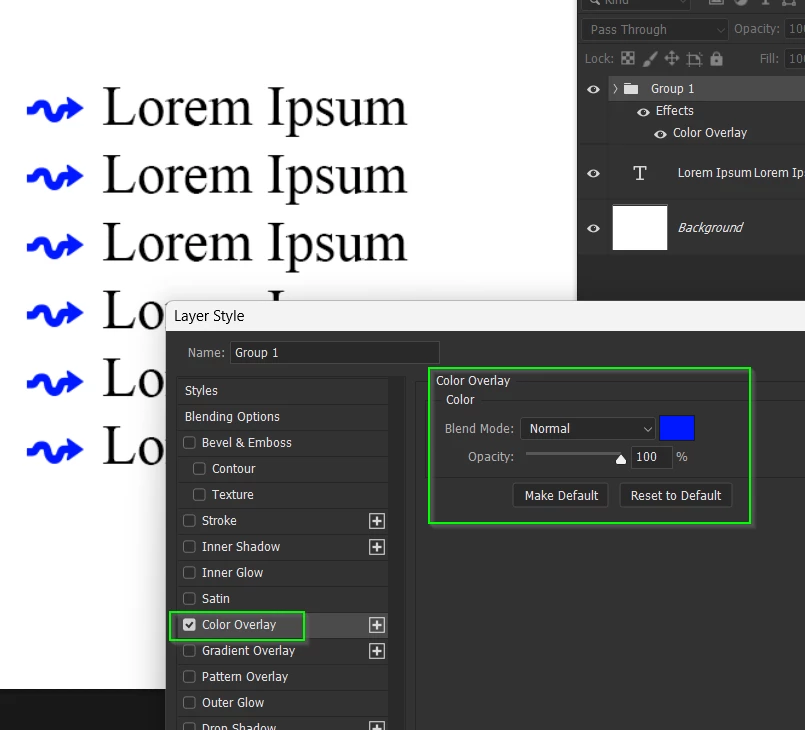
I’m setting up a Photoshop layered file with a bulleted list. It will be easier for the other users if the text has the bulleted list style automatically applied, so I used the bullet style in the Paragraph panel. But is there any way to change the bullet color? Right now it’s the same color as the text, and I would like there to be a contrast.
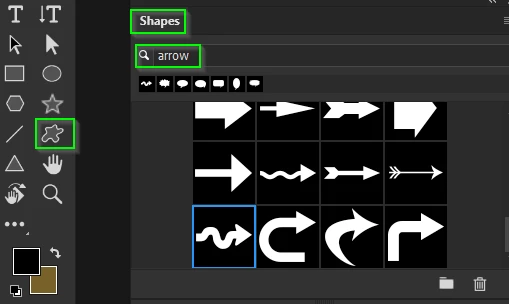
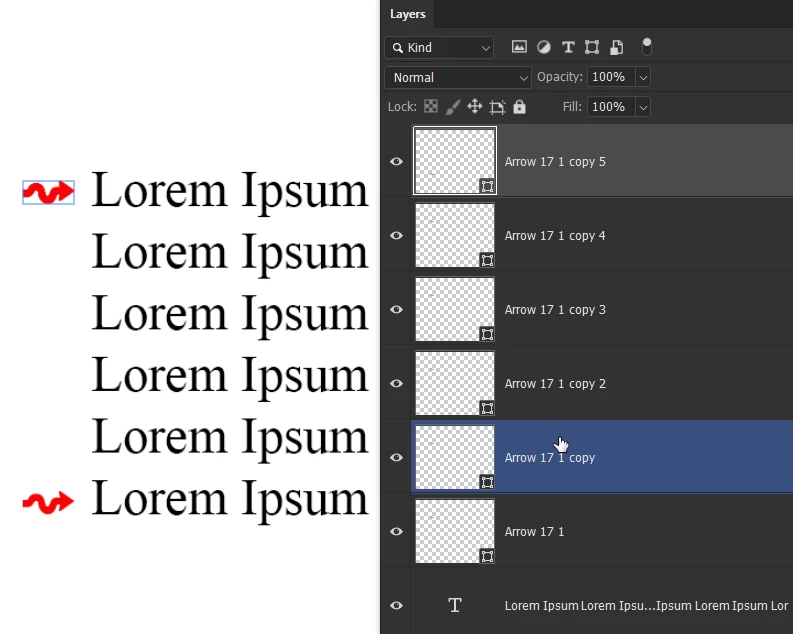
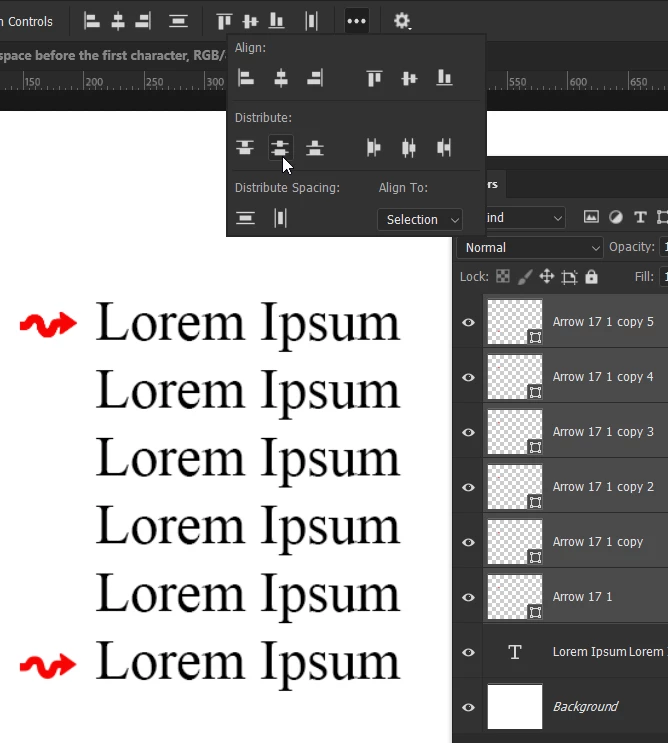
Drawing the shapes manually is not the best solution for a template that various people will have to use. Is there a hidden option somewhere that would allow me to change the color, as in InDesign?

 AdChoices