This is a fairly common problem for Photoshop CC2020 under Windows 10. One new thing that's helped a few folks is checking to see if there are more than one, and, if so, disabling the one that says "Intel".
Photoshop has always been sensitive to the multi-driver issue, but seems to be extra more so in 2020
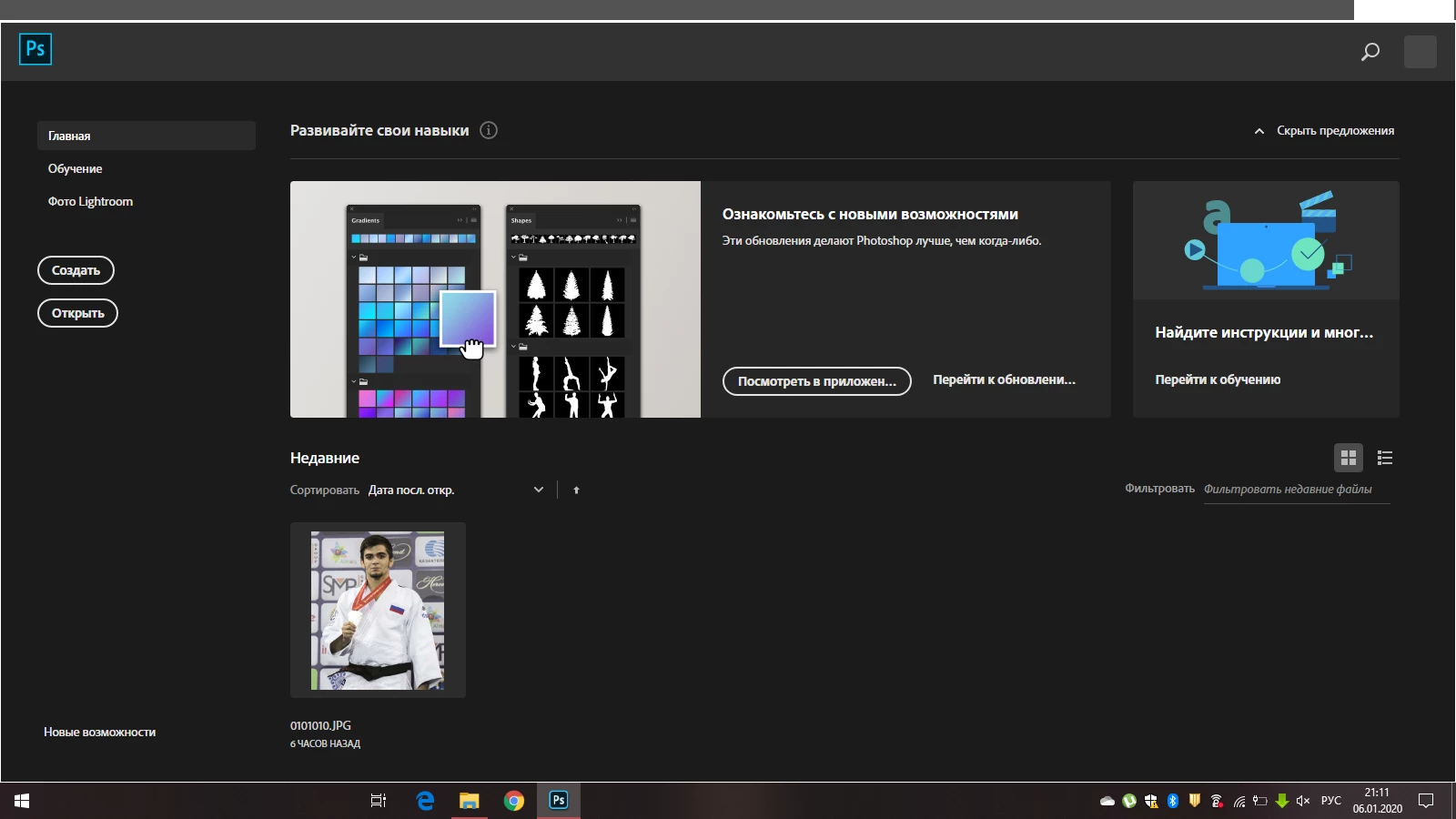
I agree. I don't really see an issue. Unless you are referring to the screen overlap on the right side of the first image and the top of the second image. If that is the case, it may be a screen or computer issue. I would try restarting the computer.
Hi. I'm sorry - I don't really see a problem. Can you please be more specific about what's happening? It all looks fine for me, unless you mean you don't see all your panels in the first image. If that's the case, please choose Window>Workspace>Reset (whatever workspace you're in).
Adobe Community Expert / Adobe Certified Instructor




 AdChoices