


Photoshop Elements 2018 Organizer discontinues launching on Windows 10 - but Editor launches
I've been using Photoshop Elements 2018 for over a year just fine. A few weeks ago, it discontinued launching the Organizer, and only that. It goes through the first steps of launch, and gives me the screen below, but doesn't make it to the finish line and actually open up.
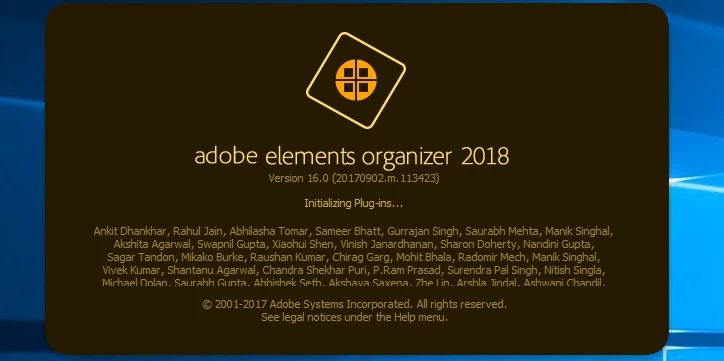
I get the above, which shows initial steps along the Organizer launch process (above it says "Initializing Plug-Ins"), but after a few seconds it just disappears. No error messages, it just goes away. I can, however launch the Editor program from the opening Adobe Photoshop Elements screen, just can't launch the Organizer. When in the Editor, if I click on Organizer, the same stall out happens. I tried all of the fixes on the Adobe page below, but that didn't fix it:
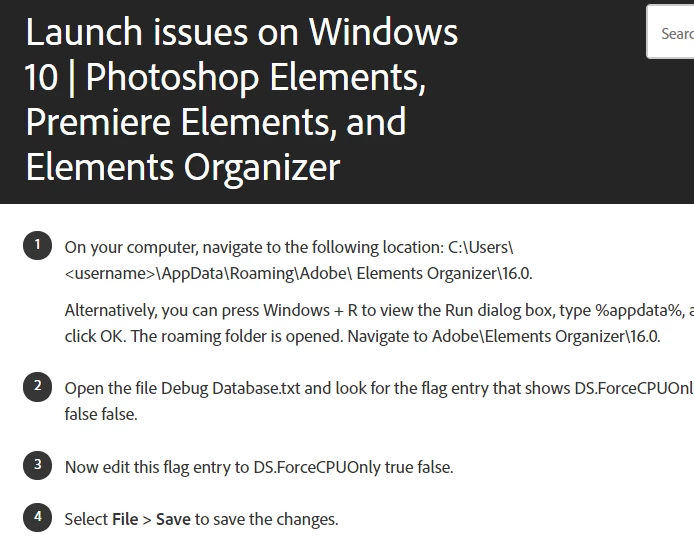
I even took the step of uninstalling and reinstalling Photoshop Elements 2018.
Did some type of March 2019 automatic Windows 10 update may have changed some settings in Windows or Windows defender that won't allow it to complete the launch? Is there a registry issue? Any help greatly appreciated!
 AdChoices