Participant
May 13, 2024
Answered

Can't edit the look of my Captions anymore

  • May 13, 2024
  • 1 reply
  • 297 views

Currently trying to edit the look of my captions in premier.

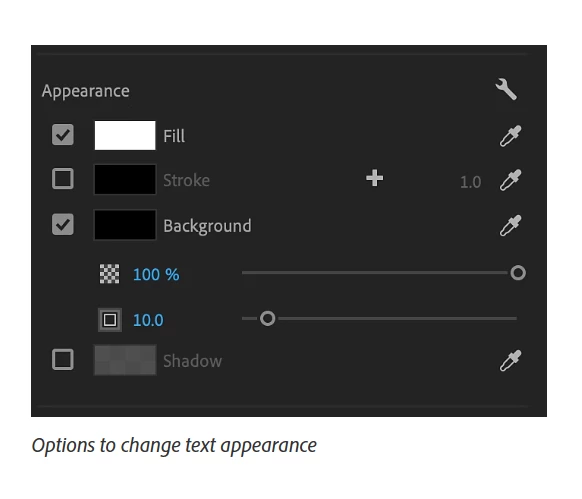
In previous projects I've had the option of adding a background fill with padding and rounded corner, changing the font size etc. However, those options seemed to have vanished from my essential graphics tab. I've tried selecting all the captions, selecting just one, and the options still don't show up. It's such a simple thing! I've done it a million times! 
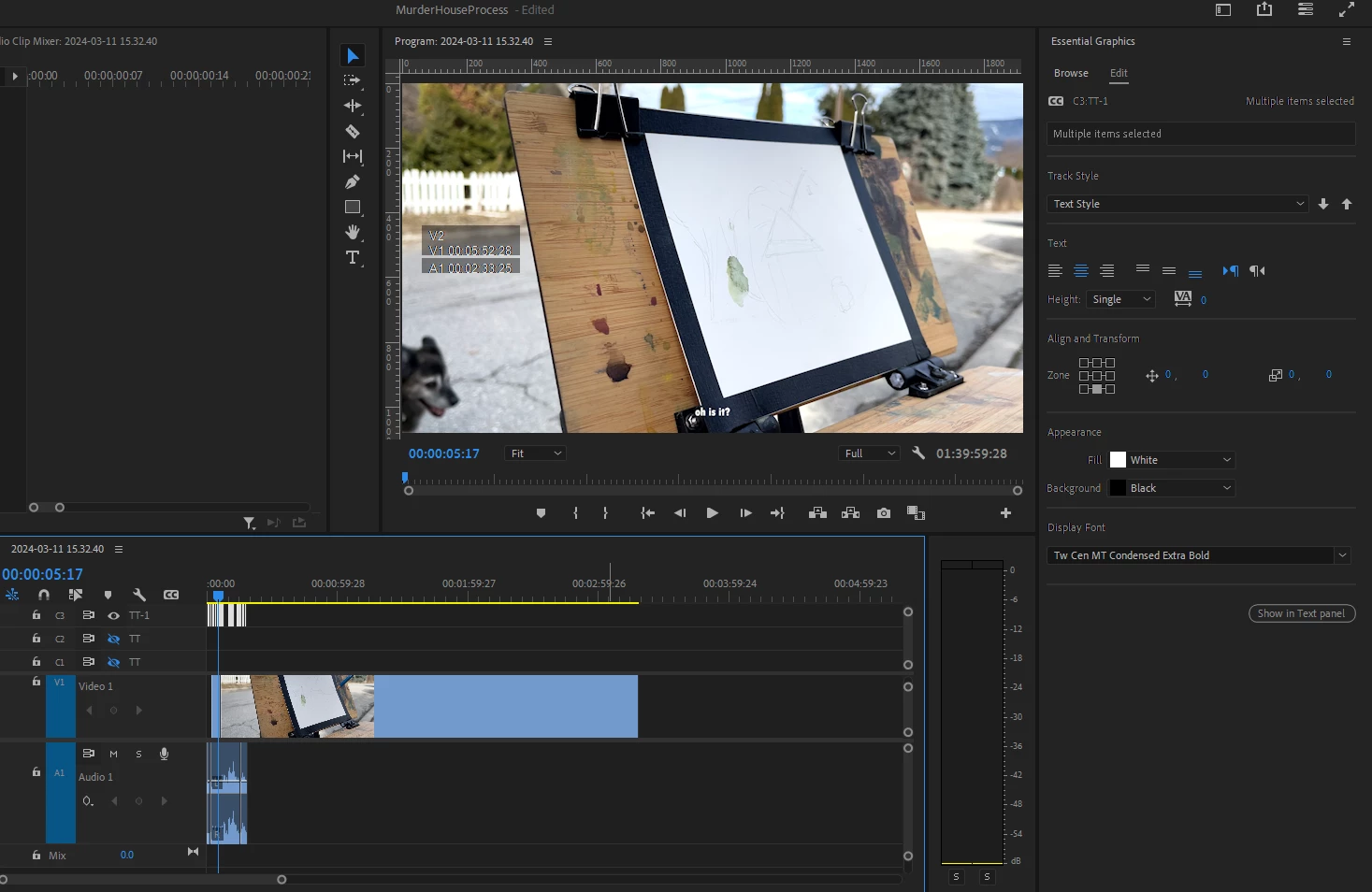
These are the options I'm missing. Was it the last update? I'm wracking my brain. Help! 
 

This topic has been closed for replies.
Correct answer Theresa Rostek

Hey @laurab18301636,


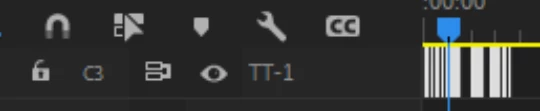
Your captions track is set to Teletext. The options you would like to see are Subtitle. Right click on your captions track (the left area with the lock and eyeball), select Track Settings, and change to Subtitle.


Cheers,

Theresa

1 reply

Theresa Rostek
Community Manager
Theresa RostekCommunity ManagerCorrect answer
Community Manager
May 13, 2024

Hey @laurab18301636,


Your captions track is set to Teletext. The options you would like to see are Subtitle. Right click on your captions track (the left area with the lock and eyeball), select Track Settings, and change to Subtitle.


Cheers,

Theresa

Motion Graphics, Premiere Pro